
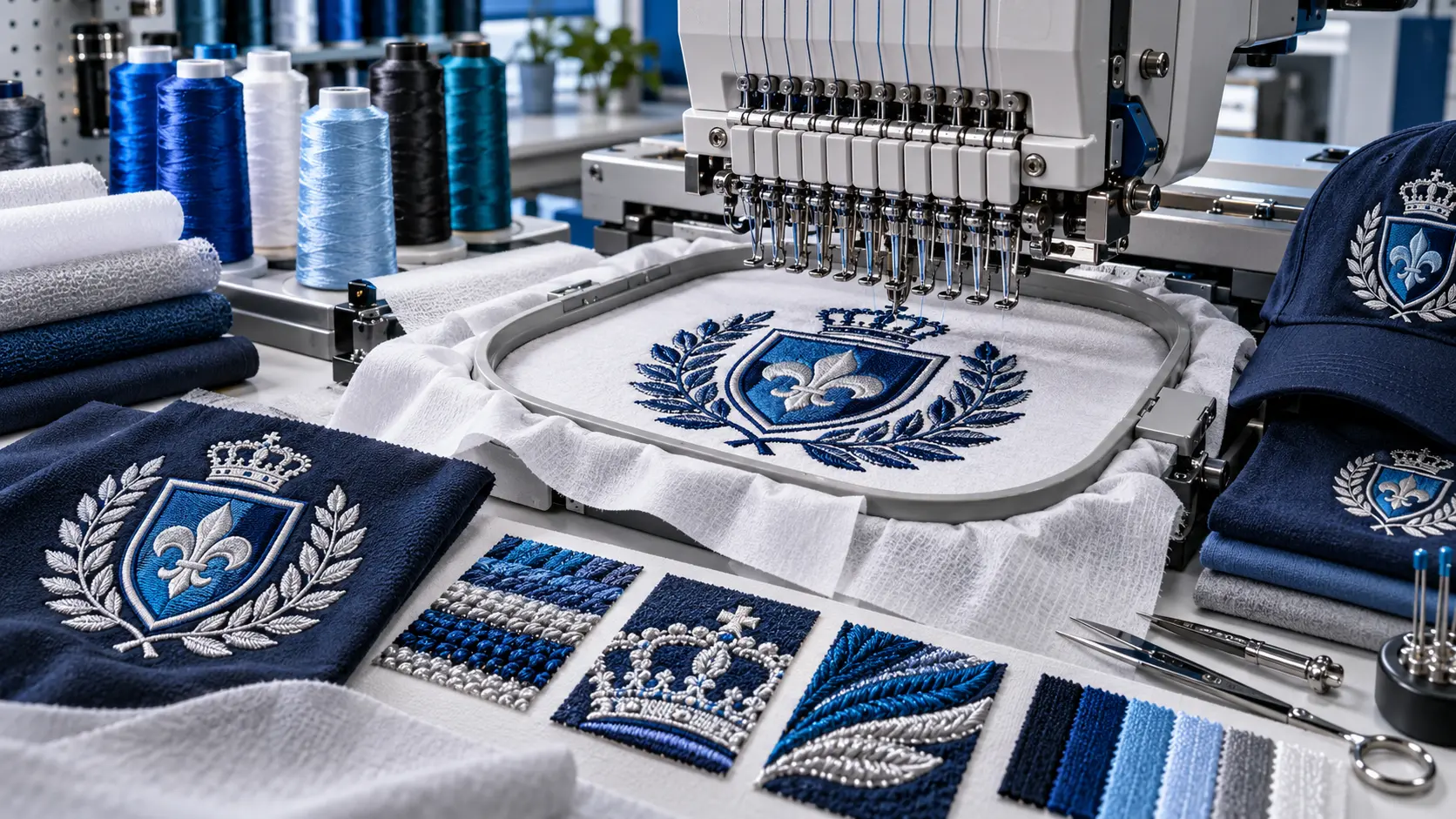
 Embroidery production
Curated guide 12 min
Ink/Stitch Lettering
A practical starting point for adding text to an embroidery project. ## Put it into practice Set a short name at its intended finished size. Compare letter spacing…
Embroidery digitizing, vector artwork, patches & stickers
Practical learning library
Clear, practical guides for artwork preparation, digitizing, lettering, stitch planning and production—built to help you understand the why, not just copy the steps.

Choose your goal
Every guide is written or selected to answer a practical production question.
Learn what to simplify, separate and clarify before a design becomes stitches.
Browse artwork guidesUnderstand stitch types, sequencing, underlay and the choices behind stable embroidery.
Explore stitch planningBuild readable embroidered text with practical sizing and column-shape guidance.
Open the lettering guideStart with platform-focused guidance for building a dependable digitizing workspace.
See setup guidesGuide library
45 guides in this topic.
Embroidery productionA practical starting point for adding text to an embroidery project. ## Put it into practice Set a short name at its intended finished size. Compare letter spacing…
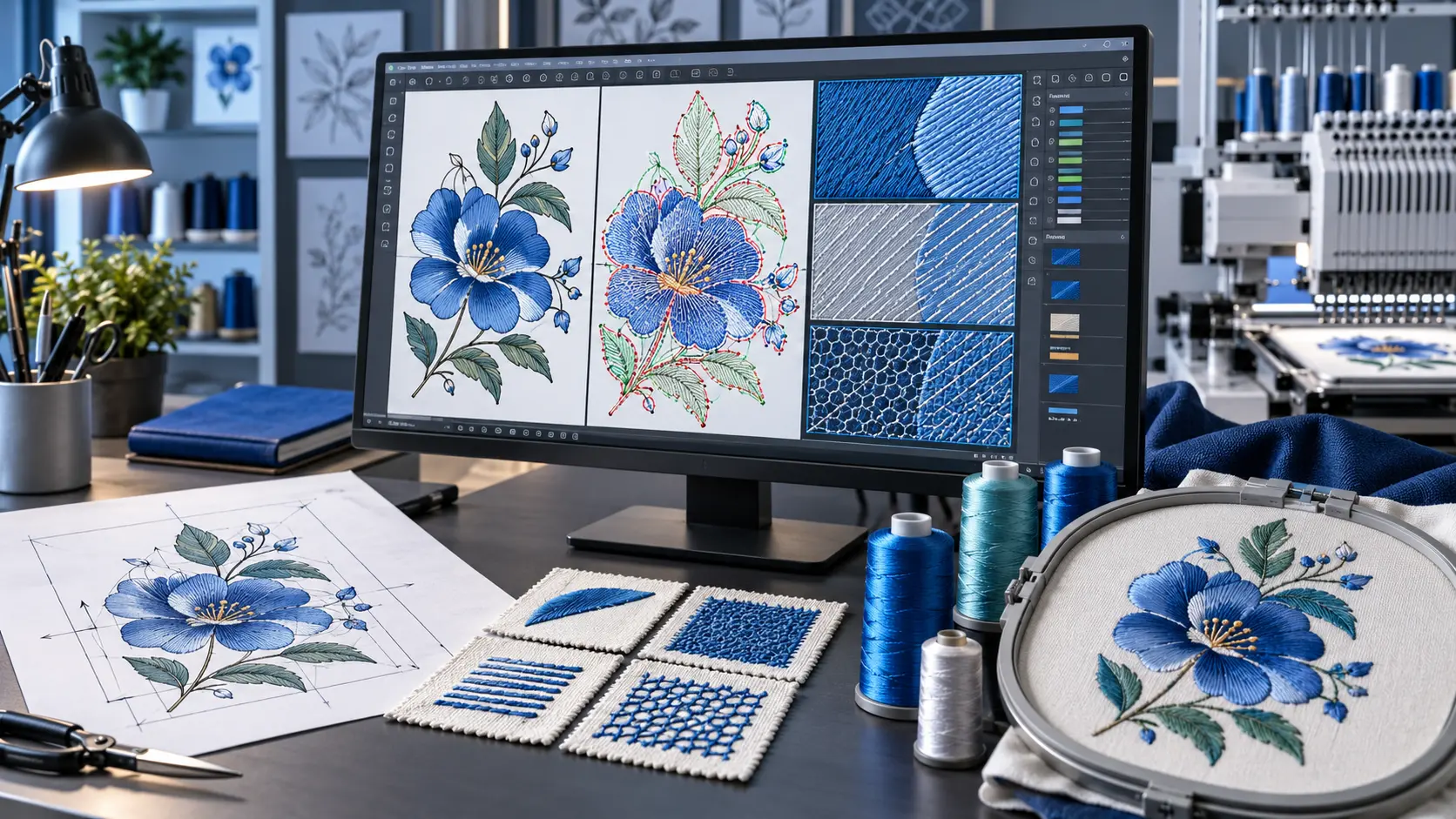 Digitizing
Study how a satin column is constructed and directed. ## Put it into practice Build a short column with a gentle curve. Compare its rails and direction controls in…
Embroidery productionStart here to understand the basic path from vector artwork to an embroidery design. ## Put it into practice Draw a small, simple motif using your own artwork. Foll…
Embroidery productionBrowse the available alphabet references with a specific lettering job in mind. ## Put it into practice Choose two fonts for the same short name. Compare their reco…
Embroidery productionA reference for preparing the color sequence as a useful handoff. ## Put it into practice Generate a thread list and compare it with the design preview. Mark any su…
 Software workflow
Use a printed planning sheet to accompany an embroidery project. ## Put it into practice Generate a sheet for a small sample and review it as if you were a second o…
Software workflowA reference for moving designs into and out of the workspace. ## Put it into practice Keep the editable source, export a test in the required format and reopen it f…
Software workflowA reference for choosing a file format for the next stage of work. ## Put it into practice Write down which file you need for editing, previewing and machine use. C…
Software workflowUse visualization to inspect a design before sending it to a machine. ## Put it into practice Watch a small design from start to finish in the simulator. Mark unexp…
Software workflowA useful reference when a design fails to generate the expected result. ## Put it into practice Work on a copy and reduce the problem to the smallest object that st…
Embroidery productionUse color management to keep the digital plan and thread choices organized. ## Put it into practice Create a short color sequence for a sample. Match the planned co…
DigitizingExplore operations that help prepare line-based embroidery objects. ## Put it into practice Use a short outline with more than one segment. Inspect its direction an…
DigitizingA reference for refining objects intended for satin stitching. ## Put it into practice Choose a short column with a curve or corner. Use the relevant tool on a dupl…
DigitizingExplore tools for preparing and managing filled embroidery areas. ## Put it into practice Select a fill-related task from the reference and use it on a copy of a si…
Software workflowA reference for reviewing application-level choices. ## Put it into practice Separate global preferences from settings attached to a design object. Record the prefe…
Software workflowUnderstand where object-level embroidery settings are adjusted. ## Put it into practice Select one object and record its starting parameters. Change one setting, co…
Software workflowA reference for adding supporting resources to the design workspace. ## Put it into practice Identify which addon serves a real need in your workflow. Install it us…
Software workflowUseful for understanding the tools involved in working with embroidery alphabets. ## Put it into practice Choose one alphabet task from the guide. Document the sour…
DigitizingA reference for adjusting the geometry behind an embroidery design. ## Put it into practice Keep a before copy of a simple motif. Change one awkward curve, regenera…
Embroidery productionA specialized reference for projects involving cutwork. ## Put it into practice Prepare a paper plan of the areas intended to remain and the areas intended to be cu…
Software workflowUse visible command markers to understand design instructions. ## Put it into practice Review a small design and locate the commands used to control its sequence. E…
DigitizingA reference for managing repeated design elements. ## Put it into practice Build a small repeated motif using clones. Change the original and inspect the result, th…
DigitizingExplore patterned surface effects without changing the outer silhouette. ## Put it into practice Keep a single fill shape and compare two patterns. View each at act…
DigitizingA reference for reviewing the beginning and end of a stitch sequence. ## Put it into practice Choose a small test design and locate its starts and finishes in the s…
DigitizingStudy how a woven-check appearance can become an embroidery treatment. ## Put it into practice Sketch a limited-color check before working in software. Compare the…
DigitizingExplore an organic-looking alternative to a regular fill texture. ## Put it into practice Use a simple panel shape and compare two meander treatments. Assess the ov…
DigitizingA reference for exploring a gradual change in fill appearance. ## Put it into practice Create a simple rectangle and test a gradual transition. Record the colors an…
DigitizingExplore how guide geometry influences a filled area. ## Put it into practice Keep one boundary and try two guide arrangements. Compare the direction of visual movem…
DigitizingUse this reference when exploring a cross-stitch appearance in a machine workflow. ## Put it into practice Choose a blocky, low-detail motif and compare two scales.…
DigitizingStudy a fill treatment that emphasizes the relationship between lines and shape. ## Put it into practice Create two different outlines using the same overall dimens…
DigitizingExplore a fill arrangement with circular movement. ## Put it into practice Use a round motif and an irregular motif. Compare how the pattern sits within each bounda…
DigitizingA starting reference for covering larger areas with fill stitching. ## Put it into practice Fill a simple leaf or badge shape. Compare two stitch directions while k…
DigitizingExplore the relationship between a satin column and a zigzag treatment. ## Put it into practice Duplicate a simple column and change only the treatment. Examine the…
DigitizingA reference for another decorative treatment within the stitch toolkit. ## Put it into practice Apply the treatment to a small test shape. Compare its rhythm and vi…
DigitizingExplore an alternative stitch treatment for an edge or decorative detail. ## Put it into practice Make a short straight sample and a curved sample. Compare the edge…
DigitizingUseful when a design needs deliberate control over individual stitch positions. ## Put it into practice Create a tiny test path with a small number of points. Inspe…
DigitizingA reference for creating zigzag stitching from a path. ## Put it into practice Draw a gently curved path and compare two widths. Look for places where the outside a…
DigitizingExplore a decorative line treatment that can add movement to a design. ## Put it into practice Use a simple closed shape and compare two ripple arrangements. Keep t…
DigitizingExplore line-based stitching before adding more complex filled shapes. ## Put it into practice Draw a straight line and a curve. Compare running and repeated-line t…
DigitizingA reference for using stitch samples as repeatable starting points. ## Put it into practice Choose a sample relevant to your next design. Keep an untouched copy, ma…
DigitizingA useful reference for organizing the stages of a digitizing project. ## Put it into practice Map one project into artwork preparation, stitch planning, checking an…
Software workflowUse this reference to make frequently used embroidery actions easier to reach. ## Put it into practice List the three commands you use most often. Try the relevant…
Software workflowA platform-specific starting point for Linux users building a digitizing workspace. ## Put it into practice Identify your distribution and extension directory. Foll…
Software workflowA setup reference for Mac users who want to add embroidery tools to Inkscape. ## Put it into practice Record your Mac architecture and software versions before choo…
Software workflowA setup reference for Windows users preparing their first digitizing workspace. ## Put it into practice Create a setup checklist with your operating system, Inkscap…
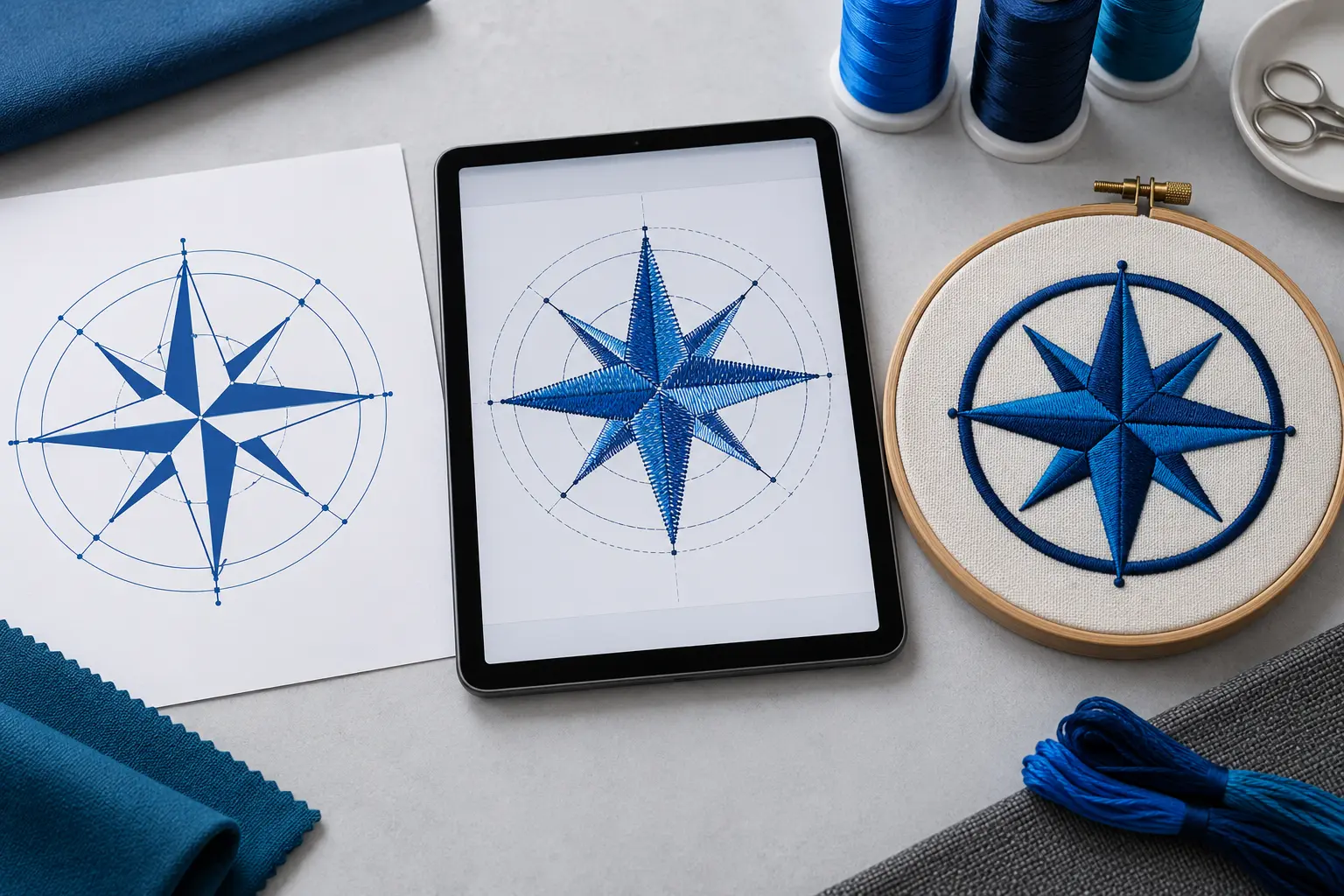
Learn with purpose
Good embroidery starts before the machine runs. Use the library to inspect artwork, plan the right structure and review the result with a clearer eye.
Learn what changes quality, readability and production reliability.
Use the examples and practical criteria on your own artwork or stitch plan.
Compare the finished result, identify weak points and refine the next version.
Keep learning
Move from reading to a structured path, check unfamiliar terms, or examine artwork with Design Doctor.
DigitEMB University is a practical industry learning platform by DigitEMB and is not an accredited university or degree-awarding institution.