
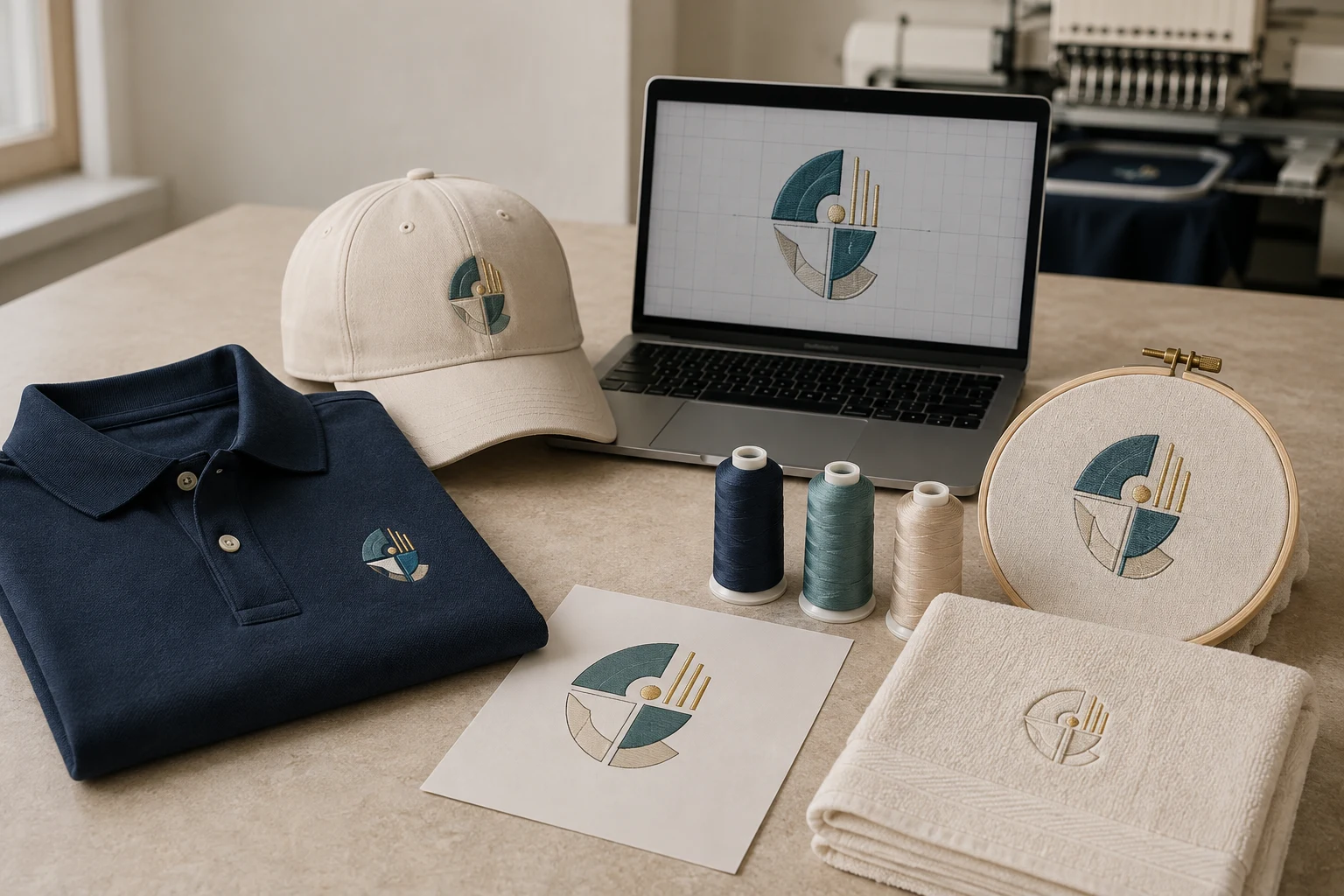
Cover image: AI-generated editorial concept; not a customer project or production proof.
If you’re searching for embroidery digitizing near you, start by deciding whether you need a digital stitch file or finished embroidered goods. An online digitizer can prepare the file for your embroiderer; a local embroidery shop can help when you need to inspect garments, discuss placement in person or collect completed items. Confirm who will handle each part before ordering.
DigitEMB’s embroidery digitizing services cover a range of projects, including logos, caps, jackets and towels. This guide explains what to ask and prepare, whether you’re buying for a business, sports team, event, fashion project or personal gift in the US, Canada or UK.
What embroidery digitizing does
Digitizing turns artwork into an embroidery design with instructions for stitching. The digitizer defines shapes, chooses stitch types and sets details such as stitch angles and start and end points. Underlay provides a foundation beneath the visible stitching, with settings that can depend on the fabric. Wilcom’s digitizing documentation explains these choices.
The result is exported into a machine file containing stitch coordinates and machine commands. An editable design file preserves additional information for later changes. These serve different purposes, as explained in Wilcom’s guide to embroidery files.
For buyers, the practical point is simple: supply the intended size, fabric and placement along with the artwork. A picture alone does not describe the whole embroidery job.
Local or online: which fits your project?
Choose based on the help you need and how the finished work will reach you.
Your situation | What to arrange |
|---|---|
You need finished uniforms or gifts | Find an embroiderer who can supply or accept garments and explain sampling and collection or shipping. |
Your embroidery shop needs a stitch file | Ask the shop for its machine format, design dimensions and production requirements before commissioning digitizing. |
You operate your own machine | Choose a digitizing service that can discuss your machine, hoop, fabric and test results. |
You want to inspect materials in person | Confirm that a local provider offers appointments and physical samples. |
You are coordinating remotely | Agree on written specifications, file delivery, review stages and who will sew the sample. |
For US, Canadian and UK orders, state measurements with units, confirm the quoted currency and give deadlines with a time zone. Separate the date you need the file from the date you need the finished garments. If physical items are involved, discuss shipping separately.
An online service page does not establish a nearby walk-in office. Verify appointment and collection arrangements directly if those matter to you.
Match the service to the design
Corporate uniforms, sports emblems, event keepsakes, fashion details and monogrammed gifts can all begin with a digitizing brief. Explain the intended use rather than sending only a logo and asking for “an embroidery file.”
DigitEMB’s logo embroidery digitizing page is a relevant starting point for symbols, wordmarks and monograms. For other garment types and placements, review the broader digitizing service options.
If you are looking for embroidery designs rather than digitizing an existing image, clarify whether you need original artwork, a ready-made pattern or a machine file made from your own design. Ask what the quoted service includes and what changes to the artwork require your approval.
What to send with your artwork
A clear brief reduces avoidable questions and gives both the digitizer and embroiderer the same target.
Detail to provide | What to include |
|---|---|
Artwork | Your clearest available image or original artwork file; confirm accepted upload formats. |
Finished dimensions | Required width and height, clearly labeled in inches or millimeters. |
Garment and fabric | The item, material and any stretch, texture or pile; add a product reference if available. |
Placement | Left chest, cap front, jacket back, towel corner or another specific position. |
Machine requirements | Machine model, required file format and available embroidery area, confirmed with the operator. |
Colors and lettering | Requested thread references, exact spelling and details that must remain recognizable. |
Delivery and review | File deadline, sampling plan and who will approve the result. |
Ask whether the quote includes each required size, a color sequence or production worksheet, and access to an editable design file. Confirm revision terms, including how changes in size, fabric or artwork are handled.
Review the file and a sewn sample
First check the preview against the brief: spelling, dimensions, orientation, placement and color order. Then arrange a test sew-out on the intended fabric with the production setup before committing to the full run.
A screen preview cannot show every effect of fabric handling. Brother identifies loose hooping, insufficient stabilization and digitizing settings among possible causes of misalignment, and notes that stretchy or high-pile fabrics may need different underlay or pull compensation. See Brother’s embroidery alignment guidance.
If the sample has problems, send clear photographs, the file version and the machine and fabric details to the people handling digitizing and stitching. Describe the visible issue so they can investigate the cause together.
Avoid resizing a machine file casually after approval. Wilcom explains that resizing stitch-only data can change density when the stitch count stays fixed. Request a reviewed version for the new dimensions instead. Wilcom’s file guidance covers this limitation.
Starting a DigitEMB inquiry
Use DigitEMB’s quote request page to describe your project and provide the available artwork. Include the garment, dimensions, placement and machine requirements. Ask for confirmation of the deliverables, price, timing and revision scope before placing the order.
If a local embroidery shop will run the file, involve it early. Its production requirements should guide the brief and the final sample approval.
Frequently asked questions
Do I need a digitizer in my city?
You can coordinate a digital file remotely. Local access is useful when you need in-person garment selection, sample inspection or collection of finished goods. Confirm which services each provider handles.
Is a JPG or PNG already an embroidery file?
No. It supplies the artwork reference. The embroidery machine needs stitch instructions in a compatible machine format, so confirm the required output with your operator.
Can I use the same file for every garment?
Have the digitizer review changes in size, placement or fabric. Brother’s guidance shows why fabric characteristics can call for different digitizing settings; a successful sample on one item does not establish suitability for every item.
Does digitizing include embroidered garments?
Confirm the scope of the quote. A digitizing order can cover digital files only; garment supply, stitching, sampling and shipping need their own agreement.
Practical details for Embroidery Digitizing Near You: A Buyer’s Guide to DigitEMB Services
Use the article above as a starting point, then make the production brief specific to your own design. A stitch file is made for a finished size and material, so the artwork alone is only part of the instruction.
Work through these points in order and keep the answers with the artwork or production request. A short written brief makes it easier to compare a proof with the intended result, ask a useful follow-up question and avoid relying on assumptions made from a screen image alone.
The aim is not to add unnecessary steps. It is to identify the choices that change the final result before work begins. If a requirement is unknown, flag it for confirmation rather than guessing; that keeps the approval process focused on the design, material and use that apply to this particular project. Save the approved brief with the project files for future reorders or revisions.
Confirm the finished use
State the item, placement and finished width and height. A chest logo, cap front and jacket back do not use the same sewing area, even when they start from the same artwork.
Protect the smallest details
Review small lettering, narrow gaps, thin outlines and tiny colour changes at the final size. Simplifying a fragile detail before digitizing is often more reliable than trying to force it into a small sew-out.
Match the file to the machine
Tell the production team the embroidery machine or format required, along with the fabric or garment type. This lets them prepare the right export and make choices that suit the material rather than treating every job alike.
Quick questions to check before you proceed
What should I send with my artwork?
Send the clearest original available, the finished dimensions, placement, fabric or garment type and the required machine format if you know it.
Can the same file be used at every size?
Not always. Scaling changes the relationship between stitch length, detail and fabric, so a design may need review when the finished size or placement changes.
What should I check before production?
Confirm the spelling, colours, final size, placement and any details that must remain readable. A proof or sample is the best point to catch a change.