DIGITEMB UNIVERSITY · COURSE LIBRARY

Build your skills.
Bring ideas to thread.

Explore embroidery and digitizing courses, from your first stitch decisions to creative projects. Find a focus, follow the official lesson, then put it into practice.

24 course guides5 learning focusesYour pace your next step
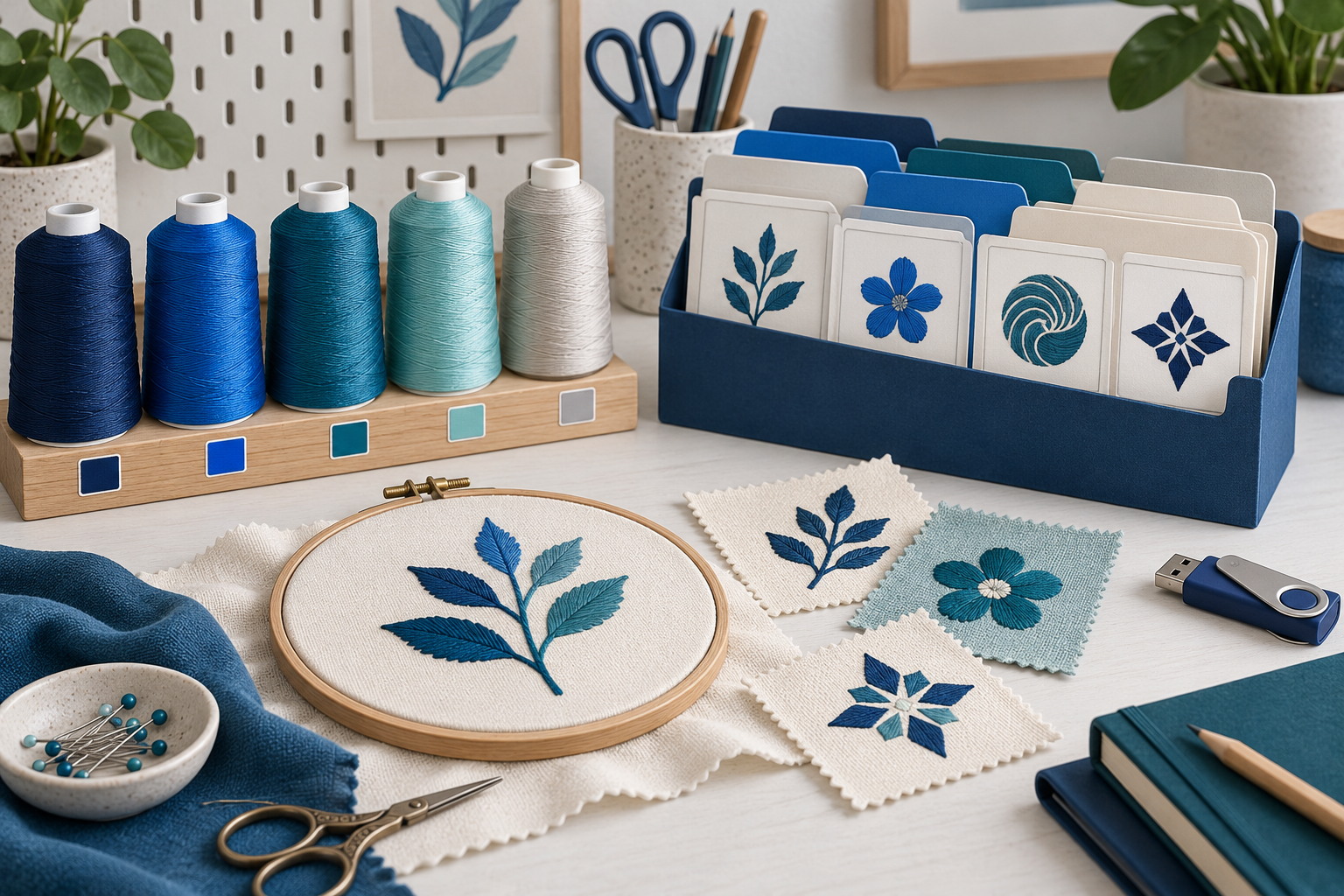
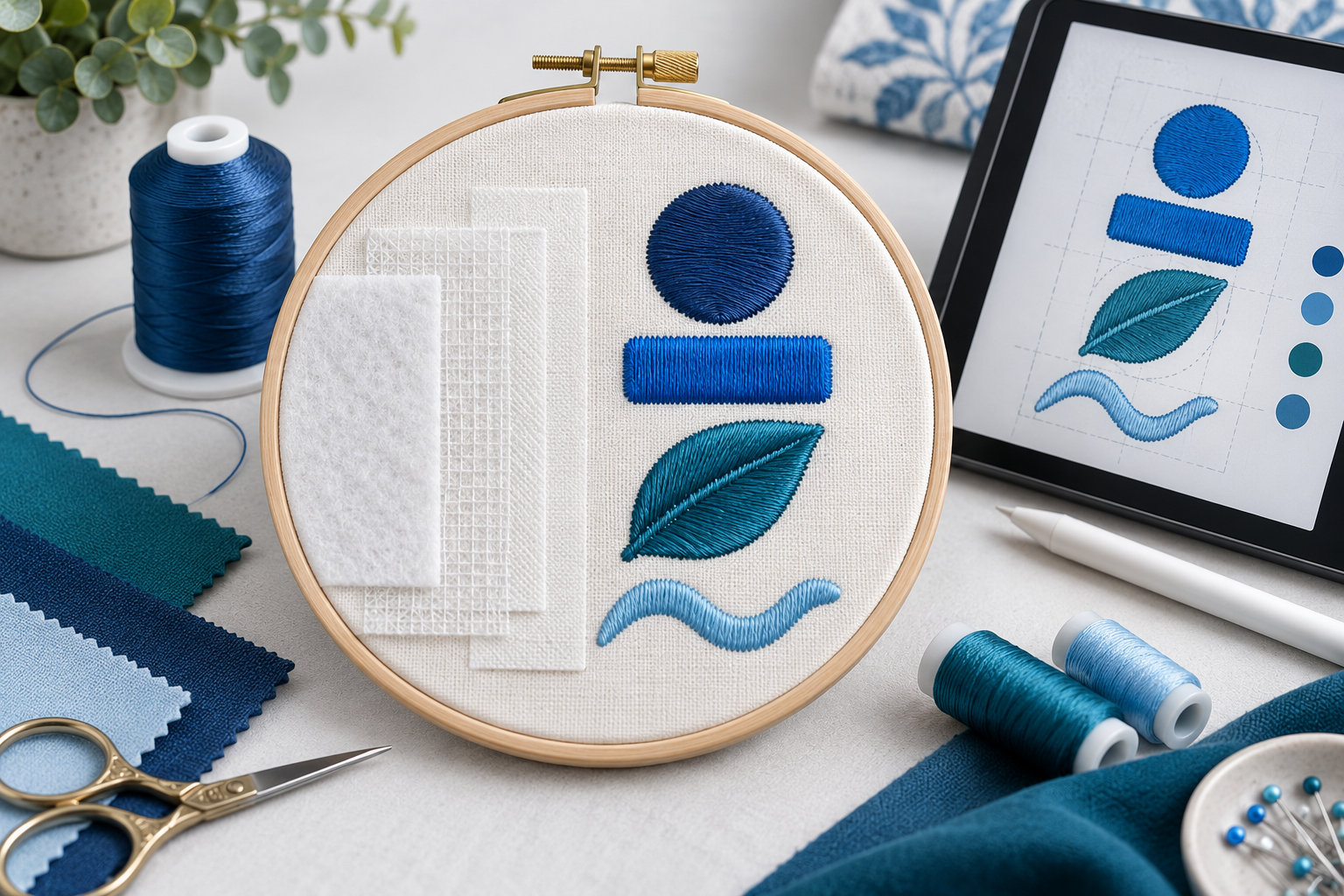
Blue geometric compass-star embroidery with thread spools, fabric samples and an artwork sketch
FROM ARTWORK TO STITCHA little practice. A new possibility.
DigitEMB

A practical companion to your learning. Independent course guides and practice ideas from DigitEMB. Official lessons and access are managed by Hatch Academy / Wilcom. Images are illustrative.

A CLEAR FIRST STEP

New to digitizing? Start here.

A suggested order to build confidence
before your first creative project.

FIND YOUR NEXT SKILL

Explore the course library

Choose a focus. Make something new.

Showing 24 course guides

Hatch Academy / Wilcom

Machine Embroidery 101

Build a vocabulary for discussing objects, stitches, underlay, density and related decisions.

Explore
Stitches · Underlay · Density

Practice idea

Create a small glossary in your own words, with a sketch or sample observation beside each term.

Hatch Academy / Wilcom

Digitize a Basic Patch

Study a basic patch workflow using the software’s digitizing tools.

Explore
Patch shapes · Borders · Workflow

Practice idea

Plan the face, border and finished dimensions separately before following the project.

Project learningView guide

Hatch Academy / Wilcom

Hatch 4: Digitizing Basics

Explore the transition from artwork into auto and manual digitizing tasks.

Explore
Artwork · Objects · Digitizing

Practice idea

Choose simple original artwork and explain which areas need outlines, fills or appliqué.

Hatch Academy / Wilcom

Get Started with Hatch Organizer

Explore organizing, editing and exporting designs in Hatch Organizer.

Explore
Organization · Editing · Export

Practice idea

Create a naming and folder convention for three sample designs, then test whether another person can find the correct revision.

Hatch Academy / Wilcom

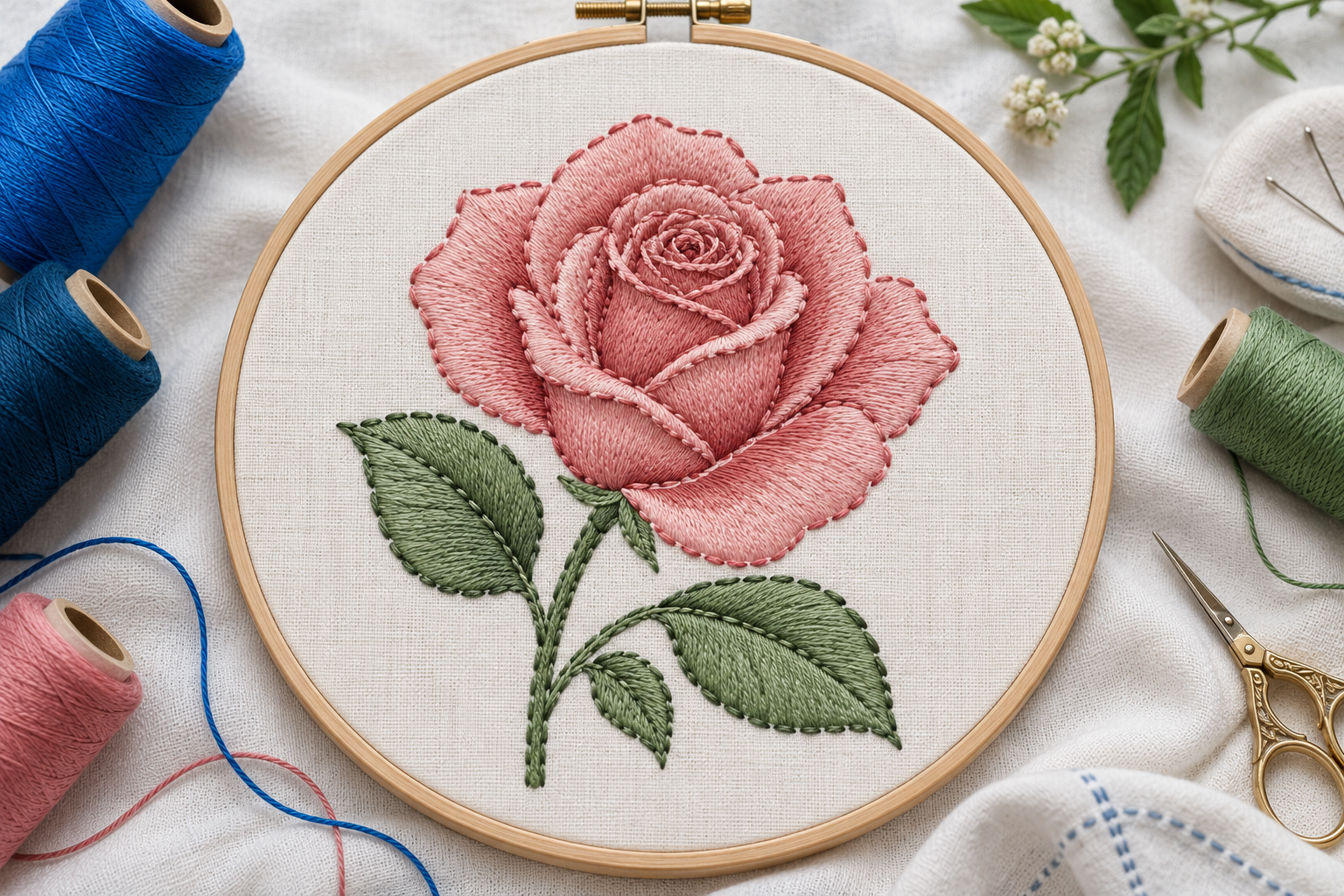
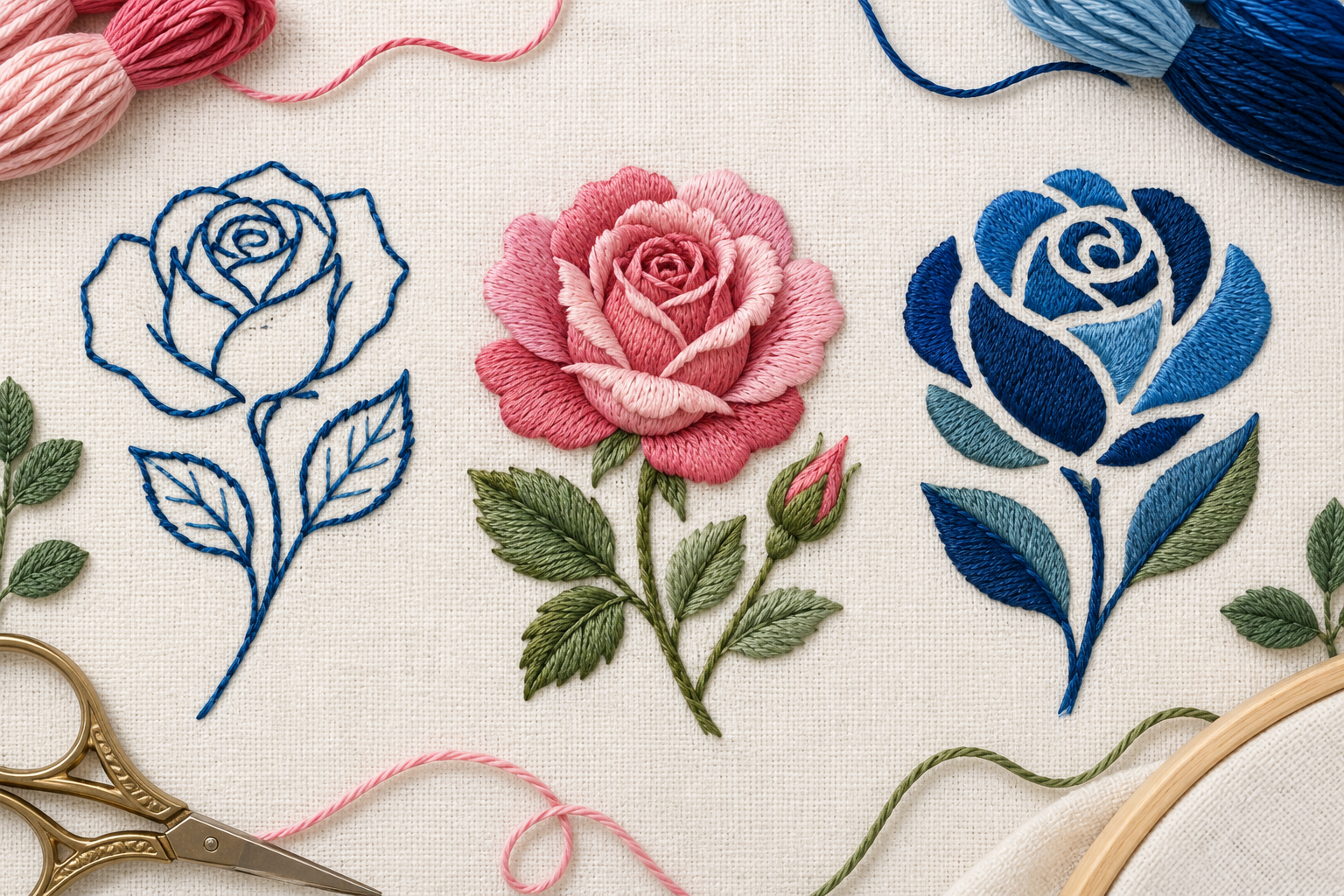
Digitize a Rose: The Basics

Use a rose project to study the planning of outlines and filled shapes.

Explore
Outlines · Filled shapes · Planning

Practice idea

Break the flower into a small set of overlapping parts and predict the order of work.

Hatch Academy / Wilcom

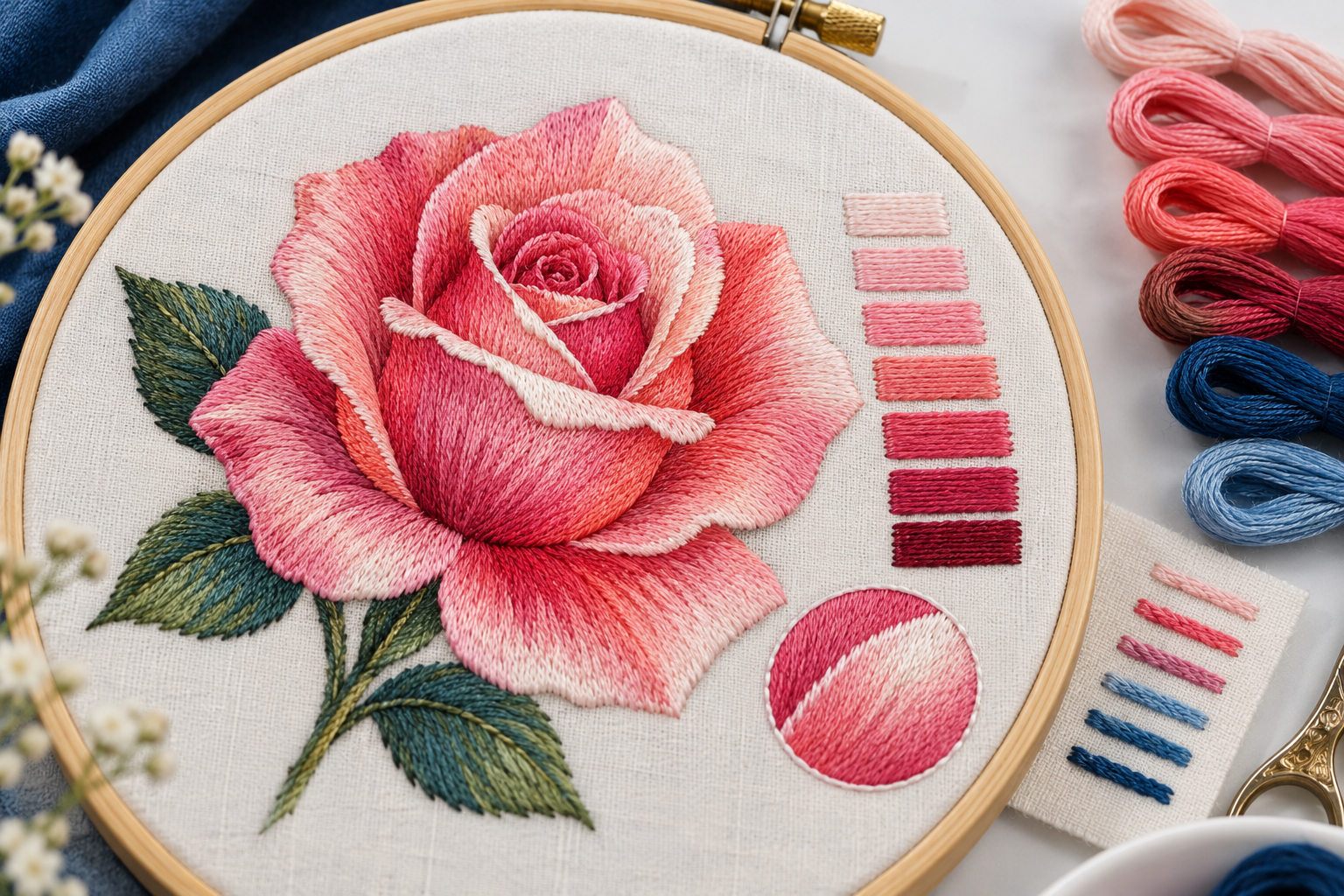
Digitize a Rose: Shading

Explore shading and highlight decisions in a rose project.

Explore
Shading · Highlights · Color

Practice idea

Make a three-tone sketch showing where the form turns toward and away from the light.

Project learningView guide

Hatch Academy / Wilcom

Turn a Patch Idea into a Charm

Explore a project that develops a patch into a small decorative object.

Explore
Patch planning · Decorative objects

Practice idea

Draw the intended outline and attachment area, then check which details remain readable at the small size.

Project learningView guide

Hatch Academy / Wilcom

Digitize a Plaid Treatment

Explore a plaid appearance and its relationship to shapes and overlaps.

Explore
Patterns · Shapes · Overlaps

Practice idea

Plan a limited-color check on paper and identify the intersections that define its character.

Project learningView guide

Hatch Academy / Wilcom

Digitize with the Freehand Tool

Explore a more sketch-like approach to creating digitized shapes.

Explore
Freehand drawing · Creative shapes

Practice idea

Draw the same small motif twice and compare how many edits are needed to make each outline useful.

Project learningView guide

Hatch Academy / Wilcom

Make an In-the-Hoop Passport Cover

Explore a practical project that combines construction planning and personalization.

Explore
Construction · Personalization

Practice idea

Create a paper size mockup and identify the order in which the project’s layers must be added.

Project learningView guide

Hatch Academy / Wilcom

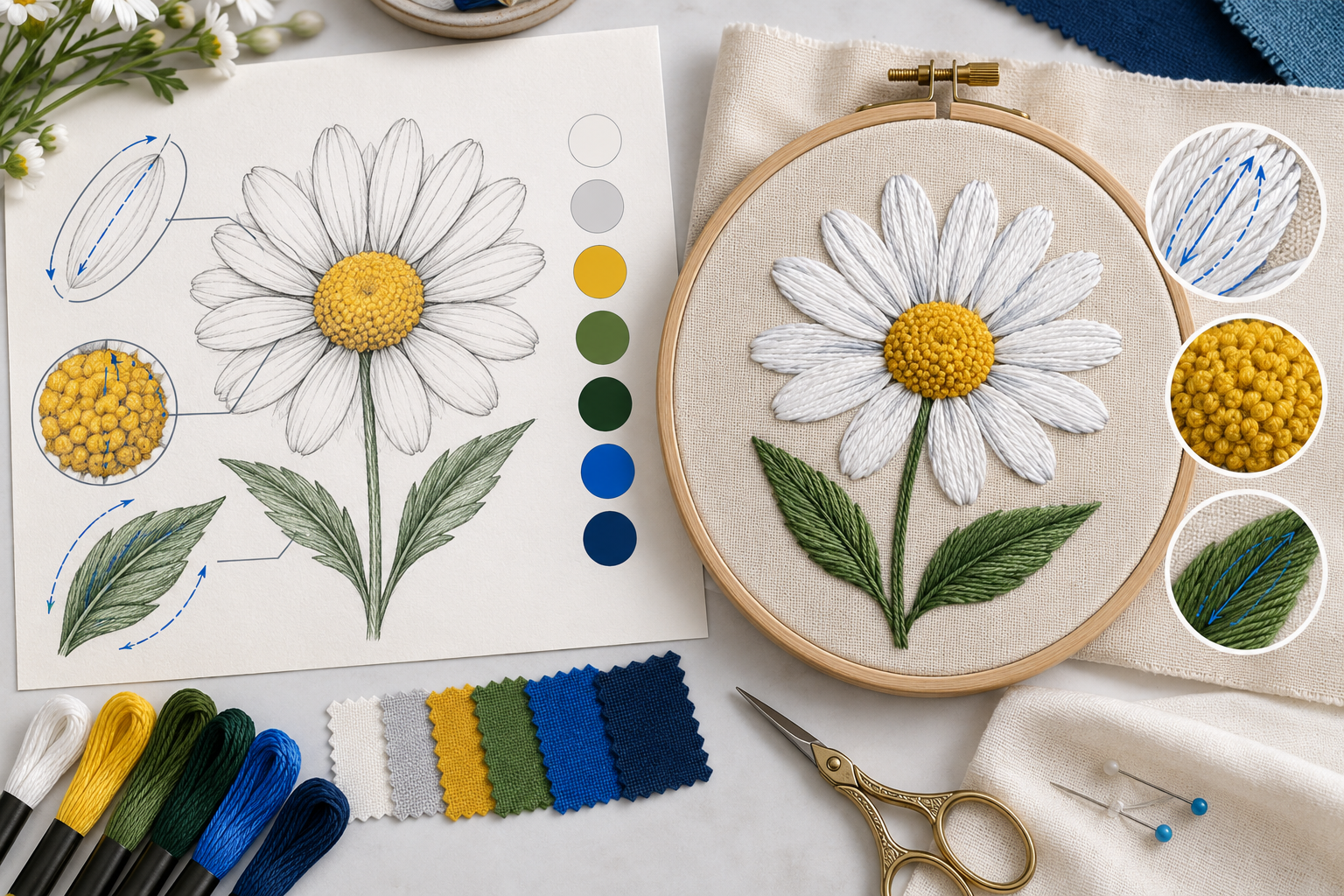
Analyze Artwork with a Daisy Design

Practice looking critically at artwork and an existing embroidery design.

Explore
Artwork analysis · Design decisions

Practice idea

Write down three questions about shape, sequence and detail before viewing the project walkthrough.

Project learningView guide

Hatch Academy / Wilcom

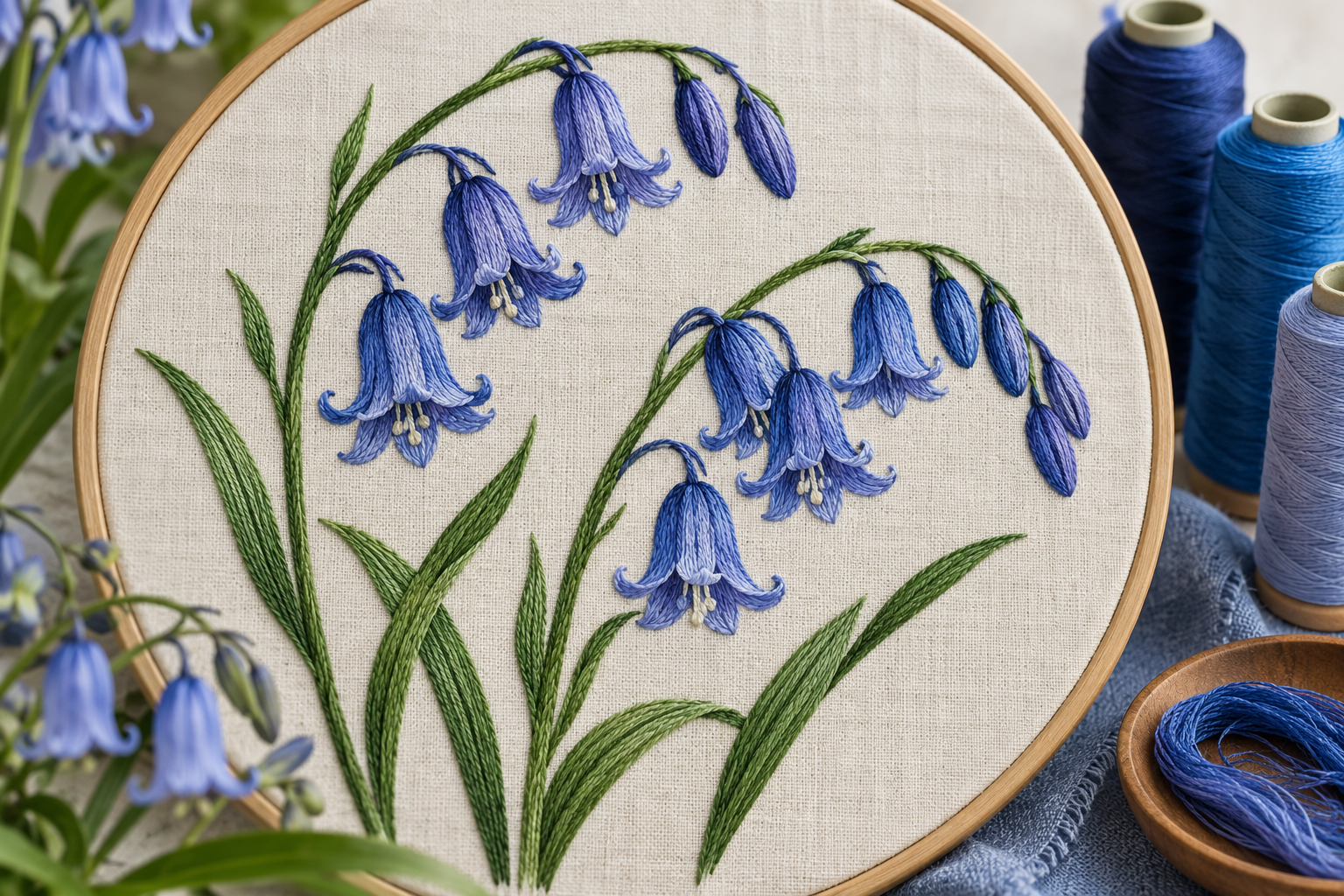
Digitize a Bluebell Flower

Use a flower project to study the decisions hidden inside apparently simple artwork.

Explore
Floral shapes · Design planning

Practice idea

Mark the overlaps and changes of direction before starting the lesson, then compare your plan afterward.

Project learningView guide

Hatch Academy / Wilcom

Hatch Academy: Learn to Digitize

A project-based introduction to several basic digitizing operations.

Explore
Basic operations · Project practice

Practice idea

Create a small motif with a line, a narrow shape and a larger filled area, then explain each stitch choice.

Project learningView guide

Hatch Academy / Wilcom

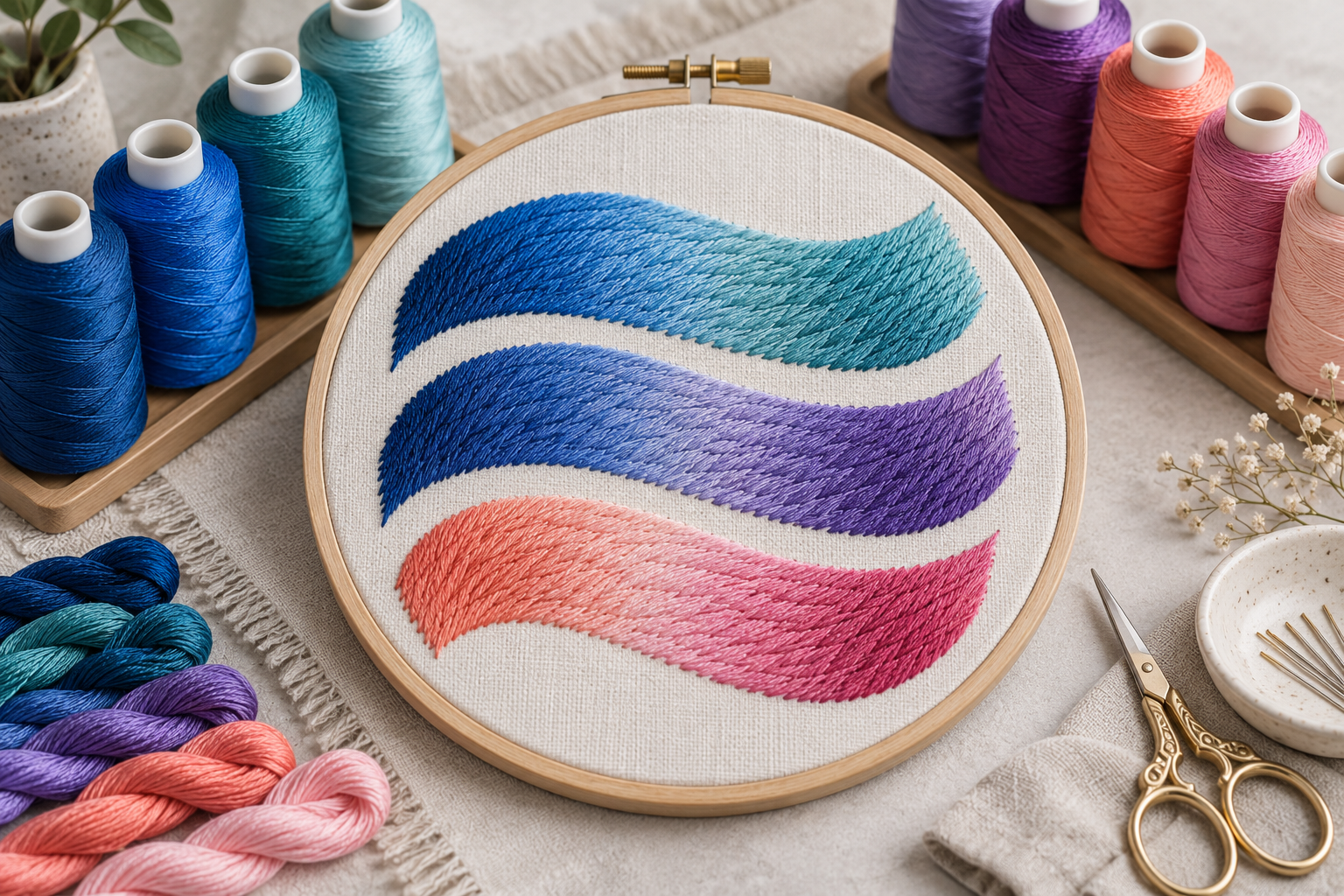
Hatch 4: Multi-Blend Basics

Study profiles, editing and color decisions in a blended treatment.

Explore
Blends · Profiles · Color editing

Practice idea

Keep one shape and compare two transition plans, recording the colors and editing choices.

Hatch Academy / Wilcom

Hatch 4: Run Dainty Script

Explore a lightweight lettering style in a design project.

Explore
Script · Lightweight lettering

Practice idea

Compare a short phrase at two suitable sizes and inspect the balance with a small companion motif.

Project learningView guide

Hatch Academy / Wilcom

Hatch 4: Use Your Own Alphabets

Explore Keyboard Design Collections and the organization of separate letter designs.

Explore
Alphabets · Design collections

Practice idea

Test a word containing narrow and wide letters, then compare its baseline and spacing.

Project learningView guide

Hatch Academy / Wilcom

Hatch 4: Multi-Hooping

Study a workflow for planning designs that involve more than one hoop position.

Explore
Hoop positions · Design planning

Practice idea

Draw the intended design size and hoop coverage on paper before comparing the software’s plan.

Project learningView guide

Hatch Academy / Wilcom

Hatch 4: Design Basics and Lettering

Explore objects, stitch files and lettering in a practical design workflow.

Explore
Objects · Stitch files · Lettering

Practice idea

Make two versions of a short name and compare spacing at the intended size.

TURN WATCHING INTO DOING

Make every lesson
part of your workflow.

Explore DigitEMB training ↗
  1. Choose one thing to improve.

    A shape, a border or a lettering decision gives your practice a clear purpose.

  2. Keep a useful record.

    Save your working file and note the intended size, fabric and settings you used.

  3. Compare and refine.

    Compare the preview with a sample. Change one thing, then review the result.

BEFORE YOU BEGIN

A few useful answers.

Know what to expect before opening a course.

Explore the embroidery glossary ↗
Where do I take the actual course?

Each card opens a DigitEMB learning guide with a link to the official Hatch Academy course. The provider manages the course, curriculum and enrollment.

Do I need Hatch software or an account?

Requirements differ by course. Check the official course page for the required software version, product level and account access before starting.

Are these courses free?

Access and any fees are set by the provider. Check the official listing for current terms; inclusion in this library does not guarantee free access.

What should I practice after a lesson?

Use the practice idea on each card as a starting point. Keep an editable working copy, record the intended size and material, and compare your preview with a stitched sample.

Does DigitEMB award a degree for these courses?

No. DigitEMB University is a practical industry learning platform, not an accredited university or degree-awarding institution. Ask the course provider about any completion recognition.

DigitEMB University is a practical industry learning platform by DigitEMB and is not an accredited university or degree-awarding institution.

About UniversityReport or request removal