
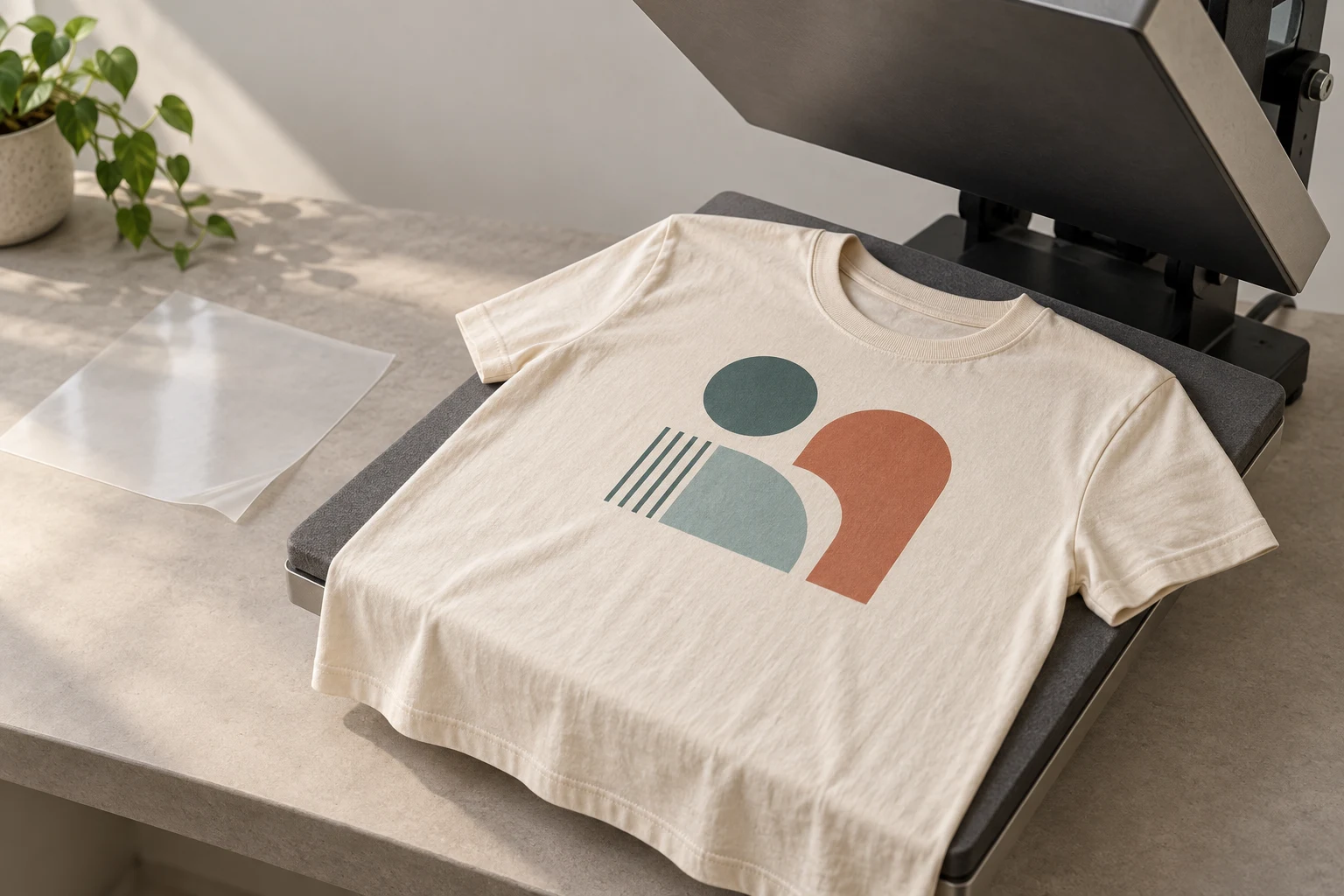
Cover image: AI-generated editorial concept; not a customer project or production proof.
Heat transfer printing applies a design from transfer paper or film to a compatible surface using heat and pressure. It is widely used for decorating T-shirts, sweatshirts, bags and other apparel. The transfer material, garment and application settings must work together; there is no single temperature or pressing time for every project.
Many garment transfers use heat-activated adhesive to attach the decoration. Sublimation works differently: heat transfers dye into polyester or a suitable polymer coating. This distinction helps explain why different methods have different fabric requirements and finished textures. Roland: transfer adhesive powder, Sawgrass: sublimation explained.
Types of heat transfer printing
Heat transfer vinyl
Heat transfer vinyl, or HTV, is cut into a design, then the unwanted material is removed—a step called weeding. The remaining design stays on its carrier until it is heat-applied to the garment. Cut HTV does not require a printer and is a useful option for simple shapes, lettering and numbers. Siser: EasyWeed instructions.
Material selection matters even within this category. Check the specific product’s approved fabrics, application method and care instructions rather than treating all vinyl as interchangeable.
Printable transfer paper
Printable transfer paper carries an image produced by a compatible printer. Products for light and dark garments can differ in their background, image orientation and application process.
For example, Avery’s light-fabric transfers become largely transparent, while its dark-fabric transfers retain a white background. Avery specifies inkjet printers for this range; those sheets are not suitable for laser or sublimation printers. Avery: fabric transfer guide.
Laser-transfer systems also exist, but require their own compatible media and equipment. FOREVER’s Laser-Dark No-Cut instructions, for example, specify a particular transfer system and white-toner printers. FOREVER: Laser-Dark No-Cut instructions.
Direct-to-film transfers
Direct-to-film, or DTF, uses a printed film and an adhesive system to transfer artwork to fabric. The film, ink and adhesive must form a compatible system. Roland documents these components in its DTF film specifications.
DTF is one branch of heat transfer printing. Its detailed production workflow is a separate topic from choosing among transfer methods.
Screen-printed transfers
Screen-printed transfers are produced separately and then applied to apparel with a heat press. A decorator can obtain prepared transfers instead of screen-printing directly onto each garment. Product-specific fabric and application requirements still apply. Transfer Express: screen-printed transfers.
Dye sublimation transfers
Sublimation uses dedicated ink and transfer paper to decorate polyester textiles or hard goods manufactured with a suitable polymer coating. It transfers dye into the receiving material rather than leaving a conventional adhesive-backed vinyl layer. Desktop sublimation systems exist; this process is not limited to large commercial machines. Sawgrass: SubliJet system.
For conventional sublimation, white or light-colored products are the normal starting point. Do not assume that an ordinary cotton T-shirt or an uncoated ceramic mug will work. Specialized systems for other materials have their own requirements. Sawgrass: choosing an ink system.
Silicone transfers and emblems
Silicone transfers and emblems are specialty decoration options, including dimensional designs. Ask the manufacturer about the exact construction, attachment method and garment compatibility. The material name alone does not establish skin-safety, environmental or wash-performance claims. Penn Emblem: silicone emblem specifications.
Which printer and equipment do you need?
Choose the transfer system before buying equipment.
Method | Equipment starting point |
|---|---|
Cut HTV | Compatible cutter, weeding tools and an approved heat application tool; no printer needed |
Inkjet transfer paper | An inkjet printer and transfer paper explicitly made for it |
Laser or toner transfer | A printer and transfer system approved for use together |
DTF | A compatible DTF production system, or prepared transfers purchased for application |
Sublimation | A compatible sublimation printer, ink, transfer paper and heat press |
Purchased screen-printed transfers | Prepared transfers and a suitable heat press |
The manufacturer references above establish these different workflows. A printer that accepts a sheet physically is not necessarily compatible with its coating or transfer chemistry.
For occasional home projects, some products permit a household iron. For example, Siser provides both iron and heat-press instructions for EasyWeed. Follow the instructions for the application tool you actually use. Siser: application instructions.
How does the application process work?
The following sequence is a planning guide. Use the transfer manufacturer’s instructions for the actual pressing procedure.
Identify the receiving item. Record its fabric composition, color, stretch and any surface coating. Confirm compatibility with the proposed transfer.
Prepare the artwork at its finished size. Check spelling, fine details and placement. Mirror the image only when the chosen process requires it.
Prepare or obtain the transfer. Print, cut, weed or trim as required. These steps differ by method; not every transfer needs a vinyl cutter.
Prepare the equipment and garment. Follow the press manual and transfer instructions. Pre-press only as directed, and arrange the decoration area so seams or fasteners do not interfere with contact.
Apply the specified settings. Use the required temperature, time and pressure. Confirm whether the temperature is expressed in °F or °C.
Remove the carrier as instructed. A transfer may require hot, warm or cold peeling. Add a finishing press only when specified.
Assess a sample. Check placement, edges, appearance and fabric condition before repeating the process across an order.
Manufacturer instructions demonstrate why universal settings are unreliable: Siser lists different temperatures and peel requirements across its HTV products, while Avery’s dark transfers use a different image orientation from its light transfers. Siser: HTV application chart, Avery: transfer preparation.
When is heat transfer printing a useful choice?
Consider it for individual personalization, small projects, repeat designs applied as needed, or decoration requiring a particular transfer finish. Simple cut lettering and printed photographic artwork call for different transfer methods, even if both are applied with heat.
Before deciding, discuss these tradeoffs with the decorator:
Consideration | What to evaluate |
|---|---|
Artwork | Whether the selected process can reproduce the smallest text, lines and color transitions |
Fabric | Approved fiber content, garment color, stretch and heat tolerance |
Finished feel | A physical sample showing the thickness and flexibility of the decorated area |
Quantity | Preparation and application labor for the actual number of garments and designs |
Repeat orders | Whether the same transfer and garment combination will be available |
Wear and washing | Care instructions and evidence relevant to the intended use |
There is no universal quantity at which heat transfer becomes cheaper or more expensive than another method. Compare quotes for the same garments, artwork, placement and quantities.
For a larger run of identical designs, request a direct screen-printing quote too. Keep the comparison specific to the job rather than assuming one method always produces better results.
Durability, care and common problems
Avoid treating “heat transfer” as a single durability rating. Transfer construction, application quality, fabric and laundering all affect the result.
Follow both the garment label and the transfer supplier’s care instructions. As a product-specific example, Siser’s HTV chart includes a waiting period before the first wash and different drying instructions for different materials. Do not extend one product’s care routine to every transfer. Siser: laundering instructions.
If a sample peels, cracks or discolors, check the original instructions before adding more heat. Avery identifies insufficient heat or pressure as possible causes of peeling, and excessive heat or time as possible causes of yellowing in its fabric transfers. Avery: transfer troubleshooting.
For an order that will be washed frequently, request a sample on the intended garment and evaluate it using the agreed care routine before approving production.
Prepare a useful buyer’s brief
For buyers in the US, Canada and UK, include the garment model or fabric composition, garment color, quantity per design, decoration position and finished width and height. Label dimensions clearly in inches or millimeters. State the delivery country, postal or ZIP code and required date so the supplier can confirm arrangements.
Send the best available original artwork and ask which file format the selected process requires. If a logo needs rebuilding, review DigitEMB’s raster-to-vector services. Include the intended transfer method in the artwork brief so file preparation can be discussed in context.
Ask whether the quote covers artwork preparation, transfers alone or finished garments, and confirm currency, shipping and any applicable charges. Review a proof for layout and a physical sample when color, texture or performance matters.
Frequently asked questions
Is heat transfer printing the same as sublimation?
Sublimation is a heat-transfer process, but it transfers dye into compatible material. HTV and many other garment transfers attach a decoration layer using adhesive. Their material requirements differ.
Can I use a regular printer?
Only with transfer media approved for that printer. Some inkjet transfer papers work with ordinary inkjet printers; sublimation and DTF require compatible specialist systems. Do not swap papers and inks between methods without manufacturer approval.
Should I peel the transfer immediately?
Only if the instructions specify a hot peel. Other products require cooling first. Peeling at the wrong stage can affect the result.
Can heat transfers decorate dark shirts?
Yes, suitable opaque transfers can decorate dark garments. Choose a product approved for the shirt’s fabric and color. Conventional sublimation on its own is generally intended for white or light-colored compatible materials.
Practical details for What Is Heat Transfer Printing? A Complete Beginner’s Guide
Vector artwork is built from editable paths rather than a fixed grid of pixels. The clearest result starts with a specific intended use, because a file prepared for print, cutting and embroidery may need different checks.
Work through these points in order and keep the answers with the artwork or production request. A short written brief makes it easier to compare a proof with the intended result, ask a useful follow-up question and avoid relying on assumptions made from a screen image alone.
The aim is not to add unnecessary steps. It is to identify the choices that change the final result before work begins. If a requirement is unknown, flag it for confirmation rather than guessing; that keeps the approval process focused on the design, material and use that apply to this particular project. Save the approved brief with the project files for future reorders or revisions.
Start with the best source
Provide the largest, clearest original you have and include any brand colours, fonts or reference files. A small or blurry image can still be traced, but missing edges and lettering need careful confirmation.
Define the final use
Say whether the artwork is for print, cutting, screen printing, embroidery reference or a digital asset. This tells the artist which details, colour separations and file formats matter most.
Review paths, text and colour
Before using the finished file, check that lettering is correct, shapes are closed where required and colours match the approved artwork. Keep a master editable file as well as the delivery format used by production.
Quick questions to check before you proceed
Is a vector file the same as an embroidery file?
No. A vector is editable artwork; an embroidery file contains stitch instructions. Vector art can be useful source material for digitizing, but it still needs to be digitized for machine embroidery.
Can a blurry logo be converted?
Often, yes, but the result depends on what can be verified. Supply a clearer reference, font name or brand guide whenever possible.
Which details need approval?
Check spelling, line weight, enclosed spaces, colour choices and the shape of any logo elements before the file goes to print or production.