
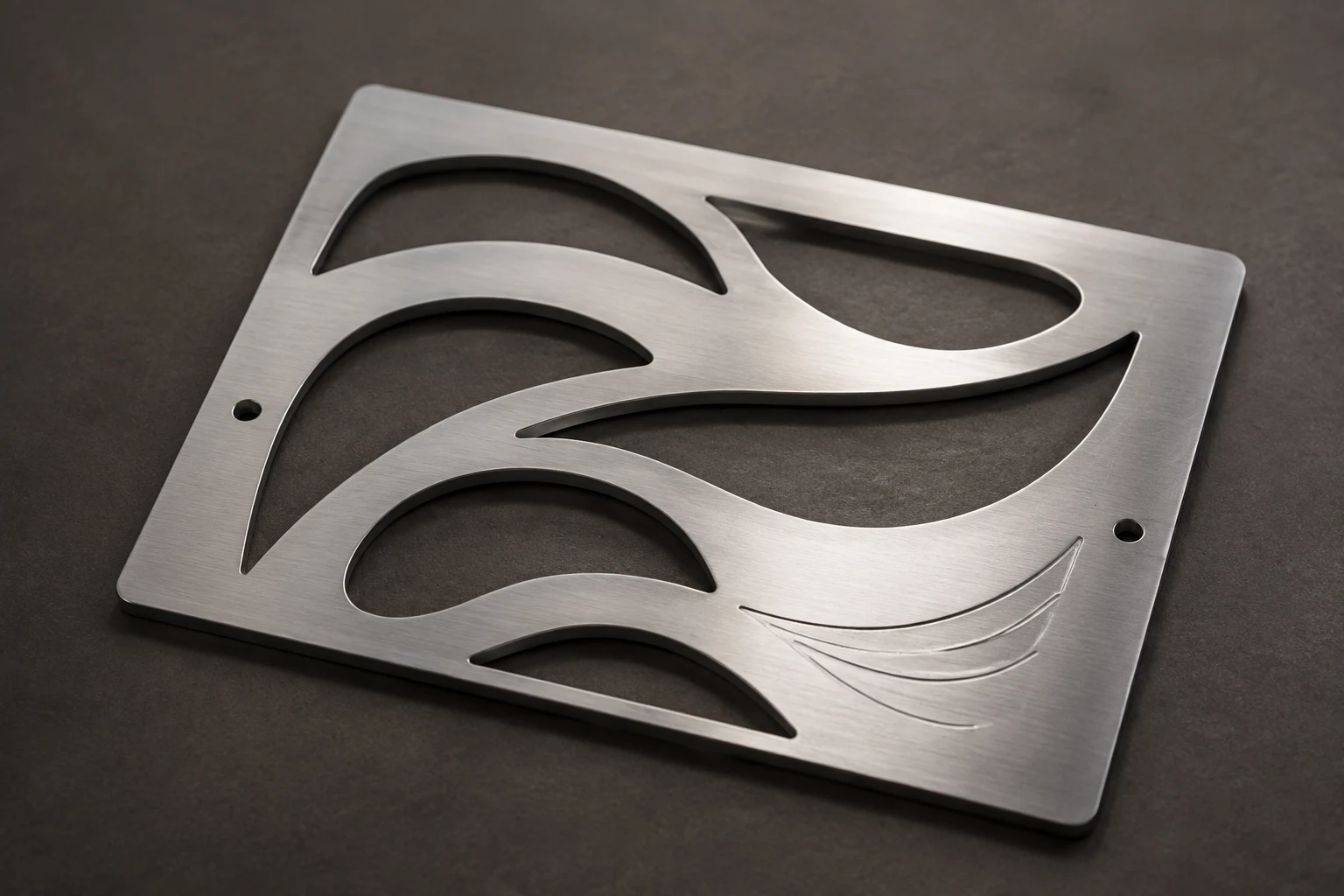
Cover image: AI-generated editorial concept; not a customer project or production proof.
Laser cutting services turn digital designs into physical parts by directing a focused laser along programmed paths. To order successfully, specify the material and thickness, finished dimensions, quantity, required edge finish and any engraving. Have the shop confirm the file requirements and achievable tolerances, then review a proof and representative sample before production.
For buyers in the US, Canada and UK, this guide connects the process and material choices with the practical decisions needed for a quote, artwork handoff and approval.
How laser cutting works
A focused laser heats material along a contour until it melts or vaporizes. In metal fusion cutting, an assist gas removes molten material from the opening, called the kerf. The beam or workpiece moves to follow the programmed shape. TRUMPF’s laser cutting explanation and fusion cutting guide describe these processes.
A typical order moves through design review, material selection, machine setup, cutting and inspection. Ask whether cleaning, deburring, bending, coating or assembly is included or quoted separately.
Cutting separates material through its thickness. Engraving and marking create surface detail. One project can combine them, but each operation needs clear instructions. In LightBurn, for example, vectors can support cutting, line marking or filled engraving, while photographs use an image workflow. LightBurn: Images vs. Vectors
Match the technology to the material
The useful question is whether the shop’s equipment can produce your design in the specified material and thickness. A laser category alone does not establish the finished result.
CO₂ systems are commonly used for suitable wood, acrylic, paper and textiles. Fiber systems are widely used for industrial metal cutting, but a small fiber marking machine should not be assumed to have sheet-cutting capacity. Industrial CO₂ equipment can also cut metal; the application determines the appropriate system. Trotec’s material compatibility guide and TRUMPF’s CO₂ and solid-state comparison
Specialized laser systems also serve fine-feature applications. For example, TRUMPF describes ultrashort-pulse processing for intricate medical components and chemically hardened glass. Such capabilities should not be generalized to an ordinary cutting shop. TRUMPF: Laser cutting
Material or project | What to confirm with the shop |
|---|---|
Steel, stainless steel or aluminum parts | Alloy, thickness, critical dimensions, edge condition and finishing requirements. |
Acrylic signs and displays | Exact sheet product, thickness, visible edges and assembly method. |
Wood panels and models | Board construction, adhesive or coating content, and acceptable edge appearance. |
Fabric and leather pieces | Fiber or leather specification, treatments, backing and acceptable cut-edge appearance. |
Glass or composite products | Whether the exact material supports cutting, marking or engraving on the proposed equipment. |
Material compatibility is operation-specific: a material that can be engraved may not be suitable for cutting on the same machine. Trotec’s guide distinguishes these operations and laser sources. Trotec: Suitable materials
Supply the exact material identity, including coatings and additives. PVC and certain other materials are unsuitable because laser processing can generate dangerous gases or dust. Do not submit unidentified plastic or imitation leather as if appearance established compatibility. Trotec: Unsuitable materials
Applications and the details buyers should specify
The original design may be decorative, functional or both. Translate that purpose into requirements the supplier can assess:
Manufacturing and automotive: Identify mating parts, mounting holes and dimensions that affect fit. Ask how those features will be inspected; the cutting method alone does not establish component strength.
Fashion and textiles: Explain whether the piece will be sewn, layered or displayed. Request a sample of delicate openings and edges before approving repeated patterns.
Architecture and interiors: State whether panels are decorative or have a structural role. Include installation details and obtain the appropriate project specifications before fabrication.
Signage and displays: Specify viewing distance, mounting, visible faces and the smallest lettering. Show which interior pieces must remain connected.
These are different purchasing briefs even when the artwork looks similar. A decorative opening and a precision mounting hole should not receive the same acceptance criteria by default.
Assess precision, speed and cost together
Laser cutting can accommodate intricate contours and design variations, including prototypes and small batches. Its suitability still depends on the material, geometry and required result. TRUMPF: Laser cutting applications
Ask for the tolerance the supplier will commit to for your actual part. Mark critical dimensions on the drawing rather than relying on a general promise of “precision.” Discuss who applies kerf compensation so the artwork preparer and machine operator do not both adjust the same geometry.
For cost comparisons, send each shop the same material specification, drawing revision, quantity, finish and destination. Request separate clarification of artwork preparation, samples, finishing, packaging and shipping. Confirm the quoted currency—USD, CAD or GBP—and ask whether applicable taxes or import charges are included.
Separate the requested arrival date from the production estimate. Agree when the schedule starts, including whether it depends on artwork approval or material availability. Avoid treating fast machine movement as a delivery promise.
Prepare artwork for cutting and engraving
Start at the intended physical dimensions and identify the controlling units. If a drawing shows both inches and millimeters, state which dimensions govern production.
Ask for the receiving shop’s preferred format. LightBurn supports formats including AI, SVG, DXF and PDF, but that is a software-specific list. Its documentation also explains that imported text needs available fonts or conversion to paths. Keep an editable master before preparing an outlined delivery copy. LightBurn: Creating and Importing Artwork
Assign an operation to each element
Include a written key such as “outer contour: cut through; emblem: filled engraving; border: line marking.” Identify dimensions and reference outlines that must not output. Follow the shop’s layer conventions, while keeping the written explanation alongside the file.
For filled engraving, check closed boundaries and internal openings in letters and emblems. LightBurn’s Fill Mode engraves within closed shapes; nested and overlapping objects can change the result depending on their arrangement and layer assignment. Review the imported preview. LightBurn: Fill Mode
Do not automatically expand every stroke. First establish whether the intended result is a traced line or a filled band. Remove accidental duplicate geometry: LightBurn documents that duplicates can cause extra line passes or missing fills. LightBurn: Delete Duplicates
Review fine detail at finished size
Check small lettering, narrow connections and tight gaps with the shop. An actual-size paper proof helps assess placement and readability, but it cannot demonstrate the cut edge or engraved contrast.
A photograph does not automatically need vector tracing. Discuss an image-engraving workflow when tonal detail matters. LightBurn: Images vs. Vectors
If a logo needs rebuilding, use DigitEMB’s raster-to-vector service page to discuss artwork preparation. Include the fabricator’s requirements and confirm deliverables. The fabricator should separately approve the imported geometry and production setup.
Approve the proof and physical sample
Send the artwork file, dimensioned proof, operation key, material specification and quantity together. Use a revision identifier so the quote, proof and production file refer to the same design.
Review the digital proof for spelling, dimensions, orientation, placement and operation assignments. For a representative sample, ask the shop to include the features most likely to affect acceptance: small text, narrow openings, visible edges or a mating feature.
Judge engraving contrast and texture on the intended material and finish. LightBurn’s Material Test tool illustrates how operators can compare settings such as speed and power for their particular setup. It does not supply universal settings for every machine or material. LightBurn: Material Test
Record the approved revision and sample together. Ask whether changes to size, material or finish require another test.
Material use, sustainability and automation
Ask the supplier how parts will be arranged on the sheet and whether usable offcuts can be retained. Request evidence for any environmental claim that matters to the purchase, including the material source and disposal route. A narrow cut alone does not establish the overall environmental impact of an order.
When comparing automated equipment, ask what it changes for your job: file review, handling, inspection or scheduling. Evaluate those capabilities through an agreed specification and sample rather than assuming newer equipment guarantees better results.
Frequently asked questions
Can I send a JPG or PNG?
Send it as a reference, or for a supported image-engraving workflow. Cutting a defined contour requires suitable geometry; ask whether the shop creates that geometry or expects a prepared vector file. LightBurn: Images vs. Vectors
Does a vector file guarantee a clean cut?
No. The shop must still check geometry, dimensions, material compatibility and operation assignments. Approve the relevant physical features on a sample when fit or appearance matters.
Can one piece be cut and engraved?
Yes, where the material and equipment support both operations. Supply separate operation instructions and have the shop confirm their alignment in the proof and sample.
What should I send for a useful quote?
Send the artwork or drawing, material and thickness, finished dimensions with units, quantity, critical tolerances, engraving instructions, finish, delivery destination and requested arrival date.
Practical details for Laser Cutting Services: Materials, Artwork and Ordering Guide
Vector artwork is built from editable paths rather than a fixed grid of pixels. The clearest result starts with a specific intended use, because a file prepared for print, cutting and embroidery may need different checks.
Work through these points in order and keep the answers with the artwork or production request. A short written brief makes it easier to compare a proof with the intended result, ask a useful follow-up question and avoid relying on assumptions made from a screen image alone.
The aim is not to add unnecessary steps. It is to identify the choices that change the final result before work begins. If a requirement is unknown, flag it for confirmation rather than guessing; that keeps the approval process focused on the design, material and use that apply to this particular project. Save the approved brief with the project files for future reorders or revisions.
Start with the best source
Provide the largest, clearest original you have and include any brand colours, fonts or reference files. A small or blurry image can still be traced, but missing edges and lettering need careful confirmation.
Define the final use
Say whether the artwork is for print, cutting, screen printing, embroidery reference or a digital asset. This tells the artist which details, colour separations and file formats matter most.
Review paths, text and colour
Before using the finished file, check that lettering is correct, shapes are closed where required and colours match the approved artwork. Keep a master editable file as well as the delivery format used by production.
Quick questions to check before you proceed
Is a vector file the same as an embroidery file?
No. A vector is editable artwork; an embroidery file contains stitch instructions. Vector art can be useful source material for digitizing, but it still needs to be digitized for machine embroidery.
Can a blurry logo be converted?
Often, yes, but the result depends on what can be verified. Supply a clearer reference, font name or brand guide whenever possible.
Which details need approval?
Check spelling, line weight, enclosed spaces, colour choices and the shape of any logo elements before the file goes to print or production.