
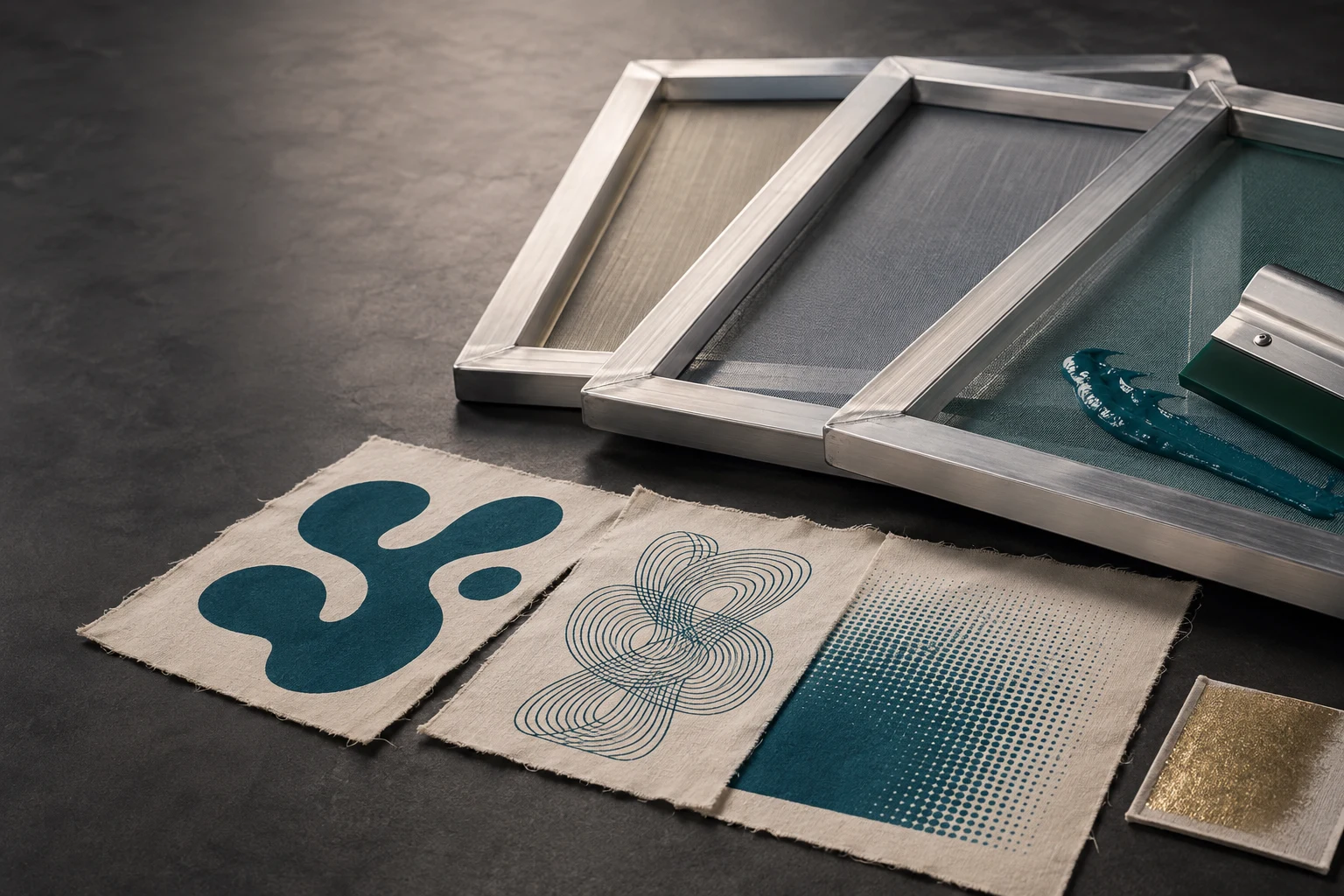
Cover image: AI-generated editorial concept; not a customer project or production proof.
For general garment printing, 110–156 threads per inch is a useful starting range; finer artwork often calls for 200–305, while glitter may require much coarser mesh. Choose within the ink manufacturer’s recommended range, then test the artwork on the intended fabric. These are starting points, not universal settings. Ryonet’s mesh-selection guidance explains the balance between ink flow and detail.
What does mesh count mean?
Mesh count describes the number of threads per linear inch or centimetre, not per square inch. A screen specified as 110 threads/in has approximately 110 threads across one inch in the measured direction. Textile screen printing commonly uses woven polyester mesh, with openings through which ink passes. Avient’s screen printing guide identifies polyester mesh and lists both measurement systems.
For buyers comparing suppliers in the US, Canada and UK, always confirm the unit. A listing that says only “120 mesh” is incomplete: 120 threads/cm is approximately 305 threads/in.
Mesh count conversion
Divide threads per inch by 2.54 to calculate threads per centimetre. The rounded values below help compare listings; check the supplier’s actual specification before ordering.
Threads per inch | Approximate threads per centimetre |
|---|---|
86 | 34 |
110 | 43 |
156 | 61 |
200 | 79 |
230 | 91 |
305 | 120 |
Nominal commercial pairings can differ slightly from rounded arithmetic: for example, Avient lists 230 threads/in alongside 90 threads/cm. See its mesh-selection chart.
Why thread diameter matters
Mesh count and thread diameter describe different things. Diameter is the thickness of each thread, usually expressed in micrometres or microns (µm).
At the same mesh count, thinner threads leave larger openings and more open area. This can make ink transfer easier. Thicker threads occupy more space, reducing the openings. Neither diameter automatically produces a better print: mesh construction, stencil and handling requirements also matter.
For example, Ryonet compares 158-count mesh with 64-micron threads against a thin-thread version with 48-micron threads. It also cautions that thin mesh needs careful handling and tension within the manufacturer’s limits. Read its thin-thread explanation.
When buying screens, request the count, measurement unit and thread diameter together. Nearby counts such as 155 and 156 are not enough information to establish that two screens will behave identically.
Common mesh counts and their uses
All counts in this table are threads per inch. The ranges summarize common applications rather than prescribe a setting for every ink.
Mesh count | Typical starting application |
|---|---|
36–64 | Glitter inks whose larger particles need generous openings; follow the specific ink’s instructions. |
Around 86 | Some shimmer and specialty inks, depending on particle size. |
110 | Bold lettering, large spot-color shapes and substantial ink coverage. |
156 | General textile spot colors with a balance of detail and ink deposit. |
200–230 | Smaller details and controlled deposits with suitable inks. |
280–305 | Fine halftones and detailed process work, subject to the stencil and ink requirements. |
These applications follow Ryonet’s mesh-size guide. Counts above 305 also exist, including meshes used for specialized graphic printing; 305 is not the upper limit.
How to select mesh for your project
Start with the exact ink
Check the product’s technical data sheet before selecting a screen. Record its recommended mesh range and units, especially for white, metallic, glitter and other specialty formulations.
Avoid treating every water-based or discharge ink as equally thin. Avient distinguishes multiple water-based chemistries and viscosities. Its guidance also explains that overly restrictive mesh can compromise opacity with some inks, while overly open mesh can deposit too much thin ink. Avient’s printing technique guide provides the technical context.
Review artwork at its final print size
Look at the smallest lettering, narrowest gaps and any halftone shading. Fine details generally need a higher count than broad solid shapes. Yellow mesh can help reduce exposure light scatter for detailed stencils. Ryonet’s selection guidance discusses both considerations.
Ask the printer to confirm which details can reproduce before the separations are finalized. If artwork preparation is needed, DigitEMB’s vector art conversion services include color separation. Provide the final dimensions and the printer’s requirements with the artwork.
Match the fabric and desired finish
Tell the printer the garment’s material, color and surface texture, and whether your priority is solid coverage, a softer feel or fine detail. Higher mesh can reduce ink deposit and soften the feel of a plastisol print, but coverage can suffer. Ryonet’s mesh guide describes that tradeoff.
For an order of printed garments, request a sample on the intended blank. Evaluate the smallest details and solid areas together rather than approving only an enlarged digital preview.
Test and record the complete setup
Use the proposed ink, screen and garment for a trial. Compare coverage, edge definition and feel. Record the mesh count and unit, thread diameter, ink product, stencil setup and print settings so a successful result can be repeated.
If the result is poor, check the whole setup before changing count. Avient identifies screen tension and stencil emulsion as critical contributors to print quality. See its technical guide.
Frequently asked questions
Is 110 or 156 mesh better for T-shirts?
110 is a useful starting point for bold designs and generous coverage; 156 offers more detail for general spot-color work. The ink and garment determine which is appropriate. Ryonet’s comparison covers both.
Does higher mesh always mean better quality?
No. A higher count can support finer detail but may restrict the ink needed for coverage. Choose a combination that reproduces the artwork and transfers the intended ink deposit. Ryonet’s selection guidance.
Is 43 threads/cm the same as 110 threads/in?
They are a common nominal pairing. The exact conversion of 110 threads/in is approximately 43.3 threads/cm. Confirm the thread diameter as well before substituting one screen for another. Avient’s conversion chart.
Practical details for How to Choose the Right Mesh Count for Screen Printing
Vector artwork is built from editable paths rather than a fixed grid of pixels. The clearest result starts with a specific intended use, because a file prepared for print, cutting and embroidery may need different checks.
Work through these points in order and keep the answers with the artwork or production request. A short written brief makes it easier to compare a proof with the intended result, ask a useful follow-up question and avoid relying on assumptions made from a screen image alone.
The aim is not to add unnecessary steps. It is to identify the choices that change the final result before work begins. If a requirement is unknown, flag it for confirmation rather than guessing; that keeps the approval process focused on the design, material and use that apply to this particular project. Save the approved brief with the project files for future reorders or revisions.
Start with the best source
Provide the largest, clearest original you have and include any brand colours, fonts or reference files. A small or blurry image can still be traced, but missing edges and lettering need careful confirmation.
Define the final use
Say whether the artwork is for print, cutting, screen printing, embroidery reference or a digital asset. This tells the artist which details, colour separations and file formats matter most.
Review paths, text and colour
Before using the finished file, check that lettering is correct, shapes are closed where required and colours match the approved artwork. Keep a master editable file as well as the delivery format used by production.
Quick questions to check before you proceed
Is a vector file the same as an embroidery file?
No. A vector is editable artwork; an embroidery file contains stitch instructions. Vector art can be useful source material for digitizing, but it still needs to be digitized for machine embroidery.
Can a blurry logo be converted?
Often, yes, but the result depends on what can be verified. Supply a clearer reference, font name or brand guide whenever possible.
Which details need approval?
Check spelling, line weight, enclosed spaces, colour choices and the shape of any logo elements before the file goes to print or production.