
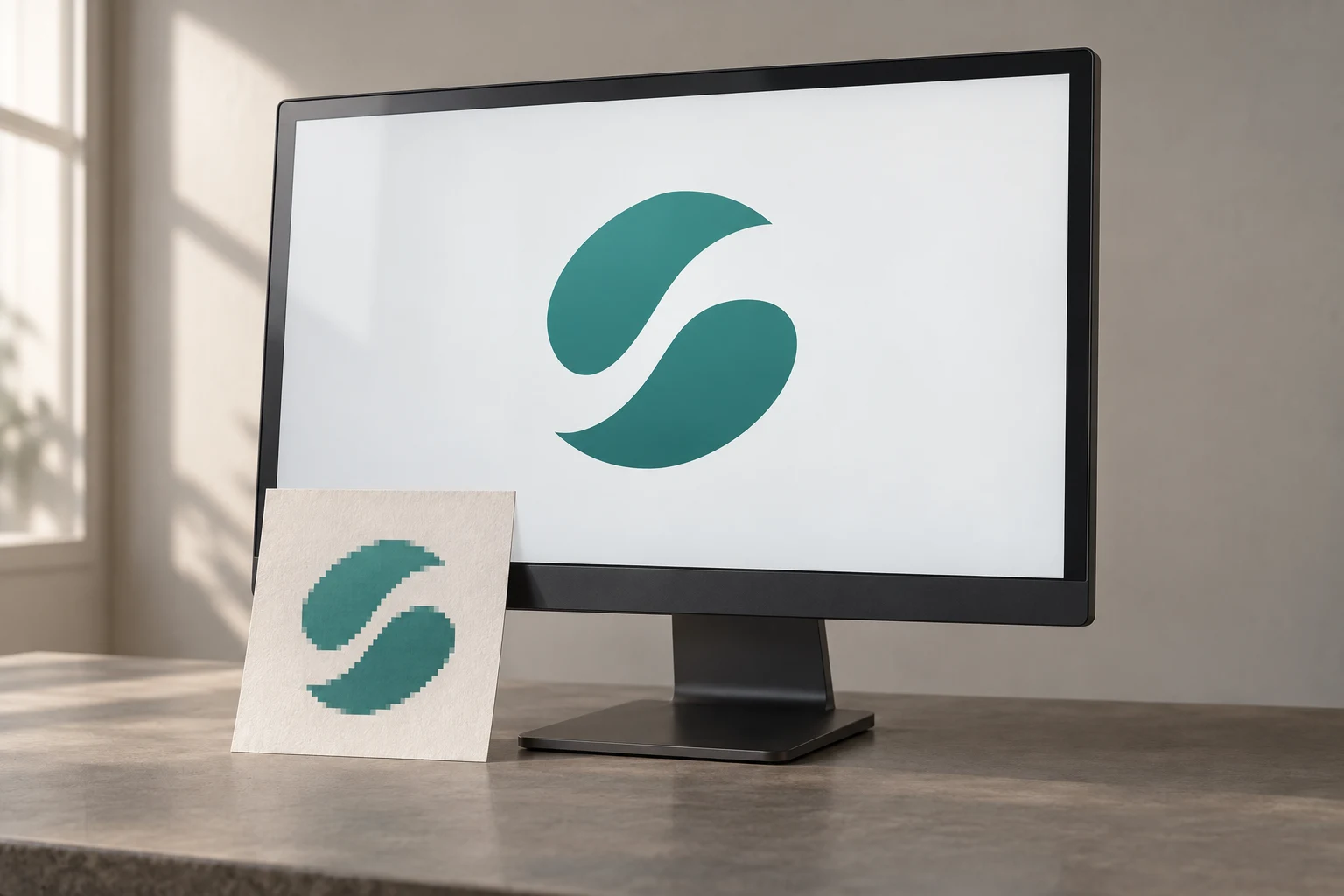
Cover image: AI-generated editorial concept; not a customer project or production proof.
A blurry logo can often become clean, scalable artwork by rebuilding its shapes as vector paths. The result can preserve recognizable curves, lettering and colors, but details missing from the source need another reference or your confirmation. Start with the best original available, agree on uncertain details, and review the redraw before using it.
What vectorization can fix
A small JPG stores the logo as pixels. Vector artwork describes shapes through paths and curves, allowing those shapes to scale without the source image’s pixelated edges. Adobe explains this distinction in its raster and vector guide.
For a damaged or low-resolution logo, the practical aim is to reconstruct a dependable master: smooth contours, deliberate corners, consistent proportions and separately editable color areas.
Reconstruction has limits. If a tiny tagline is unreadable or two shapes have blurred together, the intended design remains uncertain. Ask the artist to flag those areas. A sharper-looking interpretation is not proof of an exact match to the lost original.
Before commissioning a redraw, ask the original designer or previous printer whether they still have usable artwork. An older document may contain a better reference than the image saved from your website.
Automatic tracing and careful reconstruction
Automatic tracing can provide a useful starting point for clear, simple artwork. Its output depends on the image and settings: Adobe’s Image Trace controls adjust path fitting, corners, colors and the small areas ignored as noise. See Adobe’s Image Trace panel documentation.
With a blurry logo, review whether the tracing has followed compression marks or softened edges instead of the intended design. Manual reconstruction lets an artist rebuild the shapes deliberately and resolve awkward contours. Either approach still needs comparison with the reference.
For the buyer, the important question is whether the result faithfully preserves the logo. Check its silhouette, spacing and distinctive details rather than judging it only by how smooth the edges look.
What to send with your logo
Send the highest-quality original you have without enlarging it first. Include alternative references when they show details more clearly, and identify which version is authoritative.
Reference or instruction | Why it helps |
|---|---|
Best available logo file | Provides the clearest starting point for the redraw. |
Exact wording and known font name | Helps resolve blurred letters and punctuation. |
Brand color codes or approved artwork | Gives the artist a color reference beyond the blurry image. |
Intended uses and finished dimensions | Helps identify details that need review at small sizes. |
Notes on uncertain areas | Makes approval decisions explicit before the master is finalized. |
For suppliers in the US, Canada or UK, label dimensions in inches or millimeters. State whether the logo is intended for a website, printed stationery, signage, apparel or several uses.
Explain whether you want faithful restoration or approved design changes. Replacing a font, adjusting proportions or removing a tagline should be a deliberate decision.
What to request back
Agree on deliverables before work begins. Request an editable vector master, a format accepted by your supplier, and a preview you can open easily. Ask for clearly organized shapes and named color swatches based on the references you approved.
AI, PDF, EPS and SVG are common options, but the recipient’s workflow determines what to supply. Adobe recommends retaining an AI version while creating Illustrator artwork, then exporting to the required format. See Adobe’s saving guidance.
A filename extension alone does not establish that the logo has been rebuilt. Ask the artist to confirm that the logo itself consists of editable paths, rather than only an embedded copy of the original image. Keep the approved master alongside any PNG or JPG previews.
Review the redraw before handoff
Compare the new artwork with your best reference side by side. Review the overall appearance first, then look closely at:
Letter shapes, spelling, punctuation and spacing.
The proportions of the symbol relative to the wording.
Curves, corners and spaces inside letters or symbols.
Color assignments and intended transparent areas.
Any details the artist reconstructed from incomplete evidence.
Review it at the smallest intended size as well as enlarged. If a detail needs simplifying for one application, request a clearly identified variant and retain the approved master.
A clean vector is useful source artwork, but production requirements still need confirmation. Ask the printer or cutter to review the file for the actual job. If the destination is embroidery, confirm the separate digitizing requirements; a vector redraw alone is not a machine stitch file.
For help rebuilding the artwork, see DigitEMB’s logo-vectorization service. Send the clearest reference, exact wording, color references and intended uses so the scope can be assessed.
Frequently asked questions
Can a very small JPG still be used?
It may provide enough information for a simple logo. Fine lettering and ambiguous shapes may need additional references or an approved interpretation. Send it for assessment without assuming every detail can be recovered.
Will vectorization change my logo?
Faithful restoration aims to preserve its appearance. Ask for confirmation before font substitutions, proportion changes or simplifications, especially where the source is unclear.
Does saving the image as a PDF fix the blur?
No. A PDF can contain raster content. The logo needs to be reconstructed as paths to gain the scaling benefits of vector artwork; changing its container does not perform that reconstruction. Adobe discusses PDF content in its raster and vector FAQ.
Is a vector logo ready for every production method?
No. Keep the vector master, then confirm each supplier’s requirements for the intended size and process. Approve any application-specific changes separately.
Practical details for Turning a Blurry Logo into Crisp Vector Art
Vector artwork is built from editable paths rather than a fixed grid of pixels. The clearest result starts with a specific intended use, because a file prepared for print, cutting and embroidery may need different checks.
Work through these points in order and keep the answers with the artwork or production request. A short written brief makes it easier to compare a proof with the intended result, ask a useful follow-up question and avoid relying on assumptions made from a screen image alone.
The aim is not to add unnecessary steps. It is to identify the choices that change the final result before work begins. If a requirement is unknown, flag it for confirmation rather than guessing; that keeps the approval process focused on the design, material and use that apply to this particular project. Save the approved brief with the project files for future reorders or revisions.
Start with the best source
Provide the largest, clearest original you have and include any brand colours, fonts or reference files. A small or blurry image can still be traced, but missing edges and lettering need careful confirmation.
Define the final use
Say whether the artwork is for print, cutting, screen printing, embroidery reference or a digital asset. This tells the artist which details, colour separations and file formats matter most.
Review paths, text and colour
Before using the finished file, check that lettering is correct, shapes are closed where required and colours match the approved artwork. Keep a master editable file as well as the delivery format used by production.
Quick questions to check before you proceed
Is a vector file the same as an embroidery file?
No. A vector is editable artwork; an embroidery file contains stitch instructions. Vector art can be useful source material for digitizing, but it still needs to be digitized for machine embroidery.
Can a blurry logo be converted?
Often, yes, but the result depends on what can be verified. Supply a clearer reference, font name or brand guide whenever possible.
Which details need approval?
Check spelling, line weight, enclosed spaces, colour choices and the shape of any logo elements before the file goes to print or production.