
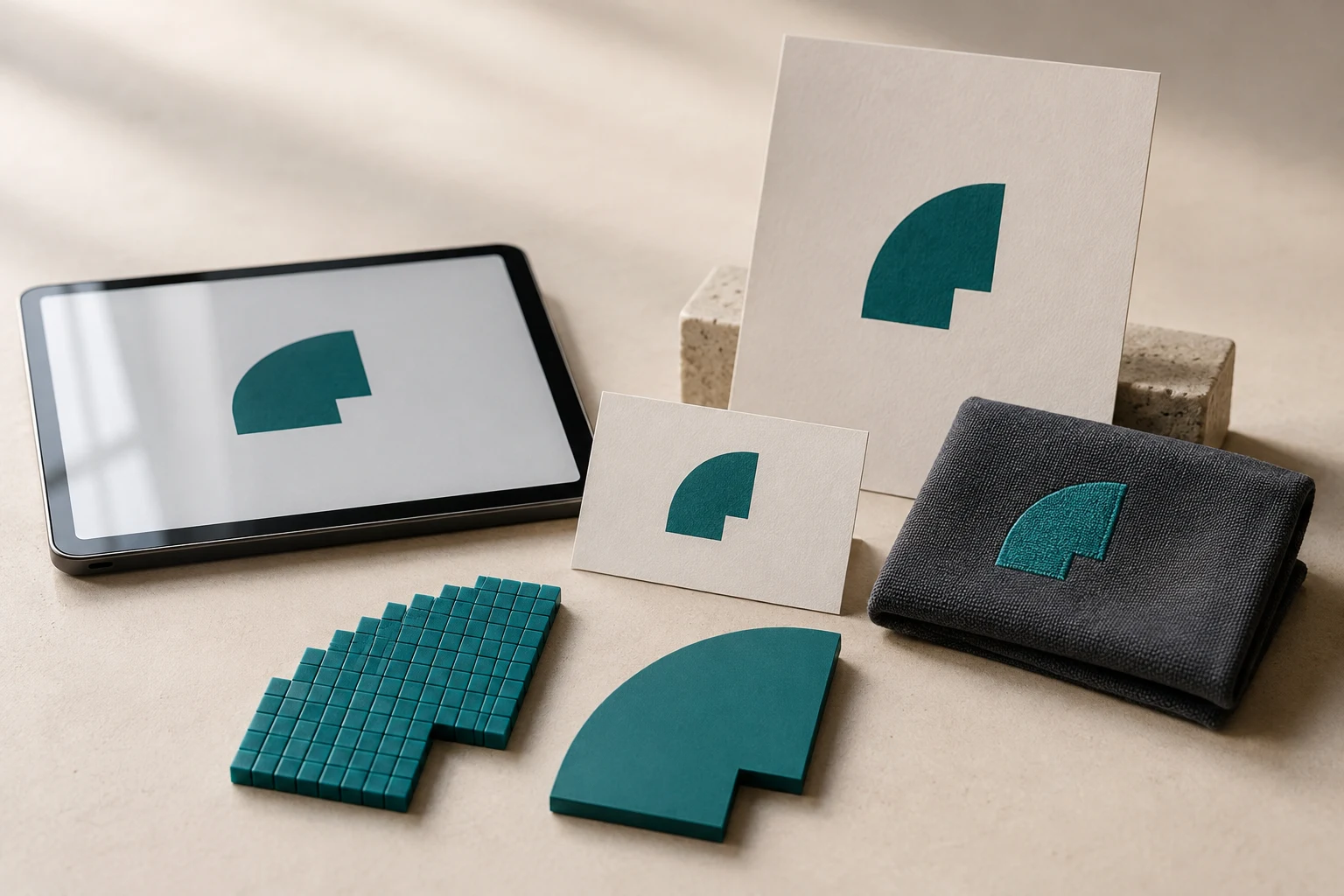
Cover image: AI-generated editorial concept; not a customer project or production proof.
Keep an editable vector master of your logo and raster exports for everyday use. Vector artwork makes resizing and shape editing easier; raster files provide convenient versions for image uploads and sharing. Having both helps you supply the right artwork for each job.
Raster: made of pixels
JPG, PNG and GIF images contain a grid of colored pixels. They work well for photographs and screen graphics, but enlarging a small image can reveal blocky or soft edges. A logo that looks clear in a website header may have too few pixels for a large print.
Vector: made of paths
Vector artwork describes shapes with points, lines and curves. Those shapes can scale from a business card to a large sign without the pixelation caused by enlarging a bitmap. Adobe explains these differences in its guide to raster and vector images.
Vector artwork still needs to suit the output: sharp digital edges alone do not establish whether small lettering will print, cut or stitch successfully.
Which version should you use?
Logo use | Practical file choice |
|---|---|
Social profiles and image uploads | A raster export matching the platform’s dimensions and accepted formats. |
Logo over a colored background | A PNG exported with transparency, where supported. |
Website logo | SVG where the site supports it; a suitably sized PNG otherwise. |
Print and signage | Supply the vector master and ask which production format the supplier accepts. |
Embroidery | Supply clear artwork for digitizing; the machine needs an embroidery file. |
PNG supports transparency, while JPEG uses a filled background. That makes PNG useful when a logo must sit over different backgrounds. See Adobe’s PNG and JPEG workflow guide.
A file extension does not prove the logo is vector
AI, EPS, SVG and PDF are associated with vector workflows, but inspect the actual artwork before relying on the filename. Adobe confirms that AI files can contain raster and vector data, and its Illustrator saving guide explains that EPS can contain both bitmap and vector graphics.
Ask your designer or supplier whether the logo consists of editable paths or an embedded image. Saving a JPG inside another document does not redraw its edges as paths.
If a fuzzy JPG is your only copy, first ask the original designer for the master. If that is unavailable, vector reconstruction may be appropriate. Provide the clearest reference you have and confirm uncertain lettering or shapes before accepting the result.
Vector artwork and embroidery files do different jobs
A vector logo defines artwork; embroidery digitizing assigns stitches to reproduce that artwork. Wilcom’s documentation on converting artwork to embroidery describes recognizing shapes and assigning stitch types during conversion.
A vector file is therefore useful source material, but it is not automatically ready for an embroidery machine. Ask the decorator which artwork they accept and which machine format the finished design requires.
Keep a small, useful logo package
Store the editable master together with clearly named exports and a reference showing the approved appearance. Request transparent PNG versions for routine use and production copies in the formats your suppliers need.
For orders in the US, Canada or UK, specify final dimensions with units—such as 3 inches wide or 76.2 mm wide—and explain whether the logo is for a screen, printed item, sign or garment. Ask the recipient to confirm the file requirements before work begins.
DigitEMB’s service overview includes vector conversion and embroidery digitizing, the two different services relevant to rebuilding artwork and preparing it for stitching.
Frequently asked questions
Is a transparent PNG a vector file?
No. Transparency affects the background; a PNG still contains pixels.
Can raster logos be printed?
Yes, when their resolution is suitable for the final size and the printer accepts them. Ask the printer to assess the file at its intended dimensions.
Should I delete raster copies once I have a vector master?
No. Keep the master for future edits and resizing, and use raster exports wherever an image upload is required.
Practical details for Raster vs. Vector: Why Your Logo Needs Both
Vector artwork is built from editable paths rather than a fixed grid of pixels. The clearest result starts with a specific intended use, because a file prepared for print, cutting and embroidery may need different checks.
Work through these points in order and keep the answers with the artwork or production request. A short written brief makes it easier to compare a proof with the intended result, ask a useful follow-up question and avoid relying on assumptions made from a screen image alone.
The aim is not to add unnecessary steps. It is to identify the choices that change the final result before work begins. If a requirement is unknown, flag it for confirmation rather than guessing; that keeps the approval process focused on the design, material and use that apply to this particular project. Save the approved brief with the project files for future reorders or revisions.
Start with the best source
Provide the largest, clearest original you have and include any brand colours, fonts or reference files. A small or blurry image can still be traced, but missing edges and lettering need careful confirmation.
Define the final use
Say whether the artwork is for print, cutting, screen printing, embroidery reference or a digital asset. This tells the artist which details, colour separations and file formats matter most.
Review paths, text and colour
Before using the finished file, check that lettering is correct, shapes are closed where required and colours match the approved artwork. Keep a master editable file as well as the delivery format used by production.
Quick questions to check before you proceed
Is a vector file the same as an embroidery file?
No. A vector is editable artwork; an embroidery file contains stitch instructions. Vector art can be useful source material for digitizing, but it still needs to be digitized for machine embroidery.
Can a blurry logo be converted?
Often, yes, but the result depends on what can be verified. Supply a clearer reference, font name or brand guide whenever possible.
Which details need approval?
Check spelling, line weight, enclosed spaces, colour choices and the shape of any logo elements before the file goes to print or production.