
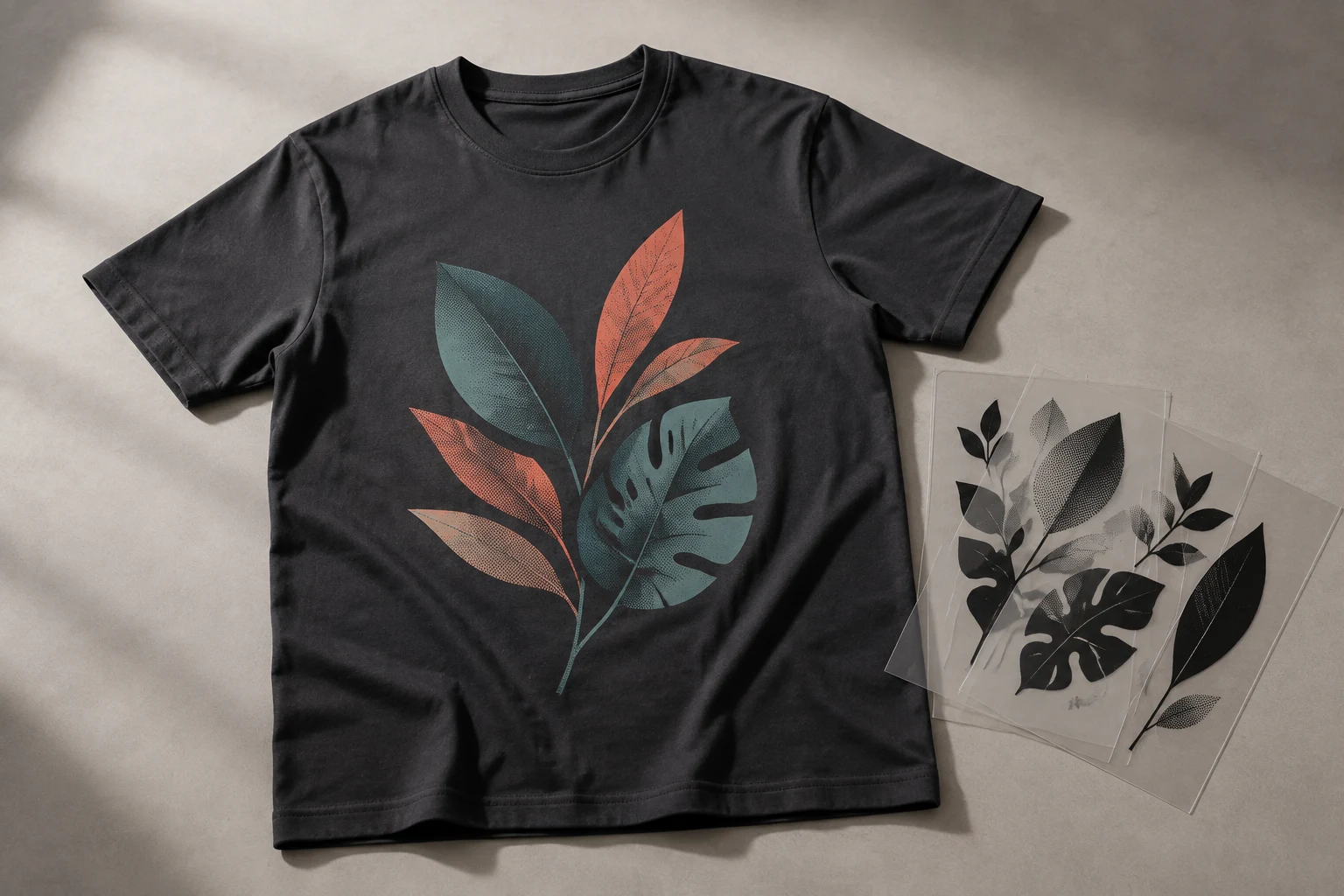
Cover image: AI-generated editorial concept; not a customer project or production proof.
Color separation divides artwork into individual ink layers that a screen printer uses to build the finished image. Those layers must align, or register, when printed. For buyers, the key decisions are which separation method suits the artwork, whether the garment needs an underbase, and what files and proof the printer requires. Adobe explains the separation principle.
A good handoff connects the design to the actual garment and printing setup. This guide explains the choices and questions to discuss before ordering separated artwork or printed apparel.
The three main approaches
Separation method | Where it fits |
|---|---|
Spot color | Logos, lettering and bold illustrations using individually specified inks. Spot inks can print solid areas or halftone tints. |
Simulated process | Photographs and tonal illustrations reproduced through a selected palette of spot inks and halftones. A white base can support printing on dark garments. |
CMYK process | Full-color imagery built from cyan, magenta, yellow and black halftones, commonly on white or light garments. Reproducible colors depend on the ink and printing setup. |
These distinctions follow Ryonet’s comparison of the three methods. Halftones use patterns of dots to create the appearance of shading rather than a separate ink for every visible shade.
For a simple logo, ask whether spot colors will reproduce the intended appearance. For photographic artwork, discuss simulated process and CMYK with the printer before committing to a palette. Garment color and the printer’s experience with the proposed method matter alongside the image itself.
Why the number of visible colors can be misleading
A shaded illustration can show many apparent colors while using a limited ink palette. Conversely, a design on a dark shirt may need a white underbase beneath its visible colors. Simulated process combines halftones and selected inks, and its white base helps support different garment colors. See Ryonet’s process explanation.
When requesting a quote, ask for the total planned ink layers, including any underbase or separate highlight white. Confirm whether the quoted screen count includes those layers. Do not estimate the production setup simply by counting colors in a screen preview.
Why separations require judgment
Registration and trapping: Registration means aligning the printed layers. Trapping creates a small overlap between adjoining colors to compensate for potential gaps. The appropriate overlap needs the printer’s input; an arbitrary outline around every shape is not a reliable substitute. Adobe’s trapping guidance explains the principle and recommends checking trap values with the print shop.
Ink opacity and the underbase: Ask how the selected inks and any white base will reproduce the design on the chosen garment. Approve the intended appearance for each garment color instead of assuming one separation will produce identical results on every blank.
Halftone detail: Fine shading needs output settings the printer can reproduce. Have the printer confirm halftone frequency, angles and output requirements before the files are finalized. Adobe’s separation guidance specifically recommends consulting the print shop about frequency and angles.
These decisions help prevent visible gaps, unwanted overlaps and lost detail. A separation file still needs to be evaluated as part of the complete printing setup.
What to send with your artwork
Give the separation provider and printer the same brief:
The best available original artwork and the final design version.
Finished print width and height, with units, plus the intended placement.
Garment style, material and every garment color in the order.
Required color references and any areas where matching matters most.
The printer’s available color capacity, preferred separation method and accepted file format, if known.
The required date and delivery destination for any physical goods.
For orders involving suppliers in the US, Canada or UK, write dimensions explicitly in inches or millimeters. If mesh specifications are exchanged, ask the printer to identify the measurement unit as well.
Keep an editable original and let the provider confirm the required color mode. Changing a document to CMYK alone does not establish the intended spot ink palette, underbase or production settings.
What to confirm in the file handoff
Ask what the quoted separation work includes before ordering. A useful agreement identifies the following:
Handoff item | What to confirm |
|---|---|
Separated artwork | The printer’s accepted format, final dimensions and clearly identified ink layers. |
Composite proof | A combined preview showing the intended design and garment background. |
White ink layers | Whether an underbase or highlight white is included and how each is identified. |
Output preparation | Who creates film or other screen-making output and adds the required registration marks. |
Production notes | Which ink references and proposed print-order details are included, and which settings the printer must finalize. |
Revisions | How changes requested after the printer reviews the files will be handled. |
DigitEMB lists color separations within its vector art conversion services. Send the printer’s requirements with your artwork and confirm the deliverables for your job. Do not assume that a separation service automatically includes physical screens, film output or finalized press settings.
Review the proof with the printer
Check the design version, spelling, dimensions, placement and intended colors. Ask the printer to review the individual layers as well as the combined image, including the white ink layers and the smallest details.
A digital separation preview helps identify some problems, but it cannot verify every output setting. Adobe notes that its preview does not show trapping, printer’s marks or halftone screen settings. Read its preview limitations.
When printed color, fine detail or coverage is important, request a sample on the intended garment before approving the full run. Record the approved artwork version and resolve differences between the proof and the printer’s requirements before production.
Frequently asked questions
Does a three-color design always need three screens?
Confirm the complete ink-layer plan with the printer. An underbase or separate highlight white may add layers beyond the three visible design colors.
Is simulated process the same as CMYK?
No. CMYK uses cyan, magenta, yellow and black process inks. Simulated process uses a selected palette of spot inks to recreate tonal artwork. The comparison above explains their typical applications.
Can I approve separations from a mockup alone?
A mockup is useful for checking appearance and placement. Ask the printer to review the actual separation files and output requirements; request a physical sample when the printed result needs closer evaluation.
Should mesh and ink order arrive finalized with the files?
Confirm the service scope. Proposed production notes may be useful, but the printer needs to approve settings for its inks, screens, garment and press.
Practical details for Color Separations for Screen Printing: A Buyer’s Guide
Vector artwork is built from editable paths rather than a fixed grid of pixels. The clearest result starts with a specific intended use, because a file prepared for print, cutting and embroidery may need different checks.
Work through these points in order and keep the answers with the artwork or production request. A short written brief makes it easier to compare a proof with the intended result, ask a useful follow-up question and avoid relying on assumptions made from a screen image alone.
The aim is not to add unnecessary steps. It is to identify the choices that change the final result before work begins. If a requirement is unknown, flag it for confirmation rather than guessing; that keeps the approval process focused on the design, material and use that apply to this particular project. Save the approved brief with the project files for future reorders or revisions.
Start with the best source
Provide the largest, clearest original you have and include any brand colours, fonts or reference files. A small or blurry image can still be traced, but missing edges and lettering need careful confirmation.
Define the final use
Say whether the artwork is for print, cutting, screen printing, embroidery reference or a digital asset. This tells the artist which details, colour separations and file formats matter most.
Review paths, text and colour
Before using the finished file, check that lettering is correct, shapes are closed where required and colours match the approved artwork. Keep a master editable file as well as the delivery format used by production.
Quick questions to check before you proceed
Is a vector file the same as an embroidery file?
No. A vector is editable artwork; an embroidery file contains stitch instructions. Vector art can be useful source material for digitizing, but it still needs to be digitized for machine embroidery.
Can a blurry logo be converted?
Often, yes, but the result depends on what can be verified. Supply a clearer reference, font name or brand guide whenever possible.
Which details need approval?
Check spelling, line weight, enclosed spaces, colour choices and the shape of any logo elements before the file goes to print or production.