
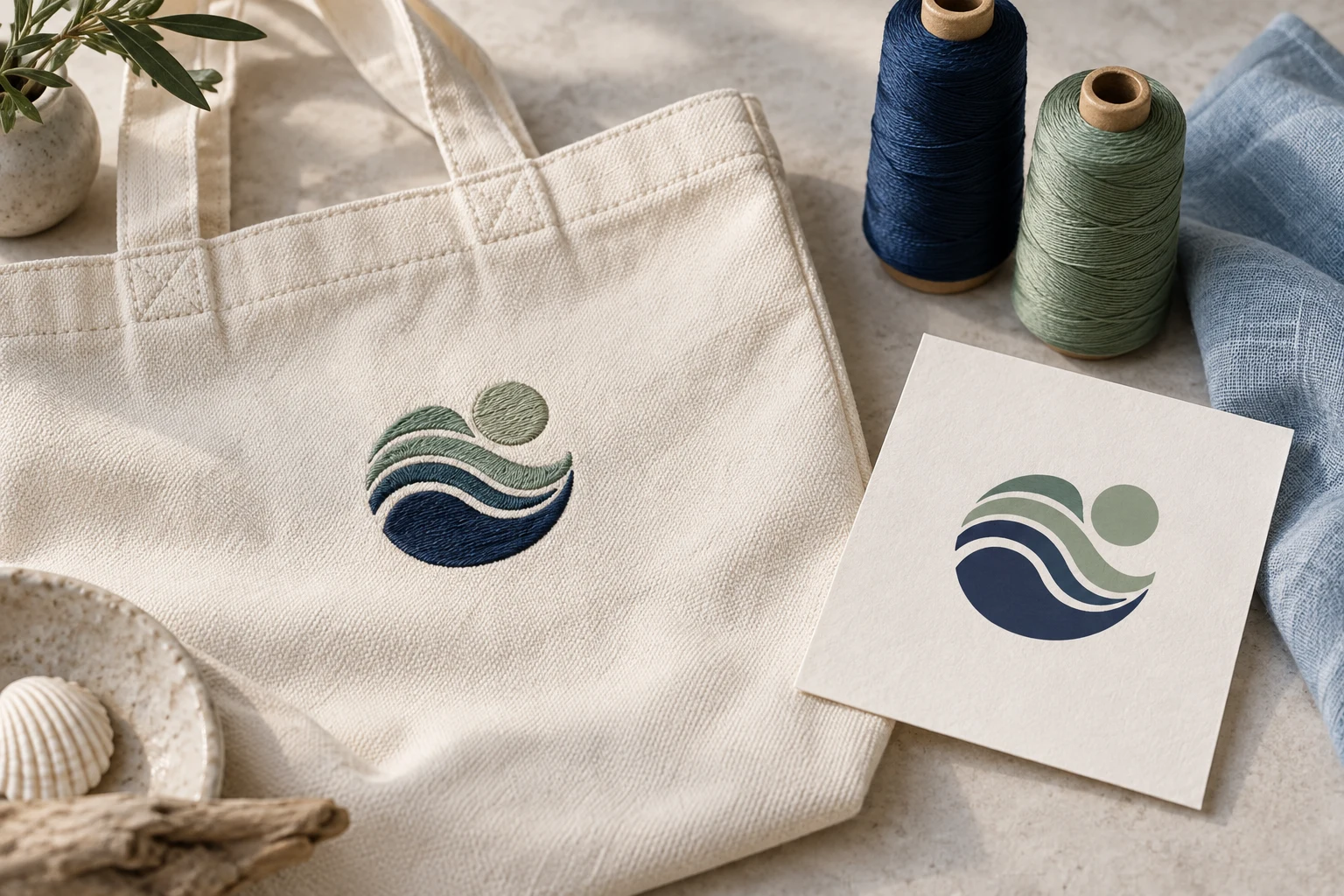
Cover image: AI-generated editorial concept; not a customer project or production proof.
For South Carolina buyers, the best embroidery digitizing service is one that prepares files for your actual garment, design size and embroidery machine—and helps resolve problems found during a test sew-out. Compare relevant stitched samples, clearly defined deliverables and revision terms before ordering. For printed logos and signage, request vector artwork separately; an embroidery file serves a different purpose.
Whether you are arranging uniforms in Columbia, merchandise in Charleston or team apparel in Greenville, begin by deciding who will prepare the artwork and who will produce the finished items. A digital file order and a decorated garment order need different specifications and schedules.
Understand which service you need
Embroidery digitizing converts artwork into stitch instructions for an embroidery machine. The work includes planning stitch sequence and adapting the design to its intended application. Discuss the intended stitch-file requirements with your embroidery provider.
Vector artwork describes shapes and paths mathematically, allowing vector elements to scale without the pixelation associated with enlarging raster images. This makes it useful for logos, illustrations and signage. Documents can also combine vector and raster elements, so ask the provider to inspect their contents rather than relying on the filename alone. See Adobe’s explanation of image types.
Your project | What to request |
|---|---|
Embroidered uniforms, caps or bags | Digitizing for the specified size, material, placement and machine format |
A logo for printed promotional materials | Vector artwork prepared to the printer’s requirements |
Matching embroidery and printed branding | Separate embroidery and vector deliverables based on the same approved artwork |
Finished decorated apparel | A production quote covering garments, decoration, samples and delivery |
Vector conversion does not automatically produce an embroidery file. Likewise, a stitch file should not be treated as the master artwork for a printed banner.
Compare local and remote providers
A South Carolina embroidery shop may be convenient when you need to inspect garments, discuss placement in person or collect finished products. Ask whether it prepares digitizing internally, commissions it elsewhere or accepts files from an independent digitizer.
A remote provider can be considered when you already have a production shop and need digital artwork. Before ordering, have that shop confirm its required file format, embroidery area and sample approval process. A location page alone does not establish that a provider has a South Carolina office or offers local pickup.
For a project involving buyers or suppliers in the US, Canada or UK, specify dimensions in inches or millimeters, the quote currency and the time zone attached to every deadline. Confirm whether delivery means receiving files or receiving finished goods.
Judge quality through relevant samples
Ask to see work comparable to your project: a small uniform logo, a cap design or a larger jacket design. Request photographs of actual stitching where available, and ask whether they show the same material and approximate size you intend to use.
Fabric and size matter. Wilcom explains that underlay, pull compensation and stitch spacing settings change with fabric selection and object size. These are practical reasons to tell a digitizer more than just the logo name. See Wilcom’s fabric settings guidance.
Before approving a production run, arrange a test sew-out with the production shop on the intended material and setup. Review whether lettering is readable, outlines align and the result matches the approved artwork. If something needs correction, send clear photographs and the production details to the digitizer.
Ask who performs this test and whether it is included in the quote. A screen preview can help review appearance, but your approval process should also account for the physical result.
Check resizing and reuse terms
Tell the provider about every planned application at the start. A shirt logo and a jacket back may require separate versions.
Wilcom distinguishes editable design files, whose stitches can be regenerated during scaling, from machine files, where scaling can alter density and quality. Ask for a reviewed version at each production size instead of assuming the delivered stitch file can be enlarged freely. See Wilcom’s resizing documentation.
For vector work, ask for an editable master and the export formats requested by your printer. Have the printer confirm that the supplied artwork is suitable for the intended process before production.
Send a brief that makes quotes comparable
Give each provider the same information so differences in price reflect a comparable scope.
Information to supply | What to clarify |
|---|---|
Original artwork | Send the clearest available file and identify details that must be preserved |
Finished dimensions | State width and height, with units, for each application |
Garment and placement | Identify the material, product style and embroidery location |
Production requirements | Obtain the machine format and embroidery area from your embroiderer |
Colors | Supply references and ask how the production shop will approve thread or print colors |
Deliverables | Specify embroidery files, vector artwork, previews and any editable files required |
Schedule | Give separate dates for file review, sample approval and finished goods |
Invite the provider to flag details that need simplification before work begins. Approve proposed changes to lettering, fine lines or other important elements explicitly.
Compare total scope, revisions and timing
Request a written quote that identifies artwork preparation, digitizing, additional sizes, vector conversion and any physical sampling separately. Ask which revisions are included, how long revision requests remain eligible and whether a change of garment or design size counts as new work.
For repeat orders, confirm which files you receive, whether your production shop can reuse them and whether editable source files are included. Keep the approved artwork, production specifications and final file versions together.
Avoid planning around a general turnaround claim. Ask when the first file will arrive, how corrections are scheduled and what time remains for sample approval and garment production. For a South Carolina event, work backward from the date the finished items must be in hand.
Discuss your project with DigitEMB
You can review DigitEMB’s embroidery digitizing service when preparing a file request. Send your artwork, intended size, fabric, placement and the production shop’s requirements, then ask for a quote covering the deliverables and revision scope you need.
If the same design will also appear in print, include that requirement in your inquiry so embroidery preparation and vector artwork can be scoped separately.
FAQs
Do I need a digitizer based in South Carolina?
Choose according to the work you need. Local access may matter for garment inspection or collection. For digital file preparation, confirm that the provider can coordinate with your chosen embroidery shop and its approval process.
Can I use the same logo for embroidery and printing?
Yes, as shared source artwork. Request separate production deliverables: embroidery needs stitch instructions, while the printer needs artwork suited to its process. Approve any adaptations before either version enters production.
How much should digitizing cost?
Request a project-specific quote. Compare the same design sizes, deliverables, revision coverage and sampling arrangements. Confirm the currency and whether the quote includes physical goods or only files.
How long should I allow?
Ask for separate dates for the first file, revisions, test sew-out and finished production. Reserve time to approve the sample before committing the full garment order.
Can I resize an embroidery file later?
Have the digitizer review the requested size. Machine-file scaling can change stitch density, so a new size may require adjustment and another test sew-out.
For print-ready logo artwork, explore DigitEMB raster-to-vector services and confirm the required deliverables with your printer.
Practical details for Choosing Embroidery Digitizing and Vector Art Services in South Carolina
Use the article above as a starting point, then make the production brief specific to your own design. A stitch file is made for a finished size and material, so the artwork alone is only part of the instruction.
Work through these points in order and keep the answers with the artwork or production request. A short written brief makes it easier to compare a proof with the intended result, ask a useful follow-up question and avoid relying on assumptions made from a screen image alone.
The aim is not to add unnecessary steps. It is to identify the choices that change the final result before work begins. If a requirement is unknown, flag it for confirmation rather than guessing; that keeps the approval process focused on the design, material and use that apply to this particular project. Save the approved brief with the project files for future reorders or revisions.
Confirm the finished use
State the item, placement and finished width and height. A chest logo, cap front and jacket back do not use the same sewing area, even when they start from the same artwork.
Protect the smallest details
Review small lettering, narrow gaps, thin outlines and tiny colour changes at the final size. Simplifying a fragile detail before digitizing is often more reliable than trying to force it into a small sew-out.
Match the file to the machine
Tell the production team the embroidery machine or format required, along with the fabric or garment type. This lets them prepare the right export and make choices that suit the material rather than treating every job alike.
Quick questions to check before you proceed
What should I send with my artwork?
Send the clearest original available, the finished dimensions, placement, fabric or garment type and the required machine format if you know it.
Can the same file be used at every size?
Not always. Scaling changes the relationship between stitch length, detail and fabric, so a design may need review when the finished size or placement changes.
What should I check before production?
Confirm the spelling, colours, final size, placement and any details that must remain readable. A proof or sample is the best point to catch a change.