
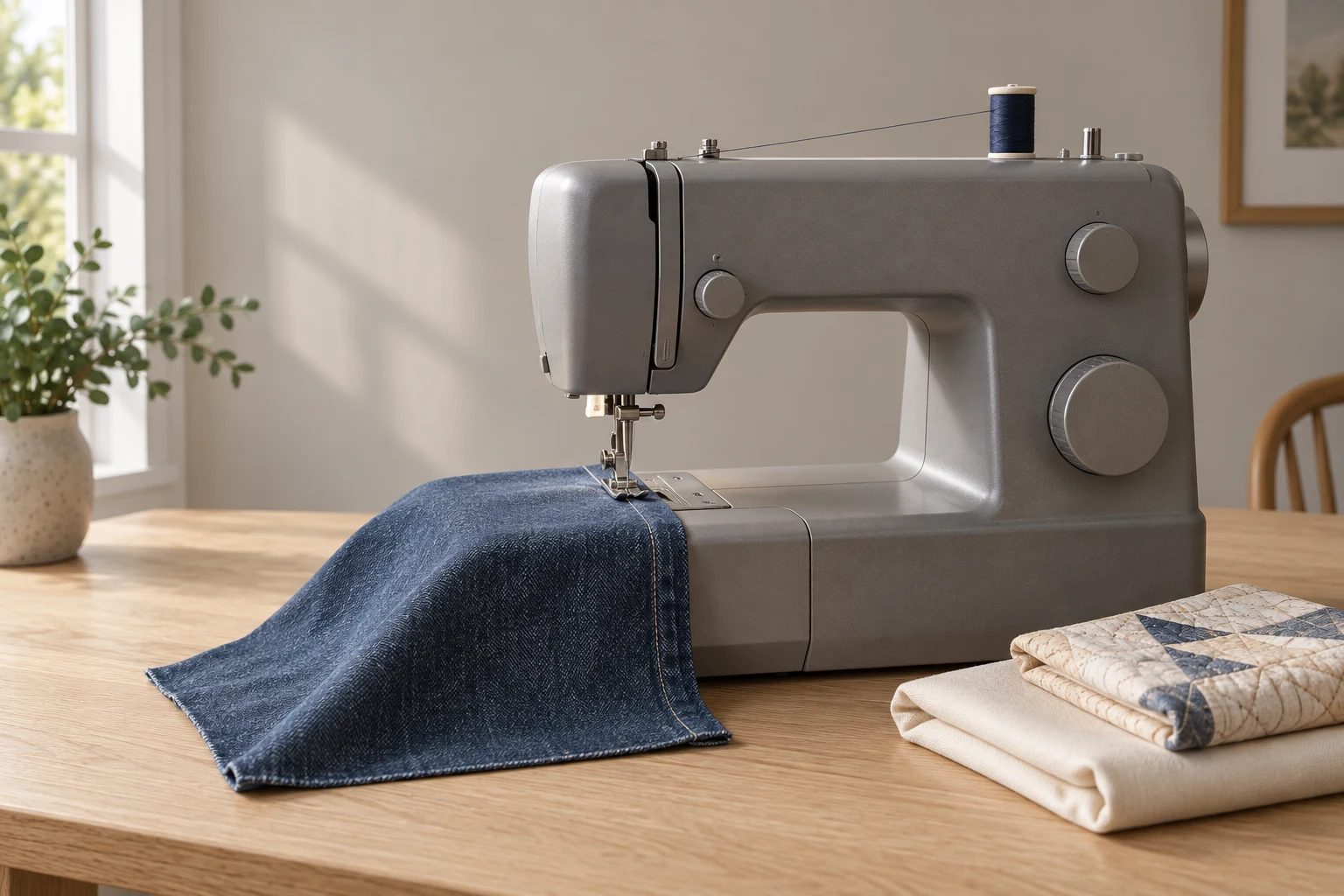
Cover image: AI-generated editorial concept; not a customer project or production proof.
The Singer 4423 is worth considering for home repairs, garment sewing and occasional heavier fabric projects if you prefer mechanical controls. Buyers who prioritize electronic speed control, large-quilt handling or automated embroidery should compare other options before choosing.
This review evaluates manufacturer specifications and instructions. It does not report hands-on testing or independently measured durability.
Singer 4423 features at a glance

Feature | What the 4423 offers |
|---|---|
Stitch selection | 23 built-in stitches; 97 stitch applications describes techniques, not 97 separate stitches |
Buttonholes | One-step buttonhole |
Maximum advertised speed | 1,100 stitches per minute |
Stitch adjustment | Adjustable length; width up to 6 mm |
Bobbin | Top drop-in; Singer Class 15 transparent bobbins |
Fabric handling | Adjustable presser-foot pressure and extra-high foot lift |
Construction | Metal internal frame and stainless-steel bedplate |
Access | Free arm and three needle positions |
Quilting provision | Drop feed; 6.25 inches, approximately 159 mm, from needle to tower |
Standard feet | General-purpose, zipper, buttonhole and button-sewing feet |
Singer also lists needles, bobbins, spool accessories, an edge/quilting guide, screwdriver, seam ripper/lint brush and soft cover. Confirm the contents of the exact regional package. Singer’s 4423 specifications and accessories.
What does “heavy duty” mean for your projects?

Start with your actual seams. Bring the fabric, thread and a sample of the thickest intersection to a dealer demonstration. A machine completing a flat seam does not establish that it will cross every folded hem in the same material.
Denim, canvas and everyday repairs
For jeans, test the folded hem where it crosses the side seam. For bags, include any lining and reinforcement in the sample. Check stitch formation on both sides, feeding over the transition and your ability to stop where intended.
Choose the needle for the material and thread rather than using one size for everything. Singer identifies denim needles for denim and other heavy woven fabrics, ballpoint needles for knits, and leather needles for appropriate leather work. A leather needle’s cutting point is not a general substitute for a fabric needle. Singer’s needle selection guide.
Leather and bulky materials
Do not buy this machine on the assumption that it will sew tooling leather, belts or stacked upholstery materials effortlessly. Ask for a demonstration using your complete construction. If the seller cannot establish suitability, choose equipment specified for that work.
There is no useful universal layer count for a buying decision: material thickness, firmness and seam construction need to be identified first.
Lightweight fabrics
Include a lightweight sample if clothing is your main interest. Evaluate puckering, seam appearance and feeding with the needle and thread you intend to use. A successful heavy-fabric demonstration does not answer those questions.
Heavy-duty domestic versus industrial sewing

The 4423 manual identifies the machine as intended for household use. That matters more than interpreting “heavy duty” as an industrial rating. Singer 4423 instruction manual.
Choose equipment around the seam and workload, not an arbitrary number of sewing hours per day. Even an occasional specialist leather project may justify different equipment. Conversely, ordinary alterations do not automatically require an industrial machine.
For repeated commercial work, ask the equipment supplier to confirm the intended materials, feeding requirements, maintenance arrangements and permitted use.
Setup and first seams

The following points supplement the illustrated manual:
Switch off before threading or changing parts around the needle.
Raise the presser foot and needle before upper threading; follow the complete thread path.
Insert the bobbin in the illustrated direction and bring up its thread before sewing.
Treat upper tension 4 as a starting setting, then test.
Guide the fabric without pushing or pulling it. Unplug before cleaning.
The needle threader assists with the needle eye; it does not thread the whole machine. Follow its alignment instructions rather than forcing the mechanism. Singer’s threading, tension and safety instructions.
Use an offcut with the same layers as the project. Change one setting at a time and label successful samples so you can repeat the setup.
Buttonholes and twin-needle work
Practice buttonholes with the intended button, fabric and stabilizer before cutting the garment. Follow the manual’s foot, lever and dial sequence. For twin-needle sewing, check its needle and stitch-width restrictions before starting. Singer’s buttonhole and twin-needle instructions.
Speed and foot-pedal control

At 1,100 stitches per minute, the advertised maximum is about 18 stitches each second. It is a ceiling, not a recommended pace for every seam. Singer’s speed specification.
During a demonstration, concentrate on starting gently, sewing a short distance and stopping accurately. Those actions may matter more to your projects than maximum speed. Do not assume another owner’s description of a sensitive pedal predicts your experience with the particular machine and controller you will receive.
Is the 4423 suitable for quilting?
The manual covers free-motion work with the appropriate optional foot. Singer’s quilting instructions.
For a quilt purchase decision, consider how you will support and maneuver the project. Try a representative quilt sandwich, including its batting, and assess the working space yourself. Ask which compatible walking foot, quilting foot or extension table your package includes before budgeting for extras.
For larger quilts, compare the complete setup and handling experience rather than stitch count alone.
Pros and limitations
Buying consideration | Practical assessment |
|---|---|
Reason to shortlist it | A candidate for buyers who want to learn and repeat settings through physical controls |
Versatile home use | Assess it across your mix of repairs, garments and craft projects |
Main learning requirement | Budget time for threading, sample seams and pedal practice |
Heavy-material limitation | Require a representative demonstration before committing to demanding construction |
Quilting consideration | Include project support and accessory costs in the comparison |
Evidence limitation | Specifications do not establish long-term reliability or independently tested sewing quality |
Singer 4423 versus alternatives
Singer 4452
Singer lists 32 built-in stitches for the 4452 and includes a walking foot and non-stick foot in its advertised package. Compare the exact bundle against the accessories you would otherwise add to a 4423. Additional stitches alone do not prove better results on your materials. Singer 4452 product details.
Brother CS6000i
The CS6000i offers adjustable sewing-speed control, a start/stop button and an included oversized table. Those features make it a useful comparison for buyers interested in controlled sewing and quilt support. Check condition and included accessories when considering a used example. Brother CS6000i specifications.
Brother ST150HDH
The ST150HDH offers computerized controls, 50 built-in stitches and a start/stop button. Consider it if those controls suit you better, and test your fabrics before interpreting its heavy-duty positioning as a performance guarantee. Brother ST150HDH specifications.
Buying in the US, Canada or UK
Confirm the exact model, electrical rating, plug and supplied controller for your destination. Singer’s cited US 4423 listing specifies 120 V and 60 Hz; do not assume an imported unit matches your local supply. Singer’s electrical specifications.
Request the warranty document applicable to your purchase country. Check covered components, labor, exclusions and where service would take place instead of interpreting a headline warranty period as comprehensive coverage.
Compare total quotes in the same currency, including required accessories and any delivery or import charges. For a used machine, request a sewing demonstration and confirm that the correct pedal, bobbin cover and accessories are present.
Frequently asked questions
Is the Singer 4423 a good first sewing machine?
It can be a reasonable candidate if you are comfortable learning through sample seams and manual adjustments. Try the controls before buying; compare an electronic speed-control model if maintaining a slow pace is a priority.
Can it sew every thickness of denim or leather?
Do not assume so. Have the seller demonstrate your thickest seam construction, not just a flat swatch, before choosing it for demanding materials.
Can it run downloaded embroidery files?
The 4423 provides manually guided sewing rather than a file-driven embroidery system. Its decorative stitches should not be confused with automated logo embroidery. Review the machine’s functions in the 4423 manual.
If your goal is a digitized logo, first select compatible embroidery equipment or an embroidery provider. DigitEMB’s embroidery and vector services describe artwork services; purchasing a digitized file does not add embroidery-file capability to a 4423.
Practical details for Singer 4423 Review: Features, Pros, Cons and Comparisons
Use the article above as a starting point, then make the production brief specific to your own design. A stitch file is made for a finished size and material, so the artwork alone is only part of the instruction.
Work through these points in order and keep the answers with the artwork or production request. A short written brief makes it easier to compare a proof with the intended result, ask a useful follow-up question and avoid relying on assumptions made from a screen image alone.
The aim is not to add unnecessary steps. It is to identify the choices that change the final result before work begins. If a requirement is unknown, flag it for confirmation rather than guessing; that keeps the approval process focused on the design, material and use that apply to this particular project. Save the approved brief with the project files for future reorders or revisions.
Confirm the finished use
State the item, placement and finished width and height. A chest logo, cap front and jacket back do not use the same sewing area, even when they start from the same artwork.
Protect the smallest details
Review small lettering, narrow gaps, thin outlines and tiny colour changes at the final size. Simplifying a fragile detail before digitizing is often more reliable than trying to force it into a small sew-out.
Match the file to the machine
Tell the production team the embroidery machine or format required, along with the fabric or garment type. This lets them prepare the right export and make choices that suit the material rather than treating every job alike.
Quick questions to check before you proceed
What should I send with my artwork?
Send the clearest original available, the finished dimensions, placement, fabric or garment type and the required machine format if you know it.
Can the same file be used at every size?
Not always. Scaling changes the relationship between stitch length, detail and fabric, so a design may need review when the finished size or placement changes.
What should I check before production?
Confirm the spelling, colours, final size, placement and any details that must remain readable. A proof or sample is the best point to catch a change.