
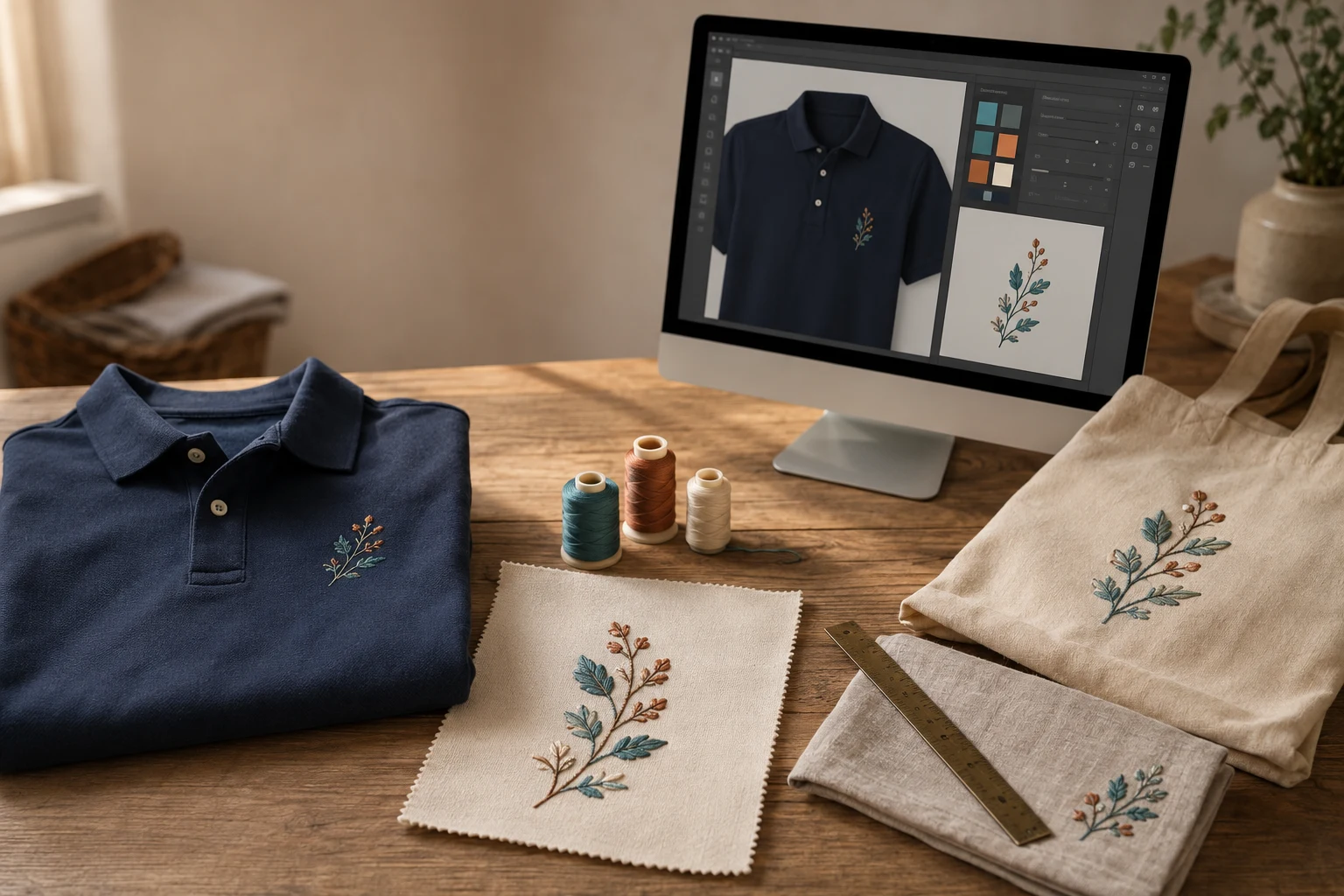
Cover image: AI-generated editorial concept; not a customer project or production proof.
A real-time design customizer lets you change text, colors, artwork or placement and see an updated preview while you work. For embroidery, it helps you explore personalized garments, gifts and accessories before submitting a design. A live preview does not, by itself, confirm that the design is ready to stitch. Some systems display artwork with an embroidery effect; others generate previews from embroidery data. Printful explicitly distinguishes its mockup effect from its digitized stitch file. Printful’s digitization explanation
For buyers and embroidery businesses, the value is a clearer conversation about the design: what it should say, where it should sit and which version should proceed to production.
Where online embroidery customization helps
Personalization serves several purposes. A name or monogram can make a gift meaningful; a shared emblem can connect team apparel; and a consistent logo can bring uniforms and merchandise together. Home textiles, bags and clothing also offer opportunities to coordinate motifs and colors.
A customizer gives these decisions a visible starting point. You can compare two layouts, check spelling and try different garment colors without describing every change in an email. Saving a version also gives a group something concrete to review.
These benefits depend on the tool and the ordering process. A convenient editor does not establish lower total costs, faster production or a particular finished result. Ask what happens after you submit the preview.
Features worth looking for
Available controls vary. Use this table to evaluate whether a customizer supports your project.
Feature | What to look for |
|---|---|
Text and monograms | Clear font choices, editable wording and visible size limits. |
Artwork uploads and design libraries | Accepted file types, understandable upload errors and clear usage permissions for supplied designs. |
Color selection | A distinction between garment colors and available embroidery thread options. |
Size and placement | Actual dimensions, marked decoration boundaries and separate views for each placement. |
Live preview | An explanation of whether it shows artwork, an embroidery effect or a simulation generated from stitch data. |
Save and share | A way to preserve a version and collect approval without losing the selected options. |
Order handoff | A summary connecting the approved design with the product, sizes, quantities and placement. |
Embroidery-specific automation can do more than display a picture. For example, Wilcom documents tools for creating lettering and monograms, recoloring existing designs, producing TrueView simulations and exporting embroidery files. It also states that its Web API does not supply the customer interface; a business must provide that part of the experience. These are examples of documented capabilities, not features to assume every customizer includes. Wilcom’s embroidery automation overview
Understand what the preview can confirm
Artwork mockups show the visual arrangement
A mockup helps you judge the relationship between the design and the product image. Use it to review composition, wording and intended placement. Treat its apparent thread texture as illustrative unless the provider explains how it was generated.
Digitized previews show more production detail
Digitizing translates artwork into embroidery instructions, including stitch types, density, thread paths and color mapping. Small details may need simplification before production. Printful describes these adjustments as part of its own digitization process; its rules should not be treated as universal specifications for every embroiderer. Printful’s digitization process
A physical sample answers different questions
A stitch simulation still cannot show every aspect of the finished textile. Printful notes that thread tightening can produce differences even from a digitized preview, and recommends samples for new designs or significant changes. For a substantial order, ask to review a sample on the intended product before committing to the full run. Printful’s graphics and embroidery guide
Keep these approval stages distinct: the layout you want, the embroidery interpretation you accept and the physical result you have reviewed.
How to use a customizer before ordering
Choose the product and placement first. Record the intended garment or accessory and the area to be decorated.
Add your wording and artwork. Check names, initials, punctuation and capitalization. Use artwork you have permission to reproduce.
Set the intended dimensions. For orders shared across the US, Canada and UK, provide both inches and millimeters where helpful. For example, a 3-inch-wide design is 76.2 mm wide; specify its height separately.
Select colors deliberately. Ask the embroiderer to confirm the available thread references when a particular color matters.
Save the chosen version. Keep its preview and written specifications together. Identify who can approve changes for a team or business order.
Confirm the next approval step. Ask whether the provider will supply a digitized preview, a physical sample or both, and what happens if the artwork needs revision.
Before payment, clarify whether you are purchasing a digital embroidery file or finished embroidered goods. For physical orders, confirm quantities, garment sizes, delivery destination and the required arrival date. For cross-border purchasing, ask the supplier to state the quote currency and what the order total includes.
If you need a stitch file for an embroiderer, review DigitEMB’s embroidery digitizing services. Include the original artwork, intended dimensions, product and placement when discussing the job. A saved customizer preview is useful supporting reference.
Implementing a customizer in an embroidery business
Define the supported choices
Start with a manageable product range and clearly defined decoration areas. Decide which text styles, artwork uploads and color options customers can select, and which requests require a person to review them.
Avoid making unrestricted resizing or stitch settings part of the buyer experience without a production review process. The goal is to help customers communicate a workable design preference.
Connect the preview to the order
Keep the approved version attached to the order details. A production handoff should identify the design, dimensions, placement, product, selected colors and any individualized names. When a customer makes a change, record which version replaces the earlier one.
Evaluate automation against the actual tasks you need. Wilcom’s documented support for existing designs and personalized lettering illustrates a useful distinction: a system that can personalize prepared embroidery does not automatically establish that it can digitize any uploaded image. Wilcom’s supported capabilities
Make help and recovery straightforward
Provide short instructions beside unfamiliar controls, examples of acceptable submissions and a visible route to assistance. If an upload or preview fails, let customers understand the problem and recover their work.
During implementation, check whether people can edit text, change options, save a design and complete the order on the devices they use. Also check keyboard access and whether important controls have understandable labels.
Measure the results you actually achieve
Track abandoned designs, upload failures, revision requests and production questions. Use customer feedback to improve confusing steps. Describe the feature accurately in product pages and demonstrations, using results you have measured before making claims about sales, savings or satisfaction.
How to assess newer customization features
If a supplier offers augmented reality previews, automated design suggestions or shared editing, request a demonstration using your own typical project. Check whether the feature preserves dimensions, product selections and version history through to the order.
Evaluate material information separately from the preview. A visual editor alone does not substantiate an environmental claim. Ask what evidence supports any stated material or production benefit.
The most useful improvement is one that helps the customer make a clearer choice and gives production staff a more complete specification.
Frequently asked questions
Does a real-time customizer create an embroidery file?
Sometimes. Certain embroidery systems can generate stitch files from supported designs or lettering, while other tools create only a mockup. Check the stated output and whether digitizing follows submission. Wilcom’s output capabilities
Will the finished embroidery look exactly like the preview?
Do not assume an exact match. A mockup and a digitized preview represent different stages, and the physical embroidery can differ from either. Ask about sample approval when the finished appearance is critical. Printful’s preview guidance
Can I use the same design on a cap, shirt and bag?
You can use the same visual concept, but ask the embroiderer to review each product and placement. A change in product or embroidery type can require a different digitized version. Printful’s explanation of design reuse
Will online customization make my order cheaper or faster?
It can make design choices easier to communicate, but the editor alone does not determine the final cost or schedule. Request confirmation of design work, sampling, production and delivery before planning around an order.
Practical details for Real-Time Design Customizers for Embroidery: Features, Benefits and Limits
The best next step is to translate the topic in this article into a short, specific brief. That gives everyone involved the same reference before a file, proof or finished product is prepared.
Work through these points in order and keep the answers with the artwork or production request. A short written brief makes it easier to compare a proof with the intended result, ask a useful follow-up question and avoid relying on assumptions made from a screen image alone.
The aim is not to add unnecessary steps. It is to identify the choices that change the final result before work begins. If a requirement is unknown, flag it for confirmation rather than guessing; that keeps the approval process focused on the design, material and use that apply to this particular project. Save the approved brief with the project files for future reorders or revisions.
State the intended outcome
Describe where and how the finished item will be used, who it is for and the result that matters most. This helps separate a useful requirement from a visual preference.
Collect the source material
Provide the clearest artwork, references and text available. Mark anything that cannot change, such as a logo, spelling, colour or placement requirement.
Review the final details
Before approving work, check the real size, material, format and any production constraints. Confirm the details that affect how the design will look in use, not only on a screen.
Quick questions to check before you proceed
What should I prepare first?
Start with the artwork, its intended use, finished size and any requirements that cannot change.
Why is a proof important?
A proof is the shared reference for checking details before production. It is the best time to correct a size, spelling, colour or placement issue.
What makes a useful request?
A clear request explains the goal, provides the best available source material and identifies the details that need approval.