
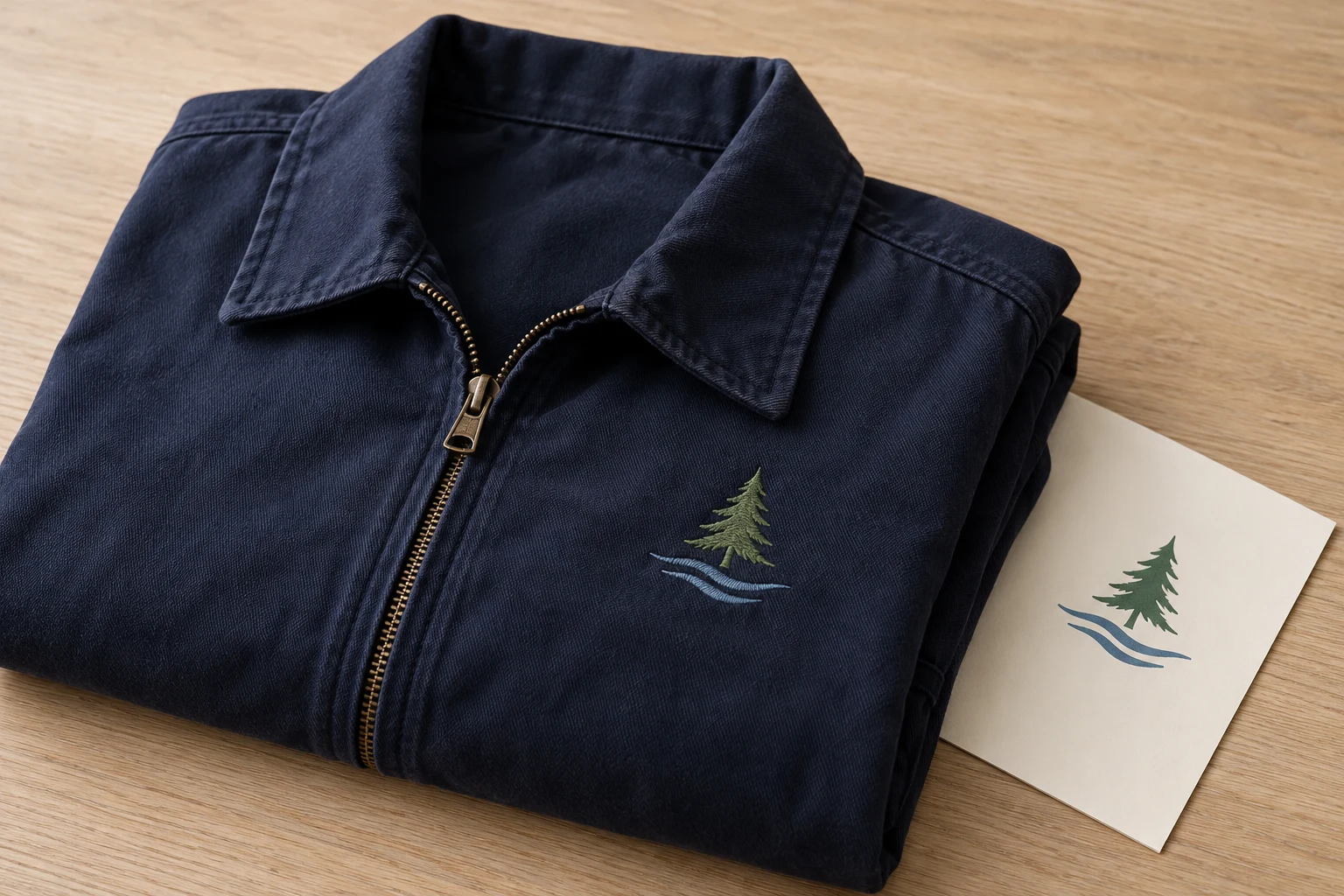
Cover image: AI-generated editorial concept; not a customer project or production proof.
For Michigan embroidery and vector art projects, choose a provider that can deliver the files your decorator needs, demonstrate relevant work and explain its proof, revision and delivery process. Start with the finished application: embroidered uniforms need stitch files, while signage and printed graphics may need vector artwork. A project using both should specify both deliverables.
Whether you are coordinating workwear in Detroit, school apparel in Grand Rapids or event merchandise elsewhere in Michigan, agree on who prepares the artwork, who produces the goods and who approves the sample.
Choose the service for the finished product
Embroidery digitizing turns artwork into an embroidery design with planned stitches. Decisions include stitch type, density, direction and sequence, followed by export to a format the machine accepts. Hatch’s digitizing workflow describes artwork preparation, stitch adjustments, compatible export and stitching on the chosen fabric.
Vector art describes shapes with mathematical paths. Those shapes can be resized without the pixelation associated with enlarging raster images. This is useful for logos, business cards, packaging, banners and signage. Adobe’s raster and vector guide explains the distinction and notes that documents can combine both kinds of content.
Your project | What to request |
|---|---|
Embroidered uniforms, caps or bags | Digitizing for the stated size, placement and material, with the decorator’s required machine format. |
Printed promotional materials or signage | Vector artwork prepared to the printer’s specifications. |
One logo across apparel and print | Separate embroidery and vector deliverables based on the same approved artwork. |
Names, monograms or event variations | A defined list of versions, spelling, dimensions and quantities. |
Vector conversion and embroidery digitizing are separate tasks. A clean vector logo can supply the artwork for digitizing, but it still needs a stitch design. Ask whether your existing artwork is sufficient before commissioning an additional redraw.
Coordinate Michigan production and remote file preparation
Decide whether you need digital files only or finished decorated products. If you want to inspect garments, compare physical samples or arrange pickup, ask a Michigan decorator what it can handle locally. Confirm its location and appointment arrangements directly.
For remote file preparation, establish a direct handoff between the digitizer and the production shop. Have the decorator specify the machine format, usable embroidery area, garment details and testing arrangements before work begins.
For example, a Michigan event order might need embroidered staff shirts and printed display graphics. Give both suppliers the same approved logo, but ask each to identify its production requirements. Schedule separate approvals for the stitched sample and print proof. This is a planning example, not a customer project.
If colleagues or suppliers are in Canada or the UK, label dimensions in inches or millimeters and state the currency for every quote. Set approval deadlines with a date and time zone. Distinguish electronic file delivery from any physical sample or merchandise shipment.
Compare evidence of quality
Ask to see work comparable to your intended application. For embroidery, request close photographs of actual stitching and ask what material and finished size were used. For vector conversion, compare the rebuilt artwork with the original, looking at proportions, curves, spacing and lettering.
A digital embroidery preview helps assess appearance, but it is only one review tool. Hatch’s TrueView guidance recommends inspecting actual stitch placement, jumps and trims before stitching.
Arrange a test sew-out with the production shop on the intended garment or a representative sample. Review readable lettering, alignment, coverage and the fabric around the design. Record the material and setup used so any correction can be discussed meaningfully. Hatch’s workflow guidance also identifies hooping, thread tension and machine settings as factors in the result.
For printed work, ask the printer to check the delivered file in its own workflow. Review layout and small details at the intended output size, and request a physical sample when printed color or material appearance matters.
Send a complete project brief
Supply the best original artwork available and identify the approved version. Include:
Finished width and height, with units, for each application.
Garment or product type, material and decoration placement.
Required machine or graphics format, confirmed by the production shop.
Color references and any elements that must remain unchanged.
Exact spelling for names, monograms and event variations.
Required file date, sample approval date and finished-product deadline.
Ask the provider to flag details that may need simplification before making changes. Keep the original brand artwork alongside any approved production adaptation.
For embroidery, have the decorator confirm compatibility with its specific machine and software. For vector work, ask which editable and production formats it needs. AI, EPS, SVG and PDF are examples discussed in Adobe’s vector overview; the file extension alone should not replace a content check.
Compare costs, revisions and timing
Send the same brief to each provider so quotes cover equivalent work. Ask for separate line items where the project includes artwork reconstruction, digitizing, additional versions, samples or physical production.
Confirm whether revisions cover corrections to the agreed brief, changes requested after approval, or both. Ask how a new size or garment application will be assessed and quoted. Keep the final approved files clearly labeled so the decorator does not use an earlier version.
Build the schedule around artwork review, preparation, sampling, revisions and production. Ask what starts the quoted turnaround period and whether it refers to the first proof or final files. Confirm rush availability for the actual project without assuming it is guaranteed.
Choose a named contact for consolidated feedback. One clear set of comments is easier to act on than conflicting instructions from several buyers.
Common questions
Do I need a provider physically located in Michigan?
Choose according to the work required. File preparation can be coordinated remotely; garment inspection, physical sampling and pickup require arrangements with the production shop. Verify those arrangements before ordering.
Can the same artwork support embroidery and print?
Yes, the same approved artwork can be the starting point. Request separate deliverables and proofs for each process, and approve any adaptations individually.
Does a realistic embroidery preview replace a sewn sample?
No. Use the preview to review the design, then arrange a sew-out to assess the result on material before approving the production run.
How should I request personalized names or monograms?
Send a clearly labeled list with exact spelling, capitalization, placement and quantities. Ask whether every variation receives a proof and how additional versions affect the quote.
Prepare your service inquiry
Explore DigitEMB’s embroidery and vector service options and raster-to-vector conversion. Send the artwork and project brief, then confirm deliverables, revision terms and timing for your Michigan production plan.
Practical details for Embroidery Digitizing and Vector Art in Michigan: A Buyer’s Guide
Use the article above as a starting point, then make the production brief specific to your own design. A stitch file is made for a finished size and material, so the artwork alone is only part of the instruction.
Work through these points in order and keep the answers with the artwork or production request. A short written brief makes it easier to compare a proof with the intended result, ask a useful follow-up question and avoid relying on assumptions made from a screen image alone.
The aim is not to add unnecessary steps. It is to identify the choices that change the final result before work begins. If a requirement is unknown, flag it for confirmation rather than guessing; that keeps the approval process focused on the design, material and use that apply to this particular project. Save the approved brief with the project files for future reorders or revisions.
Confirm the finished use
State the item, placement and finished width and height. A chest logo, cap front and jacket back do not use the same sewing area, even when they start from the same artwork.
Protect the smallest details
Review small lettering, narrow gaps, thin outlines and tiny colour changes at the final size. Simplifying a fragile detail before digitizing is often more reliable than trying to force it into a small sew-out.
Match the file to the machine
Tell the production team the embroidery machine or format required, along with the fabric or garment type. This lets them prepare the right export and make choices that suit the material rather than treating every job alike.
Quick questions to check before you proceed
What should I send with my artwork?
Send the clearest original available, the finished dimensions, placement, fabric or garment type and the required machine format if you know it.
Can the same file be used at every size?
Not always. Scaling changes the relationship between stitch length, detail and fabric, so a design may need review when the finished size or placement changes.
What should I check before production?
Confirm the spelling, colours, final size, placement and any details that must remain readable. A proof or sample is the best point to catch a change.