
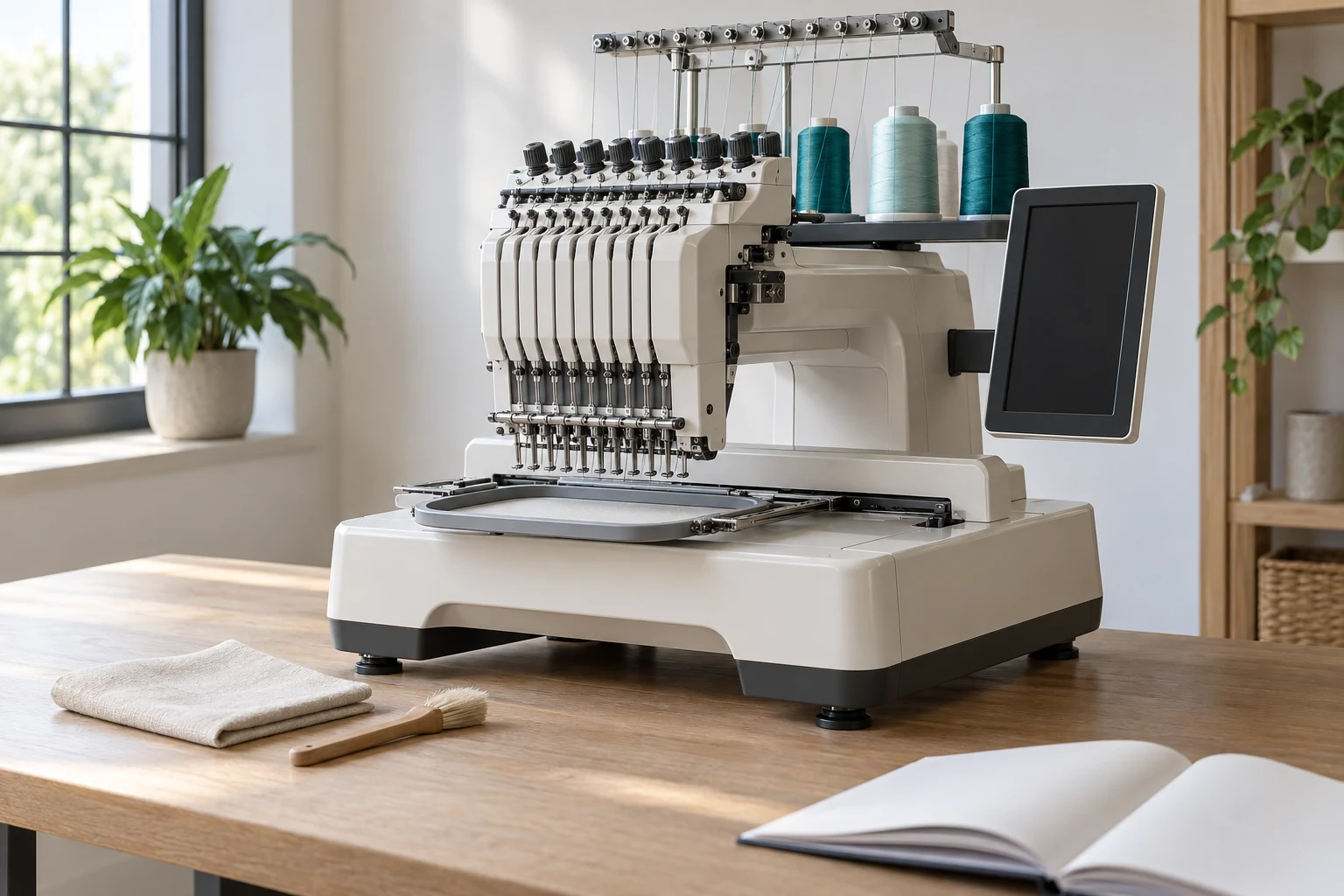
Cover image: AI-generated editorial concept; not a customer project or production proof.
Maintain an embroidery machine by following its exact model’s cleaning and lubrication instructions, checking needles and threading, recording maintenance, and training operators to recognize when professional service is needed. There is no universal oiling schedule or tension setting for every machine.
A useful maintenance program combines routine care, repeatable job setup and supervised practice. This applies to home embroidery businesses and larger production shops alike: operators need to understand both the equipment and the limits of the work they should perform.
Start with the correct maintenance instructions
Identify the machine model and obtain its manufacturer’s operating manual. Match each procedure to that model, including any separate embroidery unit or cap attachment. Keep the relevant instructions accessible beside the machine.
Lubrication requirements can differ even within one manufacturer’s range. Brother specifies operator oiling for its PR-600 family, while its guidance for another group of machines says periodic user oiling is unnecessary. These are model-specific instructions, not interchangeable recommendations. See Brother’s PR-600 oiling procedure and guidance for machines that do not require user oiling.
Create a short care record for each machine containing its model, manual reference, approved lubricants, maintenance intervals and service contact. Assign responsibility for completing and recording each task.
Cleaning, lubrication and routine checks
Remove lint using the approved procedure
Clean only the areas the operator manual authorizes you to access. Use its specified tools and follow the reassembly instructions carefully.
For example, Brother’s PR680W-family needle-plate cleaning procedure requires switching off and unplugging the machine before removing the plate. It explains that lint around the cutting components can interfere with trimming and damage parts. Follow the interval and method for your own model rather than transferring that procedure to another machine. Brother’s needle-plate cleaning instructions.
Lubricate only where instructed
Use the specified lubricant, amount and application point. Do not oil every visible moving part or treat an unfamiliar noise as permission to add oil. Brother warns that excess oil on the PR-600 family can contaminate thread and fabric; its guidance for machines without user oiling directs owners to stop and seek service when unusual noise or difficult handwheel movement occurs. PR-600 lubrication precautions, Brother’s service guidance.
Check needles, threading and bobbins
Train operators to select the needle system and consumables specified for their machine and application. Needle orientation and installation must follow the model’s instructions.
A bent or dull needle, incorrect installation, unsuitable thread, incorrect bobbin placement and lint can all contribute to skipped stitches. Brother lists these checks for its PP1 embroidery machine and recommends service if the problem continues. Brother’s PP1 skipped-stitch guidance.
Before changing tension, verify threading and bobbin installation. Use the manufacturer’s adjustment procedure and evaluate changes on a sample. Record successful settings for the job; avoid assuming one tension value suits every thread, fabric and machine.
Build a practical maintenance routine
Use the following as an organizational framework. The manual determines when cleaning, lubrication and replacement are actually due.
Review point | What to organize |
|---|---|
Before a job or shift | Check the maintenance record, confirm the intended needle and thread, and complete any tasks due before use. |
At a material or design change | Review setup and stitch a sample with the intended fabric and support materials. |
At the manufacturer’s interval | Complete the specified cleaning and lubrication; record the date and usage reading where available. |
After a fault | Record the symptom, error message, affected needle or head, and action taken. |
At service handover | Give the technician the maintenance history, unresolved symptoms and sample photographs. |
Calendar reminders alone may be insufficient where instructions also use machine usage. For example, Melco’s Summit course organizes maintenance around daily or weekly periods alongside stitch counts. Use the triggers specified for your equipment. Melco Summit course outline.
A simple spreadsheet or shared log can record the machine identifier, task, operator, lubricant or replacement part, observation and next due point. Keep an unresolved problem visible during shift handover instead of recording only that the machine was cleaned.
Train operators through demonstration and practice
A practical training plan should cover setup, routine care, sample assessment and escalation. Melco’s Summit curriculum provides one manufacturer example: it includes maintenance, needles and threads, machine settings, hooping, stabilizers and test sewing. Melco’s operator course.
For your own shop, ask each operator to demonstrate these tasks under supervision:
Find the correct instructions. Identify the model and locate its cleaning, threading and maintenance procedures.
Prepare the machine safely. Demonstrate the prescribed shutdown procedure and explain the stop controls.
Set up a job. Install the approved needle and bobbin, thread the machine, load the intended file and confirm the hoop and design orientation.
Complete permitted maintenance. Perform an authorized cleaning task and reassemble the machine correctly.
Evaluate a sample. Inspect the front and reverse, describe any visible fault and document what changed.
Recognize service boundaries. Explain which faults require stopping work and contacting the designated technician.
Record the trainer, date and tasks demonstrated. Repeat the relevant practice when an operator changes machine models or starts using an unfamiliar attachment.
Understanding the design file also belongs in training. Ask operators to confirm the file version and intended dimensions before running it. Treat resizing or editing as a separate, controlled decision requiring another sample assessment.
Recognize problems without turning routine care into repair
Keep initial troubleshooting limited to the checks permitted by the manual. Recurring thread breaks or skipped stitches justify reviewing the needle, threading, bobbin and cleanliness before making further adjustments. Persistent faults need a documented handover rather than repeated trial-and-error changes. Brother’s example troubleshooting sequence.
Reserve technician-only adjustments and internal electrical work for appropriately qualified service personnel. Melco explicitly identifies maintenance items requiring authorized technicians and special training or tools. Melco’s service boundaries.
When requesting help, provide the model, error wording, circumstances of the fault and what the operator has already checked. Note whether it happens across several jobs or repeatedly at one location in one design. That observation can guide investigation, but it does not by itself prove a mechanical or digitizing fault.
Choose professional service and training support
Start with the manufacturer or its designated service route. Describe your equipment and the work required before booking: routine servicing, diagnosis and operator instruction are different requests.
For businesses in the US, Canada and UK, confirm that the provider covers your location and exact machine model. Ask who will perform the work, whether attendance is on site or remote, what preparation is required and what written service record you will receive. Agree on the scope and any charges before the appointment.
For training, request practical instruction on your machine and typical products. A useful session ends with the operator demonstrating the task and knowing when to stop, rather than simply watching a presentation.
Use digital resources to support hands-on learning
Save links to the manufacturer’s current manuals and model-specific lessons. Short videos can help operators revisit a procedure, while a shared maintenance log makes earlier faults and completed work easier to find.
Manufacturer support is a concrete starting point: Melco’s technical support page provides routes to documentation, troubleshooting and trainer or technician information. Confirm which resources and assistance apply to your equipment.
Use online learning alongside supervised practice. Remote guidance cannot replace physical inspection when a fault requires it. Assess any monitoring or diagnostic feature by its documented capabilities for the exact machine; do not assume every computerized embroidery machine includes predictive maintenance.
Connect machine care with design preparation
Maintenance records and sample photographs also help when discussing a design problem. Keep the file version, finished dimensions, fabric, backing, thread and relevant machine settings together so the discussion concerns the actual job.
If you need artwork prepared for stitching, explore DigitEMB’s embroidery digitizing services. Send the artwork, required machine format, placement and finished size, with dimensions clearly labeled in inches or millimeters. Include photographs of any problem sample and describe the setup used.
Arrange mechanical servicing through the appropriate machine service provider. A digitizing request should explain the design requirement and observed stitch result without assuming that a file change will resolve an equipment fault.
Frequently asked questions
How often should I clean and oil an embroidery machine?
Follow the exact model’s intervals and usage triggers. Cleaning and oiling may have different schedules, and some machines do not require user oiling. Check the manual before applying lubricant.
Can an operator perform all maintenance?
No. Operators should perform only the procedures covered by their training and authorized in the manual. Technician-only adjustments require the designated service personnel.
Does regular maintenance prevent every embroidery problem?
No. Threading, consumables, job setup and the design also need assessment. Keep maintenance current, then use a controlled sample and documented observations to investigate the result.
Is online training enough for a new operator?
Use it to prepare for and review practical work. Have a competent trainer observe the operator setting up the machine, completing permitted care and responding to a sample problem before independent production.
Practical details for Embroidery Machine Maintenance and Operator Training Guide
Use the article above as a starting point, then make the production brief specific to your own design. A stitch file is made for a finished size and material, so the artwork alone is only part of the instruction.
Work through these points in order and keep the answers with the artwork or production request. A short written brief makes it easier to compare a proof with the intended result, ask a useful follow-up question and avoid relying on assumptions made from a screen image alone.
The aim is not to add unnecessary steps. It is to identify the choices that change the final result before work begins. If a requirement is unknown, flag it for confirmation rather than guessing; that keeps the approval process focused on the design, material and use that apply to this particular project. Save the approved brief with the project files for future reorders or revisions.
Confirm the finished use
State the item, placement and finished width and height. A chest logo, cap front and jacket back do not use the same sewing area, even when they start from the same artwork.
Protect the smallest details
Review small lettering, narrow gaps, thin outlines and tiny colour changes at the final size. Simplifying a fragile detail before digitizing is often more reliable than trying to force it into a small sew-out.
Match the file to the machine
Tell the production team the embroidery machine or format required, along with the fabric or garment type. This lets them prepare the right export and make choices that suit the material rather than treating every job alike.
Quick questions to check before you proceed
What should I send with my artwork?
Send the clearest original available, the finished dimensions, placement, fabric or garment type and the required machine format if you know it.
Can the same file be used at every size?
Not always. Scaling changes the relationship between stitch length, detail and fabric, so a design may need review when the finished size or placement changes.
What should I check before production?
Confirm the spelling, colours, final size, placement and any details that must remain readable. A proof or sample is the best point to catch a change.