
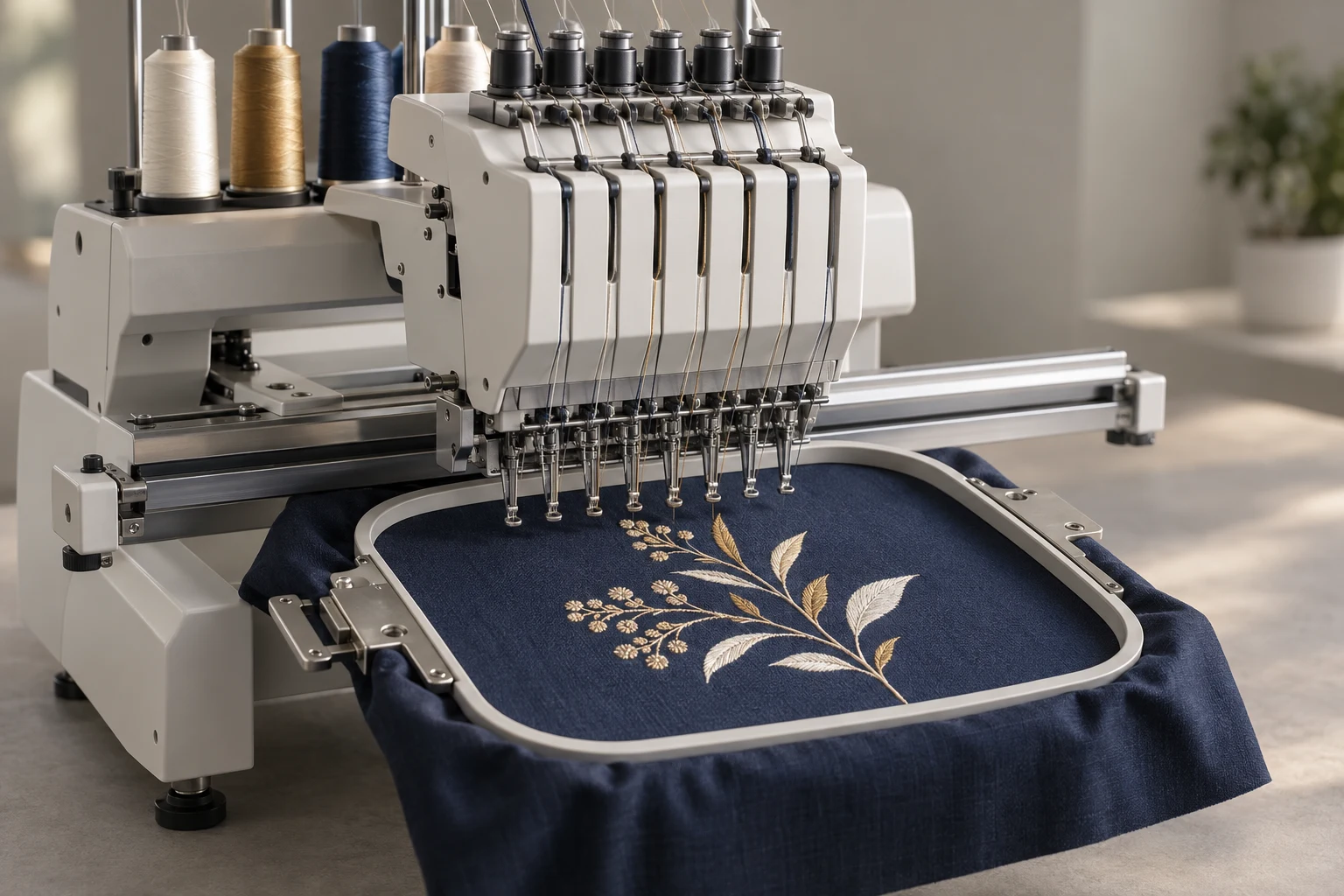
Cover image: AI-generated editorial concept; not a customer project or production proof.
Embroidery machine automation can reduce repetitive tasks such as thread cutting, switching between assigned needles and transferring designs. Choose equipment by testing your actual garments and designs, measuring the complete production cycle and confirming local support. Good results still require suitable digitizing, careful setup and physical sample inspection.
For small businesses in the US, Canada and UK, the useful question is which production task needs improvement: changing colors, preparing repeat orders, positioning designs or handling growing quantities. Design permissions belong in that workflow too, especially when using purchased motifs for merchandise.
What machine automation can do
A machine configured for custom embroidery may combine several features, but their availability and behavior depend on the model. Treat “customized” as a reason to ask which frames, accessories and settings are included; it does not establish that the machine can be altered without limits.
For a documented example, Brother lists automatic thread cutting, upper and bobbin thread sensors, built-in memory, USB and wireless connectivity for its PR1055X. The same specification lists manual thread tension. This illustrates why an automated feature should not be interpreted as automatic control of every production variable. The model is marked discontinued, so these specifications are an illustration, not a purchase recommendation. Brother PR1055X specifications.
Feature to evaluate | What to establish during a demonstration |
|---|---|
Multiple needles and color changes | How colors are assigned and when an operator must rethread or intervene. |
Automatic cutting | Which thread movements trigger trimming and what finishing remains. |
Thread sensors | What conditions are detected and how the operator resumes the job. |
Stored designs | How approved files are named, recalled and protected from version confusion. |
USB or wireless transfer | Which formats, software and connection steps the exact setup requires. |
Frames and positioning aids | Whether your actual garment and decoration area fit the supported equipment. |
More needles provide more threaded positions; ask separately how many garments the proposed machine can embroider at once. Likewise, a sensor notification does not establish that the finished embroidery has passed quality inspection.
Choose equipment around your order mix
Start with representative work: a repeat logo, a personalized item and your most demanding regular garment. Record quantities, design dimensions, color changes and the time currently spent preparing each job.
Ask the supplier to demonstrate these jobs on the proposed configuration. Include loading, hooping, thread preparation, stitching, interruptions, unloading and finishing in the timing. A demonstration using an easy stock design may reveal little about your own workload.
Check the usable embroidery area for each intended frame. A machine's largest flat embroidery field does not establish the available area on a cap, sleeve or other constrained item. Have the supplier confirm access and clearance on the actual product.
For buyers in the US, Canada and UK, request the specification and quote for the version sold in your destination country. Confirm electrical requirements, installation arrangements, training, warranty coverage, service availability and replacement parts. State dimensions with units, and identify the quote currency before comparing offers.
Keep digitizing and machine operation connected
Artwork must become embroidery instructions before the machine can stitch it. Digitizing software can generate and edit stitch structures from artwork; its automatic conversion tools are a separate stage from the machine's physical automation. Hatch describes converting bitmap and vector artwork and subsequently adjusting stitch types, density and sequence. Hatch auto-digitizing overview.
Before buying equipment or commissioning files, confirm:
The exact machine model and accepted embroidery formats.
Finished design width and height, fabric and placement.
The supported frame and usable stitching area.
How files reach the machine and whether additional software is required.
Who will prepare revisions and produce the physical test sample.
Keep an editable master where available, with a separately identified production export. Store the approved dimensions, thread references and sample notes with the file. Built-in memory is useful for recalling work, but a repeat order still needs the correct version and setup.
If you need a stitch file prepared, review DigitEMB's embroidery digitizing service. Supply the machine and garment details, and confirm the deliverables and sampling responsibilities before ordering.
Test quality before increasing output
Automation repeats programmed actions, while the fabric and setup still affect the result. Madeira identifies hooping, backing, tension, needle choice and digitizing settings among the factors involved in puckering, and recommends testing on the intended fabric. Madeira's guidance on avoiding puckering.
Run a sample with the intended garment, thread and support materials. After removing it from the hoop, inspect the surface, outlines, lettering, placement and feel. Record interruptions and any finishing work as well as appearance.
If the sample fails, identify the specific symptom and review the setup and file together. A larger machine or higher speed setting does not by itself resolve an unsuitable stitch plan or unstable fabric.
For repeat production, keep the approved sample available for comparison. Arrange checks during the run so a setup change or emerging problem can be noticed before the entire order is complete.
Measure the business benefit realistically
Use the demonstration to estimate finished, acceptable pieces per working period. Include operator time and rejected samples alongside machine running time. Faster stitching has limited value if preparation or finishing remains the main delay.
Compare the complete setup cost: equipment, required frames, software, training, consumables, servicing and workspace preparation. Request itemized quotes instead of assuming that advertised accessories or connectivity are included.
Automation may reduce manual interventions, but labor savings and increased revenue are outcomes to measure. They are not guaranteed by a feature list. Before expanding, establish whether the constraint is stitching capacity, hooping, file preparation or order organization.
Use simple tools to support the workflow
Keep thread organized by manufacturer, range and shade number. Place the materials for the next job together, including the correct backing and frame, so preparation does not depend on searching through supplies.
Use a short job record containing the file version, garment, placement, dimensions and thread sequence. Separate untested revisions from approved production files. These habits make stored designs and file transfer more useful for repeat work.
Follow the machine manual's maintenance schedule and specified procedures. Ask who provides service, which operator tasks require training and how downtime will be handled. Plan expansion around the demonstrated workflow, including the people and space needed to support additional equipment.
Confirm design rights before stitching merchandise
A design license concerns permission to use artwork; a software license concerns access to a program. Neither should be inferred from a machine's automation features or a design's premium presentation.
UK government guidance explains that a copyright license can be limited by purpose, duration or territory, and distinguishes licensed use from buying copyright. GOV.UK guidance on using copyrighted work.
Before using a purchased motif commercially, ask the rights holder to confirm whether the agreement covers selling embroidered products, your intended quantities, modifications and file access by an outside digitizer or production partner. If exclusivity matters, request its precise scope in writing. “Premium access” alone does not answer those questions.
For a collection sold in the US, Canada and UK, identify all intended sales territories when requesting permission. Keep the applicable terms and purchase record with the design. Resolve unclear permissions before committing the motif to production; do not assume a download or subscription grants unrestricted use.
Frequently asked questions
Can an automated embroidery machine run without an operator?
Automation can handle parts of the stitching cycle. Loading, setup, replenishment, responding to interruptions and inspecting results remain production responsibilities. Follow the exact machine's operating and supervision instructions.
Does a multi-needle machine automatically increase output?
It may reduce rethreading between colors, but the benefit depends on your designs and workflow. Measure the complete job, including preparation and finishing, during a demonstration.
Do I need custom software for machine automation?
First establish what the machine's own controls and supported software already provide. Specify a missing task before considering additional software or development.
Does buying a premium design include exclusive commercial rights?
Check the written license. Confirm commercial products, territories, duration, modifications and any exclusivity before using the design in a collection.
Practical details for Embroidery Machine Automation for Small Businesses: Features, Workflow and Design Rights
Use the article above as a starting point, then make the production brief specific to your own design. A stitch file is made for a finished size and material, so the artwork alone is only part of the instruction.
Work through these points in order and keep the answers with the artwork or production request. A short written brief makes it easier to compare a proof with the intended result, ask a useful follow-up question and avoid relying on assumptions made from a screen image alone.
The aim is not to add unnecessary steps. It is to identify the choices that change the final result before work begins. If a requirement is unknown, flag it for confirmation rather than guessing; that keeps the approval process focused on the design, material and use that apply to this particular project. Save the approved brief with the project files for future reorders or revisions.
Confirm the finished use
State the item, placement and finished width and height. A chest logo, cap front and jacket back do not use the same sewing area, even when they start from the same artwork.
Protect the smallest details
Review small lettering, narrow gaps, thin outlines and tiny colour changes at the final size. Simplifying a fragile detail before digitizing is often more reliable than trying to force it into a small sew-out.
Match the file to the machine
Tell the production team the embroidery machine or format required, along with the fabric or garment type. This lets them prepare the right export and make choices that suit the material rather than treating every job alike.
Quick questions to check before you proceed
What should I send with my artwork?
Send the clearest original available, the finished dimensions, placement, fabric or garment type and the required machine format if you know it.
Can the same file be used at every size?
Not always. Scaling changes the relationship between stitch length, detail and fabric, so a design may need review when the finished size or placement changes.
What should I check before production?
Confirm the spelling, colours, final size, placement and any details that must remain readable. A proof or sample is the best point to catch a change.