
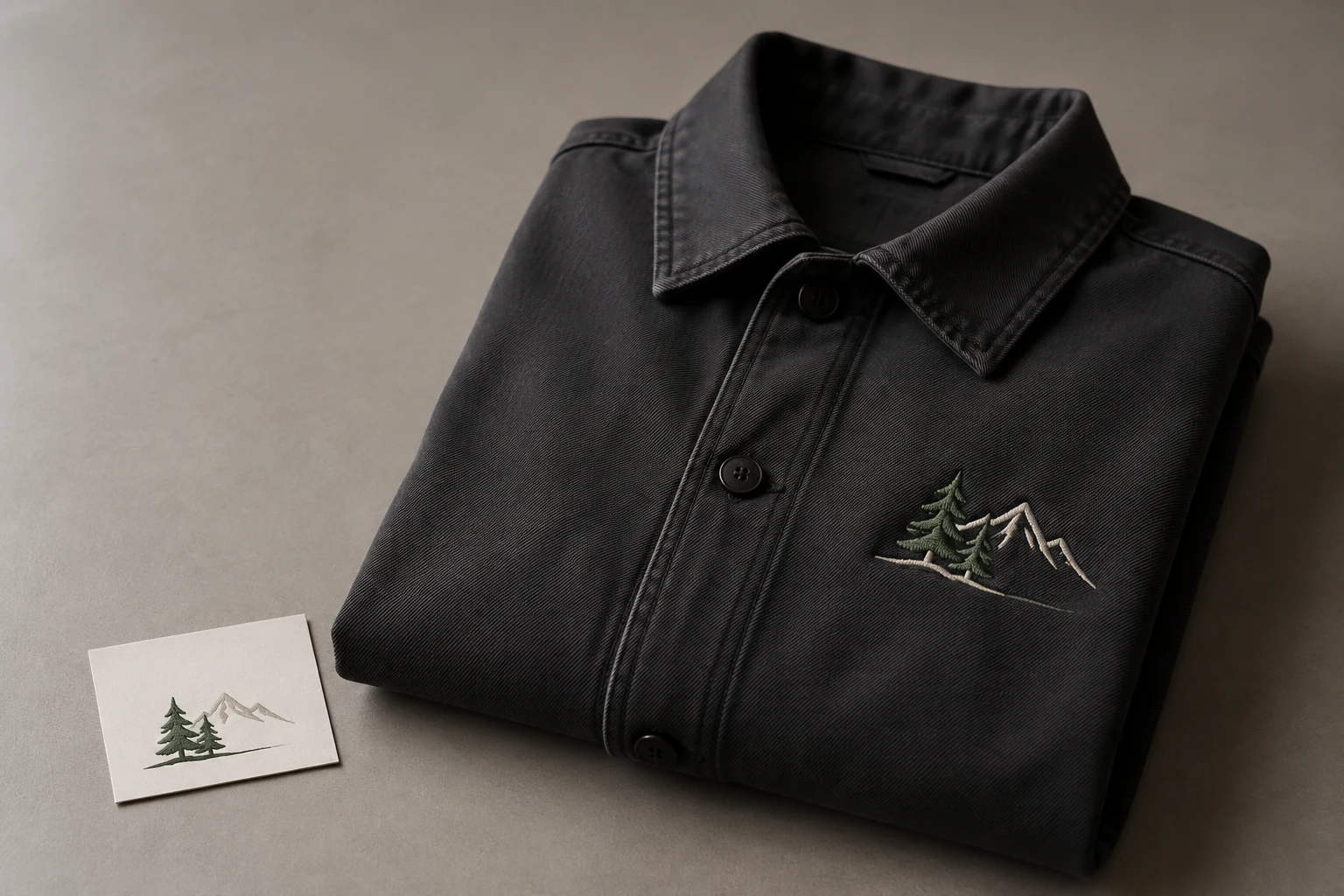
Cover image: AI-generated editorial concept; not a customer project or production proof.
For a Washington embroidery project, choose a digitizing provider that understands your artwork, finished size, fabric and machine requirements, explains its revision terms, and supports a test sew-out before production. If you also need scalable artwork for print or signage, request vector conversion as a separate deliverable.
The right choice depends on the job: team caps, business uniforms, promotional bags and decorative textiles each need a clear brief. This guide focuses on Washington state buyers comparing local and online services, with practical ordering advice that also applies when working with production partners in Canada or the UK.
Decide which service you need
Embroidery digitizing translates artwork into an embroidery design and a machine-compatible output file. Vector conversion rebuilds artwork as editable paths and shapes. Physical embroidery is the separate task of stitching the design onto goods.
Hatch distinguishes editable embroidery design files from machine formats and explains how artwork becomes an embroidery design. Confirm the output format with the shop operating your machine. Hatch embroidery features and file guidance.
Your project | What to request |
|---|---|
A logo stitched onto shirts or jackets | Digitizing for the specified size, placement, fabric and machine |
A blurry logo needed for printed materials | Vector conversion, with the printer’s required output format |
One design used for embroidery and print | Separate embroidery and vector deliverables |
Finished caps, uniforms or bags | A production quote that identifies who supplies, stitches and delivers the goods |
Patterns for cushions or blankets | Artwork review and digitizing for the actual textile and finished dimensions |
For the available service categories, explore DigitEMB’s embroidery digitizing and vector services. For artwork rebuilding, see raster-to-vector conversion. Confirm the scope of your order before paying.
Compare local and online options in Washington
Start by deciding whether you need an in-person sample review, garment drop-off or collection. For a project in Seattle, Spokane, Tacoma or elsewhere in Washington, confirm the actual production and collection location before planning a visit. A page mentioning your city does not establish that the provider has a local office.
When ordering digital files, ask how the digitizer will coordinate with your embroidery shop. Identify who will run the sample, report problems and approve the corrected file. A remote workflow can be practical when these responsibilities are clear.
For an event deadline, work backward from the date the finished items must be available. Allow separate time for artwork approval, digitizing, sample stitching, revisions, production and any shipping. Ask providers to confirm dates for your specific job rather than relying on a general turnaround statement.
If your buyer, digitizer and decorator are in different countries, specify dimensions with units, the quote currency, the delivery destination for physical goods and the time zone for approvals. These details help US, Canadian and UK partners work from the same brief.
Evaluate providers through relevant work and clear terms
Ask to see examples comparable to your project. A photograph of a large jacket design tells you little about how small lettering will look on your cap. Request the sample’s approximate size and fabric, and distinguish a software preview from a photographed sew-out.
Use the same brief for each quote so you can compare what is included.
Compare | Ask the provider |
|---|---|
Relevant experience | Can you show stitched examples at a similar size and on a similar product? |
Artwork review | Which details may need simplifying, enlarging or removing? |
Deliverables | Which machine files, editable files and supporting information are included? |
Sampling | Who stitches the test, and is that work included? |
Revisions | What changes are covered, and when does a change become a new job? |
Schedule | When are the first file, revisions and final approval needed? |
Total cost | Are artwork cleanup, extra sizes, testing and rush work quoted separately? |
Communication | Who handles technical feedback from the embroidery operator? |
Reviews can help you identify questions about communication and support, but assess the proposed work directly. Software names, years in business and a low or high price do not by themselves establish suitability for your design.
Understand what vector art can—and cannot—provide
Vector graphics describe shapes mathematically, allowing those shapes to scale without the pixelation associated with enlarging raster artwork. They are useful for maintaining an editable logo master and preparing different output sizes. Adobe also explains that documents can combine vector and raster content, so the file extension alone does not tell you what is inside. Adobe’s image essentials.
That scalability applies to the artwork. It does not establish that every detail will remain readable when stitched at a smaller size. Ask the digitizer to review fine lines, narrow gaps and small text at the intended embroidery dimensions.
You do not always need to purchase vector conversion before digitizing. Hatch supports several raster artwork formats, including JPG and PNG, as digitizing inputs. Send the best original available and ask whether redrawing is necessary for the job. Hatch’s supported artwork formats.
For a design used on both a printed banner and an embroidered shirt, retain the full artwork master and approve any embroidery-specific simplification separately.
Prepare a brief for the whole project
Send the artwork together with the information needed to assess it:
Finished design width and height, with inches or millimetres clearly stated.
Product and placement, such as a cap front, left chest, jacket back or cushion panel.
Fabric composition and construction, plus the garment model when available.
Machine model, required file format and usable embroidery area, confirmed by the operator.
Intended thread colors and any physical color references.
Required sizes, product variants and quantities if finished goods are involved.
Deadline, approval contact and responsibility for sample stitching.
Fabric affects embroidery settings. Wilcom identifies density, underlay and pull compensation as fabric-specific considerations. Underlay supports the visible stitching; pull compensation adjusts the design to account for how stitching affects its shape. Ask how the provider will address your material rather than prescribing one setting for every garment. Wilcom’s production lettering guidance.
If a team order includes caps, shirts and jackets, list each application separately. For corporate merchandise, include the approved spelling and logo version. For decorative textiles, specify where the pattern sits and how much of the surface it should occupy.
Review the file and the stitched sample
First, check the digital preview for spelling, proportions, placement, dimensions and the agreed design changes. A stitch simulation can help you follow the stitching sequence, but it remains an on-screen representation. Wilcom’s Stitch Player documentation.
Next, arrange a test on the intended fabric with the production setup. Assess the result before committing the full order:
Check that lettering and important details are readable at actual size.
Inspect outlines, gaps and alignment between colored areas.
Look for puckering, distortion, loose loops or missed stitching.
Review the thread colors on the actual fabric under suitable lighting.
Record the file version and describe any corrections with clear photographs.
Treat a problem as something for the digitizer and operator to investigate together. Wilcom’s glossary describes both stitch-setting issues and the push-pull effects of thread tension on fabric; a visible defect alone does not identify its cause. Wilcom’s embroidery glossary.
Keep the approved file, dimensions, thread references and sample record together for reorders. Ask for another review when changing the size, fabric or placement.
Frequently asked questions
Is vector art an embroidery machine file?
No. Vector artwork supplies shapes for design work. Embroidery requires a separate digitizing step and an output compatible with the machine. Confirm both deliverables if your project needs them.
Can I submit my own JPG or PNG?
Yes, these can serve as artwork inputs in supported digitizing workflows. Send the clearest original and ask the provider to assess whether any details need rebuilding or simplifying.
Does a digitizing quote include finished garments?
Do not assume so. Ask whether the quote covers files only, sample stitching or completed products. Confirm garment quantities and any production minimums with the decorator.
Can one file cover several sizes and fabrics?
Ask the digitizer to review each application. Approving a design for one size and material does not establish its suitability for every variation.
How should I choose between two similar quotes?
Compare relevant stitched work, exact deliverables, sample responsibilities, revision terms and confirmed dates. Choose the provider whose proposed process fits your project and gives your embroidery operator a clear route for technical feedback.
Practical details for Choosing Embroidery Digitizing and Vector Art Services in Washington
Use the article above as a starting point, then make the production brief specific to your own design. A stitch file is made for a finished size and material, so the artwork alone is only part of the instruction.
Work through these points in order and keep the answers with the artwork or production request. A short written brief makes it easier to compare a proof with the intended result, ask a useful follow-up question and avoid relying on assumptions made from a screen image alone.
The aim is not to add unnecessary steps. It is to identify the choices that change the final result before work begins. If a requirement is unknown, flag it for confirmation rather than guessing; that keeps the approval process focused on the design, material and use that apply to this particular project. Save the approved brief with the project files for future reorders or revisions.
Confirm the finished use
State the item, placement and finished width and height. A chest logo, cap front and jacket back do not use the same sewing area, even when they start from the same artwork.
Protect the smallest details
Review small lettering, narrow gaps, thin outlines and tiny colour changes at the final size. Simplifying a fragile detail before digitizing is often more reliable than trying to force it into a small sew-out.
Match the file to the machine
Tell the production team the embroidery machine or format required, along with the fabric or garment type. This lets them prepare the right export and make choices that suit the material rather than treating every job alike.
Quick questions to check before you proceed
What should I send with my artwork?
Send the clearest original available, the finished dimensions, placement, fabric or garment type and the required machine format if you know it.
Can the same file be used at every size?
Not always. Scaling changes the relationship between stitch length, detail and fabric, so a design may need review when the finished size or placement changes.
What should I check before production?
Confirm the spelling, colours, final size, placement and any details that must remain readable. A proof or sample is the best point to catch a change.