
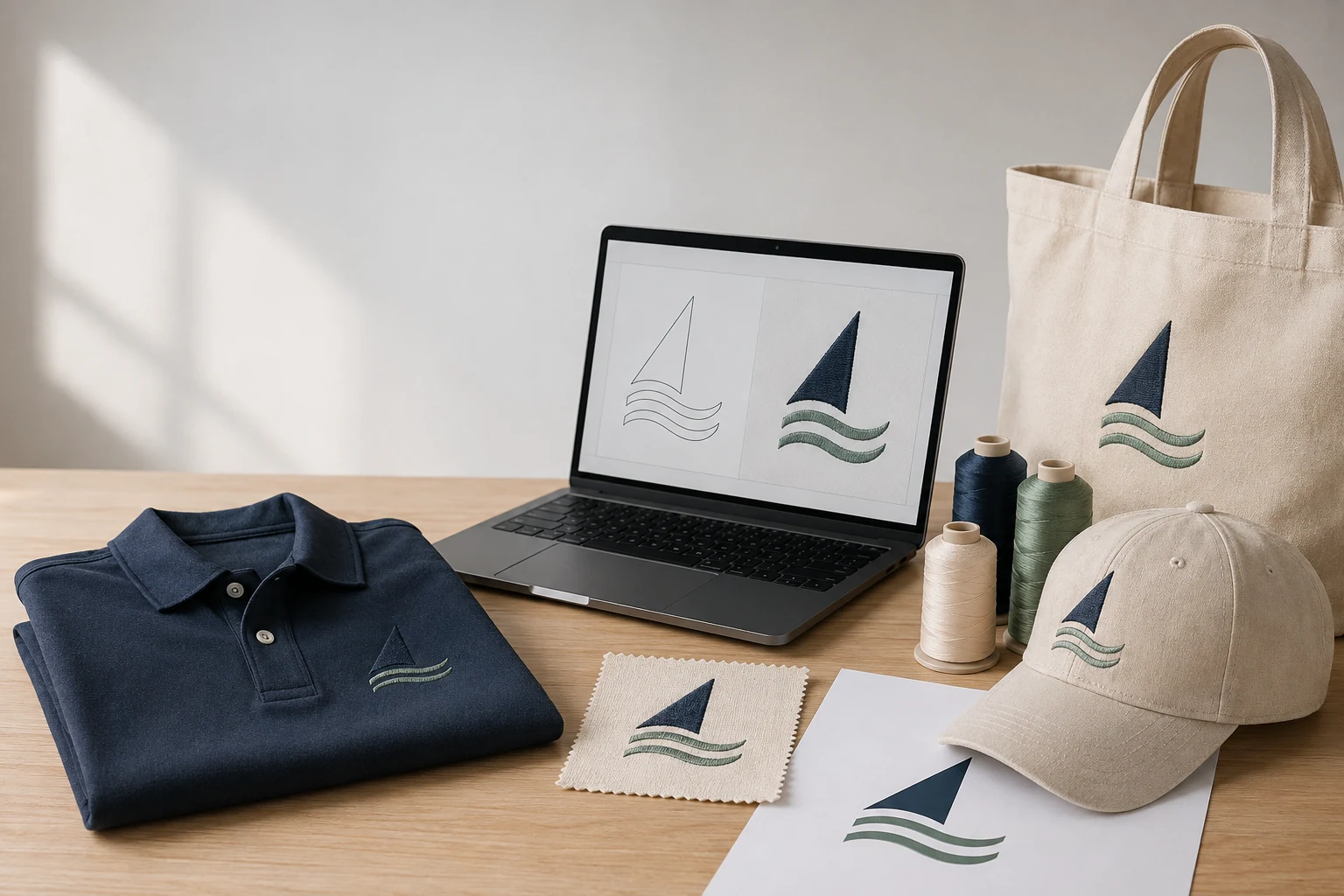
Cover image: AI-generated editorial concept; not a customer project or production proof.
For a Rhode Island embroidery project, choose a digitizing provider by its ability to prepare your design for the intended garment, size and machine. Start by confirming whether you need a digital stitch file, vector artwork or finished decorated products, then compare examples, revision terms and sample arrangements.
Which service does your project need?
Your requirement | What to request and confirm |
|---|---|
An embroidered logo | Digitizing for the final size and fabric; confirm the machine format, placement and test sew-out process. |
Clean, scalable artwork | Vector redrawing or conversion; confirm the editable format, colors and intended print or cutting process. |
Uniforms or merchandise | A quote for physical products and decoration; confirm quantities, garment choices, sample approval and delivery arrangements. |
Machine embroidery files contain stitch information and machine commands. Editable embroidery design files retain additional information for future changes, so ask whether the original design file is included if you expect repeat orders or alterations. Wilcom explains these file types.
Vector artwork describes shapes using lines and curves, allowing it to scale without the pixelation associated with enlarging raster images. It is useful for logo artwork, but still needs digitizing to become an embroidery stitch plan. See Adobe’s raster and vector comparison.
Review DigitEMB’s embroidery digitizing services for stitch file preparation or raster-to-vector services for artwork preparation. Confirm the specific outputs your decorator or printer needs before ordering.
Local production or remote file preparation?
For orders in Providence, Warwick, Newport or elsewhere in Rhode Island, decide which stages require local access. Garment drop-off, material inspection and collection may make an accessible production location useful. Confirm the address and appointment arrangements directly, along with whether the shop accepts customer-supplied garments.
If a separate embroiderer will run the job, ask whether they accept files from an outside digitizer. Have that decorator confirm the required format, design dimensions and garment details before commissioning the file.
For remote preparation, agree on who sends feedback and who approves the final version. Verify any claimed Rhode Island workshop separately from the ability to deliver digital files.
When coordinating with suppliers in the US, Canada or UK, specify dimensions in inches or millimeters, the quote currency and the time zone for deadlines. For physical products, also confirm the shipping destination and delivery costs.
Five questions to ask before accepting a quote
What exactly is included? Identify the machine file, any editable source file, final dimensions, color information and preview or production sheet. For vector work, specify the format your printer needs.
Can I see comparable work? Request examples at a similar size on comparable fabric. Ask whether each example is a software rendering or a photograph of an actual stitched sample.
How are revisions handled? Confirm what counts as a correction, how feedback should be submitted and whether a different size, garment or artwork version requires a separate quote.
Who checks the stitched result? Agree on who will perform the test sew-out—a physical stitched sample—and who authorizes production. Include any sample costs in the comparison.
When will each stage be ready? Separate file preparation, revisions, sample approval, garment production and shipping. Give the supplier your required in-hand date when ordering physical goods.
Send the same brief to each provider so the quotes cover comparable work. Check whether artwork cleanup, additional placements and later edits are included before choosing on price.
Why garment details matter
Fabric affects the stitch settings a design needs. Wilcom’s documentation identifies stitch spacing, underlay and pull compensation as factors that must suit the design and fabric. This is why a digitizer needs more information than the logo alone. Read Wilcom’s guidance on fabric settings.
Provide the garment type and material, intended placement and final design size. If the same logo will appear on a polo, cap and jacket, list each application separately and ask the digitizer and decorator to assess it.
Avoid assuming that enlarging a machine file is equivalent to resizing vector artwork. Resizing stitch data can change density, depending on the information available in the file and the software used. Ask for changes to be assessed before production. Wilcom describes the limitations of resizing machine files.
Approve the sample before production
Use the preview to check artwork content and layout, then ask to review a stitched sample on the intended material or an agreed equivalent.
Check names, spelling and small lettering at the final design size.
Confirm placement, dimensions, thread colors and the artwork version.
Inspect the stitching for legibility, puckering, visible gaps and edge alignment.
Record approval and retain the final file version with its intended garment and size.
For a combined print-and-embroidery order, approve each output for its production method. Make sure the printer and embroiderer both receive the correct approved files.
Common questions
Do I need a provider based in Rhode Island?
Local access is useful for in-person services such as garment inspection or collection. For digital file preparation, compare relevant examples, deliverables, communication and the approval process. Confirm any physical production arrangements directly.
Can one file work on a cap and a polo?
Ask your digitizer and decorator to assess both applications. Provide the size, material and placement for each, and agree on separate sample approval where needed.
Do I need vector artwork before ordering digitizing?
Ask what artwork the digitizer can accept. Vector artwork and embroidery files serve different purposes; commissioning vector conversion alone does not supply a stitch file. Send the clearest available original artwork for assessment.
How do I compare prices fairly?
Give each provider the same artwork and job details. Compare included outputs, revision terms, sample costs and any physical production or shipping charges. A price for file preparation does not describe the cost of finished garments.
Send a clear project brief
Include your best available artwork, final dimensions with units, garment and fabric details, placement, required machine format if known, and deadline. State whether you need digital files, vector artwork, physical products or a combination. Ask your decorator to confirm technical requirements before submitting the brief.
Request a DigitEMB quote with those details so the required file preparation can be assessed.
Practical details for Embroidery Digitizing in Rhode Island: A Buyer’s Guide
Use the article above as a starting point, then make the production brief specific to your own design. A stitch file is made for a finished size and material, so the artwork alone is only part of the instruction.
Work through these points in order and keep the answers with the artwork or production request. A short written brief makes it easier to compare a proof with the intended result, ask a useful follow-up question and avoid relying on assumptions made from a screen image alone.
The aim is not to add unnecessary steps. It is to identify the choices that change the final result before work begins. If a requirement is unknown, flag it for confirmation rather than guessing; that keeps the approval process focused on the design, material and use that apply to this particular project. Save the approved brief with the project files for future reorders or revisions.
Confirm the finished use
State the item, placement and finished width and height. A chest logo, cap front and jacket back do not use the same sewing area, even when they start from the same artwork.
Protect the smallest details
Review small lettering, narrow gaps, thin outlines and tiny colour changes at the final size. Simplifying a fragile detail before digitizing is often more reliable than trying to force it into a small sew-out.
Match the file to the machine
Tell the production team the embroidery machine or format required, along with the fabric or garment type. This lets them prepare the right export and make choices that suit the material rather than treating every job alike.
Quick questions to check before you proceed
What should I send with my artwork?
Send the clearest original available, the finished dimensions, placement, fabric or garment type and the required machine format if you know it.
Can the same file be used at every size?
Not always. Scaling changes the relationship between stitch length, detail and fabric, so a design may need review when the finished size or placement changes.
What should I check before production?
Confirm the spelling, colours, final size, placement and any details that must remain readable. A proof or sample is the best point to catch a change.