
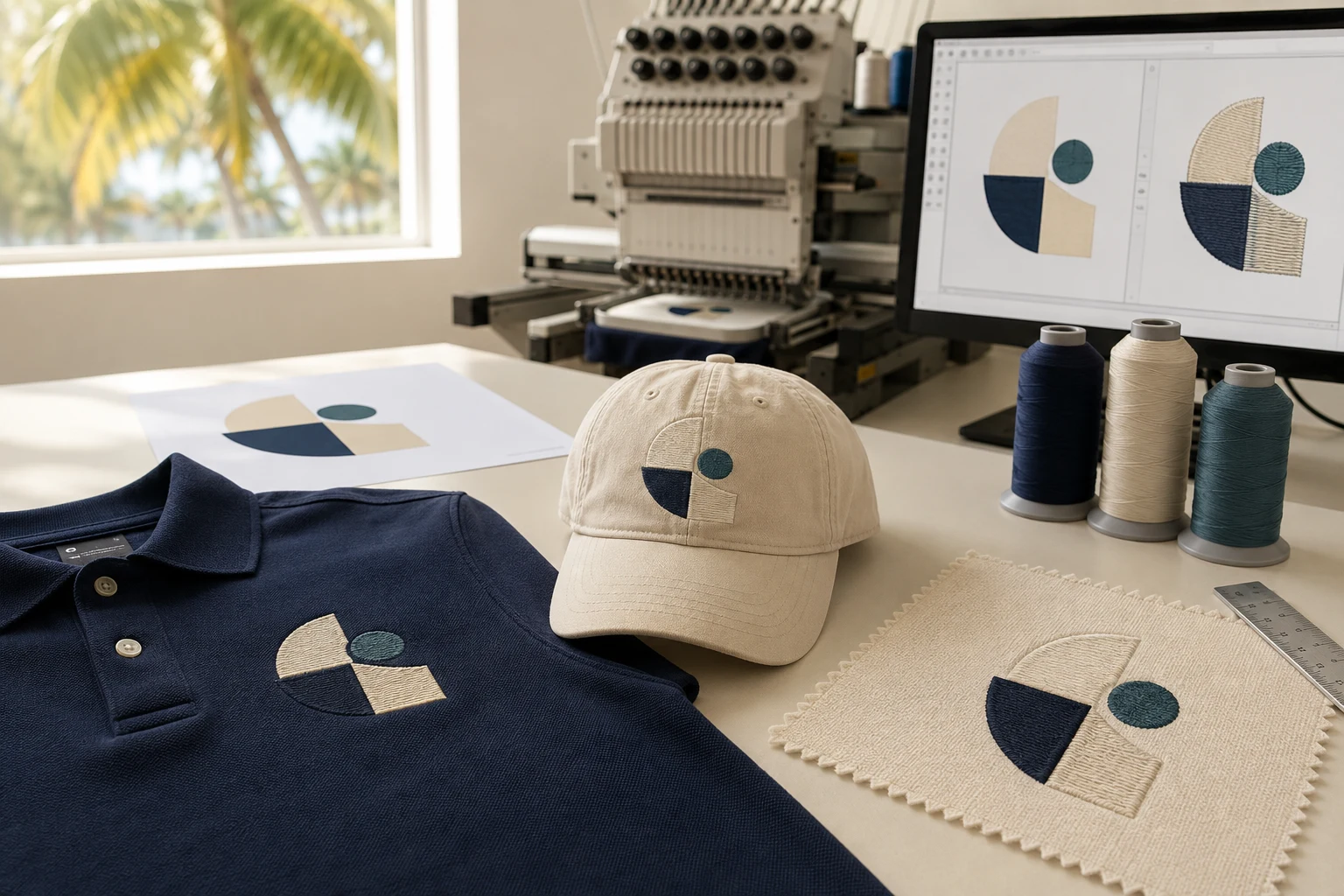
Cover image: AI-generated editorial concept; not a customer project or production proof.
For Florida buyers, the best embroidery digitizing service is one that understands the intended garment, supplies files your embroiderer can use, and supports a clear sample-and-revision process. Compare providers using relevant stitched samples and a written project brief. Location and a polished digital preview alone do not establish production quality.
Whether you are ordering hospitality uniforms in Orlando, team caps in Tampa or branded apparel in Miami, start with the same questions: what needs to be produced, who will stitch it, and how will the result be approved?
Embroidery digitizing and vector art serve different purposes
Embroidery digitizing turns artwork into embroidery instructions. It involves decisions about how shapes become stitches and how the design is sequenced. Software can generate embroidery from bitmap or vector artwork, but that conversion still involves choices about fills, details and stitching order. Hatch’s auto-digitizing documentation illustrates those decisions.
Vector artwork describes shapes using mathematical lines and curves, allowing those shapes to scale without becoming pixelated. It is useful when a logo must appear on signage, printed materials and other applications at different sizes. Adobe explains the difference between vector and raster images.
A vector logo and a machine embroidery file are separate deliverables. If your project includes both printed and embroidered products, specify both uses when requesting a quote.
Project need | What to request |
|---|---|
Embroidered polos or uniforms | Digitizing for the stated garment, placement and finished size |
Embroidered caps | A file prepared for the intended cap and embroidery setup |
Scalable artwork for print or signage | Vector artwork in the format your production supplier requests |
One logo across print and embroidery | Separate vector and embroidery deliverables, with any visual adaptations approved |
How to compare services for a Florida project
Ask for relevant stitched samples
Request examples that resemble your intended work. A large decorative design does not demonstrate how a small uniform logo will look. Ask whether each example is a photograph of embroidery or a software rendering, and what fabric and finished size it represents.
Use a sample to discuss readable lettering, clean edges, alignment and the feel of the embroidered area. Treat these as acceptance criteria for your project rather than relying on an unsupported “best provider” ranking.
Make fabric and placement part of the brief
Fabric, hooping, stabilizer, design size and stitch choices all affect how embroidery pulls during stitching. A digitizer may need to adjust compensation after examining a test result. Hatch’s explanation of pull compensation describes these interacting factors.
For a Florida apparel order, identify the actual blank: for example, a lightweight performance polo, woven work shirt or structured cap. Avoid describing every item simply as a “shirt” or assuming one approved file covers every product.
Clarify local and remote responsibilities
If you need an in-person sample review or garment pickup, confirm that the provider offers it at the location you intend to use. For a remote digitizing order, establish who receives the file, who performs the test embroidery and who sends revision feedback.
Keep the digital-file deadline separate from the garment completion date. Include time for your embroiderer to review the file, test it and request adjustments before production.
For buyers coordinating between Florida, Canada and the UK, write dimensions with units and give deadlines with a date and time zone. Confirm the quote currency and whether the order covers digital files, physical goods or both.
What to send before requesting a quote
A complete brief makes provider comparisons more meaningful. Send the same information to each service so their proposed scope can be assessed fairly.
Information | Useful detail to include |
|---|---|
Artwork | The clearest original available, plus any existing vector source |
Finished size | Width and height in inches or millimeters; identify every required size |
Garment | Fabric composition, product style and blank reference if available |
Placement | Left chest, cap front, sleeve, jacket back or another specific position |
Production setup | Machine model, required file format and usable embroidery area, confirmed by the embroiderer |
Colors | Approved color references and any thread requirements from the production shop |
Deliverables | Machine file, color sequence, preview and editable source if required |
Schedule | File review date, sample approval date and garment deadline |
Ask the provider to identify artwork changes before proceeding. If fine details or lettering need simplification, agree on the revised appearance rather than discovering the change in finished garments.
Also ask what the quote includes: additional sizes, garment-specific versions, revisions, vector cleanup and source files. Keep those terms in writing instead of assuming that every service packages them identically.
Review the file and test embroidery before production
Ask for a production worksheet or equivalent record showing the design size and color sequence. Hatch’s documentation describes worksheets that include sewing information such as design size and garment fabric, alongside separate color-sequence information. See Hatch’s print-output guidance.
Have the production shop test the design on the intended garment or a representative sample using the planned setup. Review the embroidery at its actual size, including lettering, alignment and distortion around the design. A screen preview cannot demonstrate how your particular fabric and setup will behave.
If an adjustment is needed, send clear photographs, the file version used and the production details to the digitizer. Agree on the revised sample before releasing the full order. This practical review process follows the test-and-adjust approach described in Hatch’s pull-compensation guidance.
Automation and embroidery software: what to evaluate
Automation can assist with artwork conversion and repeatable settings. It still requires appropriate inputs and review. Hatch’s documented workflow includes processing artwork, setting approximate dimensions, assigning colors to fills or details, and adjusting their sequence. Read the manufacturer’s auto-digitizing workflow.
Fabric presets can also help establish settings. Hatch describes its Auto Fabric feature as adjusting pull compensation, stitch density and underlay for a selected fabric. Those capabilities are useful starting points to evaluate with your own work. Hatch explains its automation features.
If you are deciding between outsourcing and bringing digitizing in-house, compare the full workload: software, training, artwork preparation, editing, test embroidery and revision time. Evaluate software using representative jobs rather than a demonstration alone.
Before purchasing a license, check the exact edition’s editing tools, supported machine exports, computer requirements and activation conditions. Ask which updates, upgrades, training and support are included; do not assume that a license includes every future release.
When custom software development fits
For a business considering custom development, first document the specific workflow problem. An order intake form, approval system or file archive may address the need without building a new digitizing engine.
Define the required inputs, outputs and integrations, then test a small prototype with the people who will use it. Include file compatibility, version control, maintenance and support in the specification. Expand only after the prototype handles representative orders reliably.
Discussing your project with DigitEMB
DigitEMB’s embroidery digitizing service and raster-to-vector service cover the two main artwork needs discussed here. Use the relevant service page to frame your inquiry, then provide the garment, dimensions, placement and required deliverables.
For a Florida project involving a separate embroidery shop, have that shop confirm the production requirements before the digitizing work begins. Request a project-specific scope and revision arrangement so everyone knows what will be reviewed and delivered.
Frequently asked questions
Does a digitizing provider need to be located in Florida?
A digital-file order can be coordinated remotely. A local provider may be useful when you need garment handling or an in-person review. Confirm those arrangements and assess relevant samples either way.
Do I need vector conversion before embroidery digitizing?
Not necessarily. Digitizing software can work from bitmap or vector artwork. Send the clearest source available and ask whether cleanup is needed. Request a separate vector deliverable if you also need scalable artwork for other production uses.
Can the same embroidery file be used on a polo and a cap?
Ask the digitizer and production shop to assess both applications. Different garment construction, placement and embroidery setups may require separate versions and sample approvals.
Will automatic digitizing guarantee a good result?
No. Automatic tools can create stitches from artwork, but the documented process still involves preparation and settings decisions. Review the output and test the embroidery before committing garments to production.
Practical details for Choosing Embroidery Digitizing and Vector Art Services in Florida
Use the article above as a starting point, then make the production brief specific to your own design. A stitch file is made for a finished size and material, so the artwork alone is only part of the instruction.
Work through these points in order and keep the answers with the artwork or production request. A short written brief makes it easier to compare a proof with the intended result, ask a useful follow-up question and avoid relying on assumptions made from a screen image alone.
The aim is not to add unnecessary steps. It is to identify the choices that change the final result before work begins. If a requirement is unknown, flag it for confirmation rather than guessing; that keeps the approval process focused on the design, material and use that apply to this particular project. Save the approved brief with the project files for future reorders or revisions.
Confirm the finished use
State the item, placement and finished width and height. A chest logo, cap front and jacket back do not use the same sewing area, even when they start from the same artwork.
Protect the smallest details
Review small lettering, narrow gaps, thin outlines and tiny colour changes at the final size. Simplifying a fragile detail before digitizing is often more reliable than trying to force it into a small sew-out.
Match the file to the machine
Tell the production team the embroidery machine or format required, along with the fabric or garment type. This lets them prepare the right export and make choices that suit the material rather than treating every job alike.
Quick questions to check before you proceed
What should I send with my artwork?
Send the clearest original available, the finished dimensions, placement, fabric or garment type and the required machine format if you know it.
Can the same file be used at every size?
Not always. Scaling changes the relationship between stitch length, detail and fabric, so a design may need review when the finished size or placement changes.
What should I check before production?
Confirm the spelling, colours, final size, placement and any details that must remain readable. A proof or sample is the best point to catch a change.