
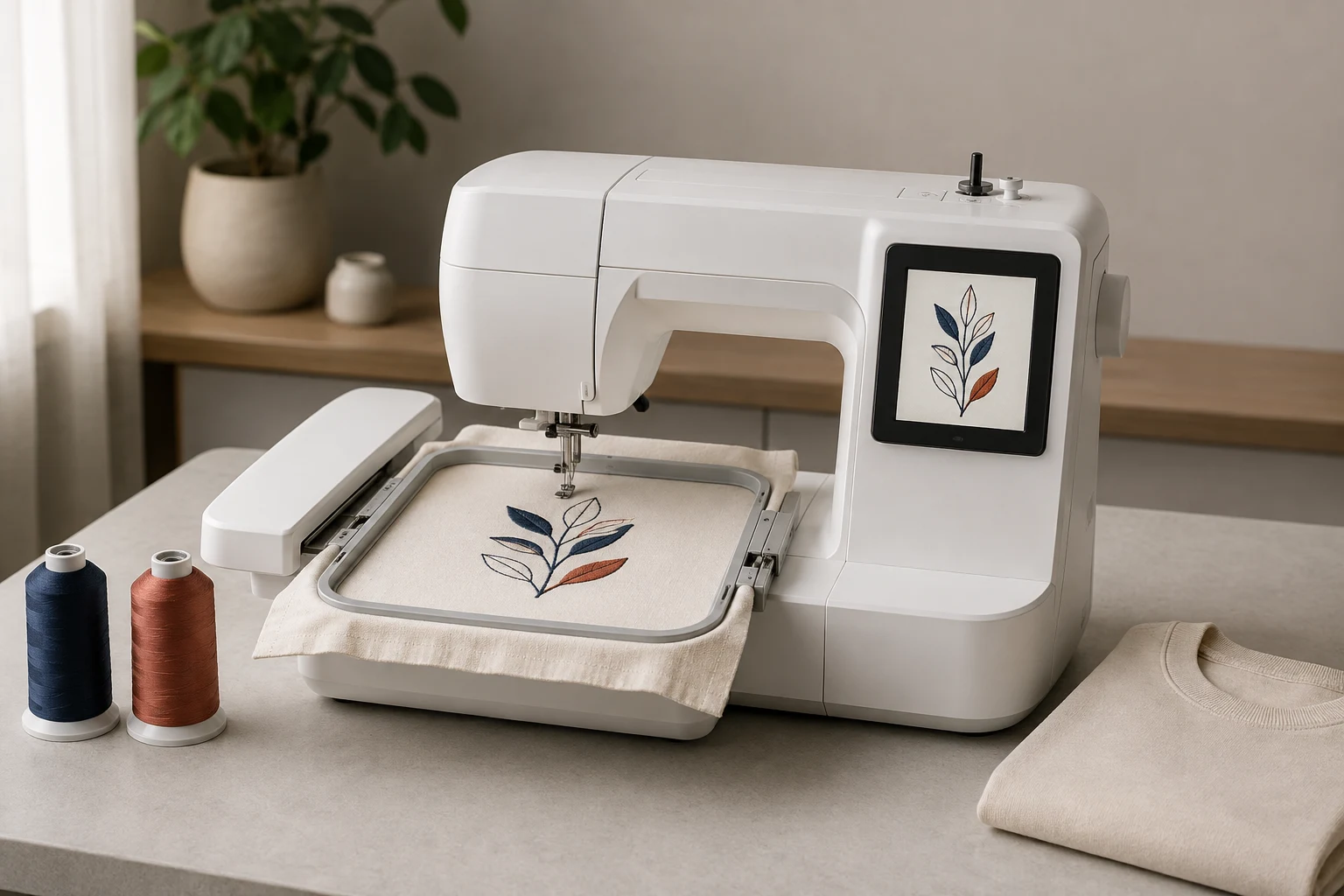
Cover image: AI-generated editorial concept; not a customer project or production proof.
The best computerized embroidery machine is one that fits your largest planned design, supports your file workflow and suits the amount of sewing you need. Start with the Brother PE900 for dedicated 5 × 7-inch embroidery, or compare the SE2000 if you also need sewing. For smaller designs, consider the PE545 or SE700; for a larger square field, compare the Janome Memory Craft 400E. The EverSewn Sparrow X2 offers another combination option with smart-device embroidery controls.
These are choices based on manufacturer specifications and intended use. They are not results from hands-on comparative testing or a universal ranking. The guide covers home projects and the practical questions that matter when considering the same equipment for paid work.
What computerized embroidery means

A computerized embroidery machine follows digital embroidery data to stitch a design. Depending on the model, you select and arrange designs on the machine’s screen or through a supported app. Built-in lettering and patterns provide starting points; imported designs expand what you can make.
Computerized controls, computer connections and wireless transfer are separate features. A machine can have a touchscreen without Wi-Fi, while another can rely on a smart device for embroidery controls. For example, Janome specifies USB design transfer for the MC400E, while EverSewn specifies smart-device control for the Sparrow X2. See the MC400E specifications and Sparrow X2 requirements.
USB media, cables and wireless transfer
A USB port does not automatically mean you can connect a laptop by cable. Check whether the documented workflow uses a USB flash drive, a direct computer connection or manufacturer software.
For compatible Brother machines, Design Database Transfer sends embroidery data wirelessly and is a Windows application. Mac users should check the model’s supported alternative before buying. Confirm the current operating-system and connection requirements in Brother’s Design Database Transfer guidance.
Wireless transfer is useful when you frequently load designs, but it does not establish that a machine can digitize arbitrary artwork or accept changes to a design while stitching.
Compare six computerized embroidery machines
Use the following table to build a shortlist, then review each model’s practical limits below. Embroidery dimensions are the manufacturers’ advertised field descriptions; confirm the exact permitted dimensions in the machine’s own units before preparing a file.
Machine | Main reason to compare it |
|---|---|
Brother PE900 | Dedicated embroidery with a 5 × 7-inch field and jump stitch trimming. |
Brother PE545 | Dedicated embroidery for designs within a 4 × 4-inch field. |
EverSewn Sparrow X2 | Sewing and embroidery with an approximately 4.75 × 7-inch field and smart-device controls. |
Brother SE700 | Sewing and embroidery with a 4 × 4-inch field. |
Brother SE2000 | Sewing and embroidery with a 5 × 7-inch field and jump stitch trimming. |
Janome Memory Craft 400E | Dedicated embroidery with a 200 × 200 mm field, advertised as 7.9 × 7.9 inches. |
Brother PE900: dedicated embroidery with room beyond small motifs
The PE900 combines a 5 × 7-inch embroidery field, 193 built-in designs, 13 embroidery fonts and a 3.7-inch color screen. Brother documents USB imports, wireless transfer, Artspira compatibility and automatic trimming of thread jumps within a color. Its stated maximum embroidery speed is 650 stitches per minute. Brother PE900 specifications
Consider it when you already have a sewing machine and want to embroider designs that exceed a small square field. Its field remains a firm buying constraint: measure your intended projects before choosing it for larger garment decoration.
Brother PE545: dedicated embroidery for smaller designs
The PE545 has a 4 × 4-inch embroidery field, 135 built-in designs and 10 lettering fonts. Its features include a color screen, needle threading assistance, an automatic thread cutter, USB imports and supported wireless transfer. Brother PE545 specifications
It is worth comparing for small motifs, names and monograms that fit its field. Do not choose it solely because you are a beginner: a straightforward first project can still require more embroidery space. Also distinguish an automatic thread cutter from a specifically documented jump stitch trimming function.
EverSewn Sparrow X2: combination machine with app controls
The Sparrow X2 combines sewing and embroidery, with an approximately 4.75 × 7-inch embroidery area, over 100 included embroidery designs and 120 sewing stitch patterns. EverSewn specifies the EverSewn X2 app and a compatible 64-bit Apple or Android smart device; it states that 32-bit devices will not work. EverSewn Sparrow X2 specifications
This makes device compatibility part of the purchase decision. Ask for a demonstration using your intended phone or tablet, including importing a design and recovering from a stopped stitch sequence. The manufacturer states that Wi-Fi is not required, so do not assume its workflow is the same as a Brother machine connected to a home wireless network.
Brother SE700: sewing and small-field embroidery
The SE700 combines a 4 × 4-inch embroidery field with 135 embroidery designs and 103 sewing stitches. Brother also lists 10 embroidery fonts, 10 buttonhole styles, wireless transfer and an automatic thread cutter. Brother SE700 specifications
Compare it when you want to construct or alter an item as well as decorate it. The buying tradeoff is the embroidery field: adding sewing functions does not expand the maximum design area. Ask the dealer to demonstrate the change between sewing and embroidery modes.
Brother SE2000: combination machine with a larger field
The SE2000 has a 5 × 7-inch embroidery field, 193 embroidery designs, 13 embroidery fonts and 241 sewing stitches. Brother documents wireless transfer, jump stitch trimming, a color screen and an included knee lifter. Its stated maximum speeds are 650 stitches per minute for embroidery and 850 for sewing. Brother SE2000 specifications
Compare it with the PE900 when both sewing and embroidery matter. Compare it with the SE700 when your planned designs need more space. Sewing speed and embroidery speed are separate specifications, so use the embroidery figure when assessing stitching work.
Janome Memory Craft 400E: larger square embroidery area
The embroidery-only MC400E offers a 200 × 200 mm field, 160 built-in designs, six monogramming fonts and USB design transfer. Janome lists programmable jump thread trimming, on-screen editing, JEF embroidery format support and embroidery speed settings from 400 to 860 stitches per minute. Janome MC400E specifications
Its square field makes it worth comparing for wider motifs and decorative panels. Check both dimensions of the designs you want to sew: a larger square field and a longer rectangular field accommodate different shapes. Ask the dealer which hoops are included in the actual package.
What to consider before buying

Match the embroidery field to real projects
Collect several designs you expect to use and record their finished width and height. Include the largest likely project, rather than judging only by a small sample shown in a demonstration.
Use the permitted stitching area, not the outer hoop dimensions. Brother explicitly identifies 5 × 7 inches as the largest design area for the PE900 and SE2000 in its maximum embroidery area guidance.
Do not assume that buying a physically larger hoop expands the machine’s movement range. If a project requires splitting and repositioning, ask to see that entire workflow before making it central to your purchase decision.
Decide how much sewing you need
A combination machine is useful when you want one machine for garment construction, repairs and embroidery. A dedicated embroidery machine makes sense when you already have suitable sewing equipment or only want embroidery functions.
During a demonstration, compare the steps required to change modes, access the bobbin and position your intended garment. Screen size and built-in pattern counts matter less if the physical setup is awkward for your work.
Check automation through a sample
Ask the dealer to show needle threading, thread cutting, design positioning and restarting after a thread interruption. Confirm which functions require your input.
For trimming, use a design with separated elements in the same color. For lettering, test the size you intend to sell or use. Judge the stitched sample alongside the setup process rather than relying only on the screen preview.
Budget for the complete setup
Compare written quotes that include the machine, required hoops, thread, bobbins, needles, stabilizers, software or digitizing, training and servicing. Check any recurring app costs separately.
For a used machine, request a working demonstration, a list of included accessories and available service history. Confirm that the required software, app and transfer method still work with your equipment.
Buying in the US, Canada and UK
The six-model comparison above primarily uses US manufacturer specifications. Before ordering elsewhere, check the exact regional model, electrical rating, included accessories, local support and applicable warranty terms. Request prices in USD, CAD or GBP as appropriate, with taxes and shipping clearly identified.
Regional ranges provide additional comparison points. Brother Canada lists the Innov-is NQ1700E with a 6 × 10-inch embroidery area. Brother’s European range includes the Innov-is F540E with a 180 × 130 mm embroidery area. These are separate models to investigate; do not assume they are identical replacements for a US model.
Ask who will service the machine locally and whether the intended use affects coverage. A warranty headline alone does not explain which components, labor or transport costs are covered.
Assessing a machine for business use
For paid work, evaluate an actual job from loading the file through finishing the garment. Record hooping, thread changes, stitching, trimming and inspection time. Ask for repeat samples to assess how manageable the workflow is across several pieces.
Bring the products you expect to embroider. A flat fabric demonstration does not answer every question about access to a finished shirt, sleeve, bag or cap. Have the dealer confirm the machine and attachment combination for each application.
If frequent color changes or garment handling dominate the work, include a suitable multi-needle machine in your demonstrations. Choose according to the measured workflow and supported applications, without assuming that a higher advertised speed guarantees a particular daily output.
Prepare custom designs for your chosen machine
Before ordering a custom embroidery file, provide the exact model, permitted embroidery field, required format, finished dimensions, fabric and placement. Keep this information with the design so that future revisions use the same requirements.
For a detailed compatibility explanation, see embroidery file formats and machine compatibility. For custom artwork, use DigitEMB’s embroidery digitizing service page to discuss the required output and sample arrangements.
Frequently asked questions
Which should I compare first: PE900 or SE2000?
Compare the PE900 if you need dedicated embroidery and the SE2000 if you also need sewing. Both have a 5 × 7-inch embroidery field, so the SE2000’s sewing functions do not provide a larger embroidery area.
Is a 4 × 4-inch machine enough?
It can be enough when every intended design fits the permitted field. Measure your projects first. Choose a larger field if your regular work would otherwise require splitting or redesigning.
Do I need Wi-Fi?
No. Select a transfer method that works with your devices and routine. The MC400E documents USB transfer, while the Sparrow X2 has its own smart-device workflow. Wireless capability is one convenience to assess alongside field size and controls.
Can a home machine handle customer orders?
Assess the actual garments, design sizes, handling time and service arrangements before committing. Request a demonstration of a representative order and confirm the intended use with the seller; a feature list does not establish production capacity.
How should I maintain the machine?
Follow the exact model’s manual for cleaning, needle replacement and servicing. Confirm oiling instructions before applying lubricant, and use the manufacturer’s troubleshooting procedure when stitching problems occur.
Practical details for Best Computerized Embroidery Machines for Home & Business
Use the article above as a starting point, then make the production brief specific to your own design. A stitch file is made for a finished size and material, so the artwork alone is only part of the instruction.
Work through these points in order and keep the answers with the artwork or production request. A short written brief makes it easier to compare a proof with the intended result, ask a useful follow-up question and avoid relying on assumptions made from a screen image alone.
The aim is not to add unnecessary steps. It is to identify the choices that change the final result before work begins. If a requirement is unknown, flag it for confirmation rather than guessing; that keeps the approval process focused on the design, material and use that apply to this particular project. Save the approved brief with the project files for future reorders or revisions.
Confirm the finished use
State the item, placement and finished width and height. A chest logo, cap front and jacket back do not use the same sewing area, even when they start from the same artwork.
Protect the smallest details
Review small lettering, narrow gaps, thin outlines and tiny colour changes at the final size. Simplifying a fragile detail before digitizing is often more reliable than trying to force it into a small sew-out.
Match the file to the machine
Tell the production team the embroidery machine or format required, along with the fabric or garment type. This lets them prepare the right export and make choices that suit the material rather than treating every job alike.
Quick questions to check before you proceed
What should I send with my artwork?
Send the clearest original available, the finished dimensions, placement, fabric or garment type and the required machine format if you know it.
Can the same file be used at every size?
Not always. Scaling changes the relationship between stitch length, detail and fabric, so a design may need review when the finished size or placement changes.
What should I check before production?
Confirm the spelling, colours, final size, placement and any details that must remain readable. A proof or sample is the best point to catch a change.