
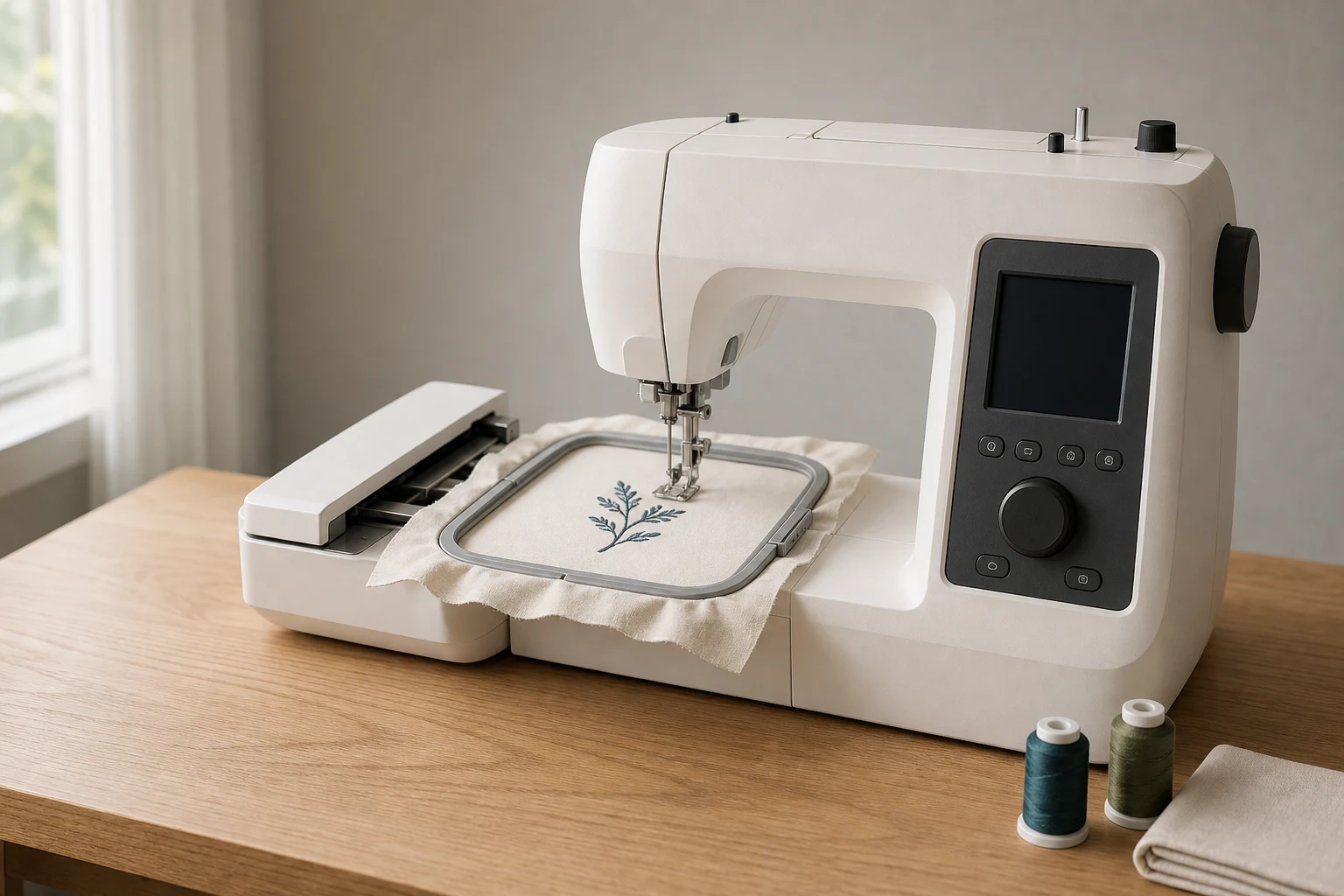
Cover image: AI-generated editorial concept; not a customer project or production proof.
The best budget embroidery machine is the least expensive complete setup that fits your designs and sewing needs. Start by comparing the Brother PE545 for embroidery only and the SE700 if you also need regular sewing. For larger designs, compare a PE900 with a carefully inspected used PE800. These are choices based on documented capabilities, not a tested ranking or a claim that one model is cheapest everywhere.
The original PE535, SE600, SE625, PE800 and PE550D remain useful comparison points, but Brother’s US pages now mark them as discontinued. Treat offers for these machines as remaining stock or used purchases, and confirm condition, accessories and support before paying.
What matters most on a limited budget

Embroidery only or sewing and embroidery?
If you already own a sewing machine, an embroidery-only model avoids duplicating a function you have. A combination machine makes sense when you also need to construct garments, sew seams or piece quilts. Compare the complete purchase cost: embroidery-only machines are not automatically cheaper in every sale or used listing.
For example, the Brother PE545 is an embroidery model, while the Brother SE700 combines sewing and embroidery. Both have a maximum embroidery area advertised as 4 × 4 inches. Sewing features do not increase that embroidery limit.
Buy enough embroidery area for your actual designs
Choose several designs you expect to stitch and record their finished width and height. Small motifs and short monograms may fit a compact field; larger lettering arrangements and decorative panels may need more space.
A larger accessory hoop does not expand a machine’s maximum stitching area. Brother explains that a multiposition hoop can hold more fabric while the machine remains limited to a 4 × 4-inch design at each position. Larger compositions require an appropriate split design and careful alignment. See Brother’s explanation of larger hoops.
Check the manufacturer’s actual millimetre limits when preparing files. The familiar 4 × 4-inch label is commonly paired with a 100 × 100 mm field; it should not be treated as permission to submit a design exactly 101.6 mm wide.
Check design transfer before buying
USB import can be sufficient for occasional embroidery. Wireless transfer is useful when it suits your computer or mobile workflow, but check the supported software and device requirements first. The PE545 supports USB import and wireless transfer through Brother’s specified software or app workflows; wireless connectivity is not limited to large machines. Brother PE545 features.
Ask the seller to demonstrate loading an external embroidery file. A touchscreen preview and built-in designs do not tell you whether your own transfer setup will work.
Newer machines to compare
Use these models as starting points for local quotes. Compare the delivered package and available support rather than relying on an old advertised price.
Model | Budget decision |
|---|---|
Brother PE545 | Embroidery only, 4 × 4-inch maximum area and 135 built-in designs. Consider it when small designs cover your needs and you already have a sewing machine. |
Brother SE700 | Sewing and embroidery, 4 × 4-inch maximum area, 135 embroidery designs and 103 sewing stitches. Consider it when one purchase must cover both activities. |
Brother PE900 | Embroidery only, 5 × 7-inch maximum area, 193 designs and automatic jump stitch trimming. Compare its extra cost when larger designs or finishing time matter. |
Specifications: PE545, SE700 and PE900.
The PE900’s jump stitch trimming cuts connecting threads within a color. An ordinary thread-cutter feature should not be assumed to provide the same function. Ask for a demonstration using a design with separated elements before paying extra for trimming automation.
Older machines: when a lower quote may be worthwhile
Brother PE535: compact embroidery only
The PE535 has a 4 × 4-inch embroidery area, 80 built-in designs, nine fonts, a color touchscreen and an automatic needle threader. Brother marks it discontinued. Brother PE535 specifications.
Consider it if the complete machine passes a stitch test and costs sufficiently less than a supported alternative. Its small field is the main constraint: buying extra designs will not create more embroidery space. Check that the embroidery unit, compatible hoop and required accessories are included.
Brother SE600: sewing plus small embroidery
The SE600 combines a 4 × 4-inch embroidery field with 80 embroidery designs, USB import and 103 sewing stitches. Brother lists its maximum sewing speed as 710 stitches per minute; that figure should not be presented as its embroidery speed. It is also marked discontinued. Brother SE600 specifications.
Its value depends on whether you need both functions. Test ordinary sewing as well as embroidery, and compare the asking price with a newer combination machine before deciding.
Brother SE625: check the design bundle
The SE625 offers sewing and embroidery with a 4 × 4-inch field and 103 sewing stitches. Its original package included 80 built-in embroidery designs plus 200 on a CD. Those additional designs were not all stored inside the machine. Brother marks the model discontinued. Brother SE625 specifications and package contents.
For a used purchase, confirm whether the disc is present and whether you can access its files. A missing bundle may change the offer’s value, but the machine’s condition and embroidery capability deserve more weight than the advertised design count.
Brother PE800: a larger embroidery field
The PE800 is an embroidery-only machine with a 5 × 7-inch maximum field, 138 built-in designs, 11 fonts, USB support and onscreen editing. Brother marks it discontinued. Brother PE800 specifications.
It is worth comparing when your designs exceed the smaller machines’ limits. Include any servicing and replacement accessories in the cost comparison with a PE900. The PE800 has no regular sewing function; references to its thread cutter should not imply otherwise.
Brother PE550D: compare core embroidery features

The PE550D is an embroidery-only model with a 4 × 4-inch field, USB import, nine fonts and 125 built-in designs. Brother marks it discontinued. Brother PE550D specifications.
Compare this compact machine with other options on condition, accessories, usable embroidery area and total cost. Check the licence for any included or separately purchased design before using it on items you sell.
Buying in the US, Canada and UK
Model names and packages vary between markets. Brother Canada lists the PE545, while Brother’s UK M340ED and M380D brochure describes regional options with a 100 × 100 mm embroidery area. Similar field sizes do not establish that two models have identical features or accessories.
Before comparing a cross-border offer with a local purchase, confirm:
The exact model, electrical rating and manufacturer-approved destination market.
The total in USD, CAD or GBP, including applicable taxes, shipping and import charges.
Which embroidery unit, hoops, feet and accessories are included.
Who will service the machine and whether the seller’s warranty applies where you live.
Return conditions, including whether opening or using the machine affects returns.
Request these details for the actual machine being sold. A familiar brand name is less useful than a clear specification and accessible service arrangements.
New versus used: compare the complete cost

A used machine can be good value when its condition is demonstrated and the savings cover likely additional costs. New stock can be preferable when documented support, a return option or a complete accessory package outweighs the price difference. Neither condition label proves stitch quality.
For a used machine, ask to see an imported design stitched from start to finish. Inspect the top and underside of the sample, watch the hoop movement and test the touchscreen. For a combination machine, also test straight stitching and a buttonhole. Request service records if available and a written list of included parts.
Cost to include | What to compare |
|---|---|
Machine and delivery | Actual asking price, taxes, shipping and any import charges. |
Missing equipment | Compatible embroidery unit, hoop, foot, power cord and other required parts. |
Starting supplies | Embroidery thread, bobbin thread, needles, stabilizer and practice fabric. |
Designs and software | Files you need, optional editing tools and any required transfer setup. |
Inspection and servicing | A local assessment or repair quote for an older machine. |
Learning support | Any included demonstration, lessons or setup assistance. |
Keep some budget for practice and supplies instead of spending the entire amount on the machine. Before buying software, decide whether you need to create original designs or simply load suitable embroidery files.
Custom designs without buying unnecessary software
For a custom logo or motif, establish the required embroidery format and finished dimensions before ordering digitizing. Give the digitizer the exact machine model, usable field, fabric and intended placement. Keep detailed format questions with the embroidery file compatibility guide.
You can use DigitEMB’s embroidery digitizing service page to discuss a custom file. Confirm the output requirements and arrange a sample stitch-out on your own setup before decorating the finished item.
Frequently asked questions
Is a 4 × 4-inch machine enough?
It can be enough when all your intended designs fit its documented field. Check actual design dimensions before purchase. Choose a larger field if your regular projects would otherwise require splitting and alignment.
Should I buy a PE535 or PE545?
Compare a complete, tested PE535 offer with a PE545 quote. The PE535 is discontinued; the PE545 adds wireless transfer and more built-in designs while retaining the same advertised 4 × 4-inch maximum area. It is not a larger-hoop upgrade. PE535, PE545.
Is the SE625 better value than the SE600?
Only if its condition, included equipment and asking price make it so. Both offer a 4 × 4-inch embroidery field and sewing capability. The SE625’s original extra design CD is useful only if it is included and accessible.
Can I save money by buying a larger accessory hoop later?
A compatible larger or multiposition hoop may help with positioning, but it does not increase the machine’s maximum stitching field. Budget for the embroidery area your designs require from the start. Brother’s hoop guidance.
Practical details for Best Cheap Embroidery Machines: Compare Features and Total Cost
Use the article above as a starting point, then make the production brief specific to your own design. A stitch file is made for a finished size and material, so the artwork alone is only part of the instruction.
Work through these points in order and keep the answers with the artwork or production request. A short written brief makes it easier to compare a proof with the intended result, ask a useful follow-up question and avoid relying on assumptions made from a screen image alone.
The aim is not to add unnecessary steps. It is to identify the choices that change the final result before work begins. If a requirement is unknown, flag it for confirmation rather than guessing; that keeps the approval process focused on the design, material and use that apply to this particular project. Save the approved brief with the project files for future reorders or revisions.
Confirm the finished use
State the item, placement and finished width and height. A chest logo, cap front and jacket back do not use the same sewing area, even when they start from the same artwork.
Protect the smallest details
Review small lettering, narrow gaps, thin outlines and tiny colour changes at the final size. Simplifying a fragile detail before digitizing is often more reliable than trying to force it into a small sew-out.
Match the file to the machine
Tell the production team the embroidery machine or format required, along with the fabric or garment type. This lets them prepare the right export and make choices that suit the material rather than treating every job alike.
Quick questions to check before you proceed
What should I send with my artwork?
Send the clearest original available, the finished dimensions, placement, fabric or garment type and the required machine format if you know it.
Can the same file be used at every size?
Not always. Scaling changes the relationship between stitch length, detail and fabric, so a design may need review when the finished size or placement changes.
What should I check before production?
Confirm the spelling, colours, final size, placement and any details that must remain readable. A proof or sample is the best point to catch a change.