
Video
Auto-Digitizing in Hatch Embroidery
Hatch Embroidery
 Topic illustration
Make this resource useful
Watch with one question in mind
- Read the summary below to decide whether this demonstration matches your task.
- Open the original video. Pause at each step and note the materials, settings and sequence shown.
- Try the method on a sample and record what changed. Match any settings to your own equipment.
Why we picked it
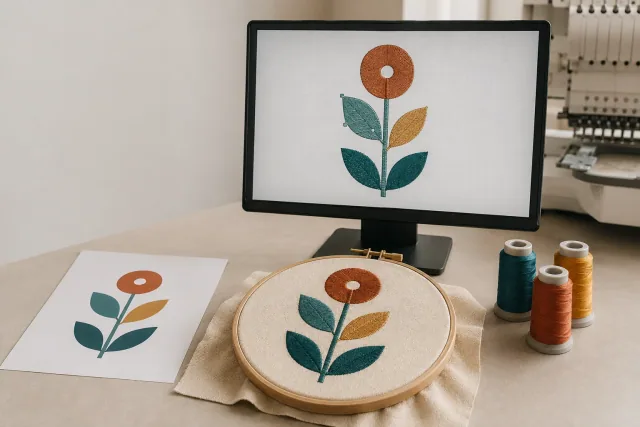
If you own Hatch Embroidery and want to turn artwork into stitches quickly, this lesson explains the Auto-Digitizing toolbox and its ten tools. The key takeaway is matching tool to image: some tools suit clipart-style art with crisp, clearly defined areas of solid color, while others are designed for different kinds of pictures. Watch it before running a customer logo through auto-digitizing so you pick the right tool for the art in hand.
Design Doctor
Not sure your artwork will stitch well?
Upload it to Design Doctor for a free readiness check. You get a score for embroidery, patches, vector and print, with plain-English notes on what to change before you order.