
DigitEMB University · Video library

Watch the craft.
Improve every stitch.

Practical demonstrations for embroidery, digitizing, patches and production—organized so you can find the right lesson fast.

  • Free to browse
  • Curated by topic
  • Original creator channels
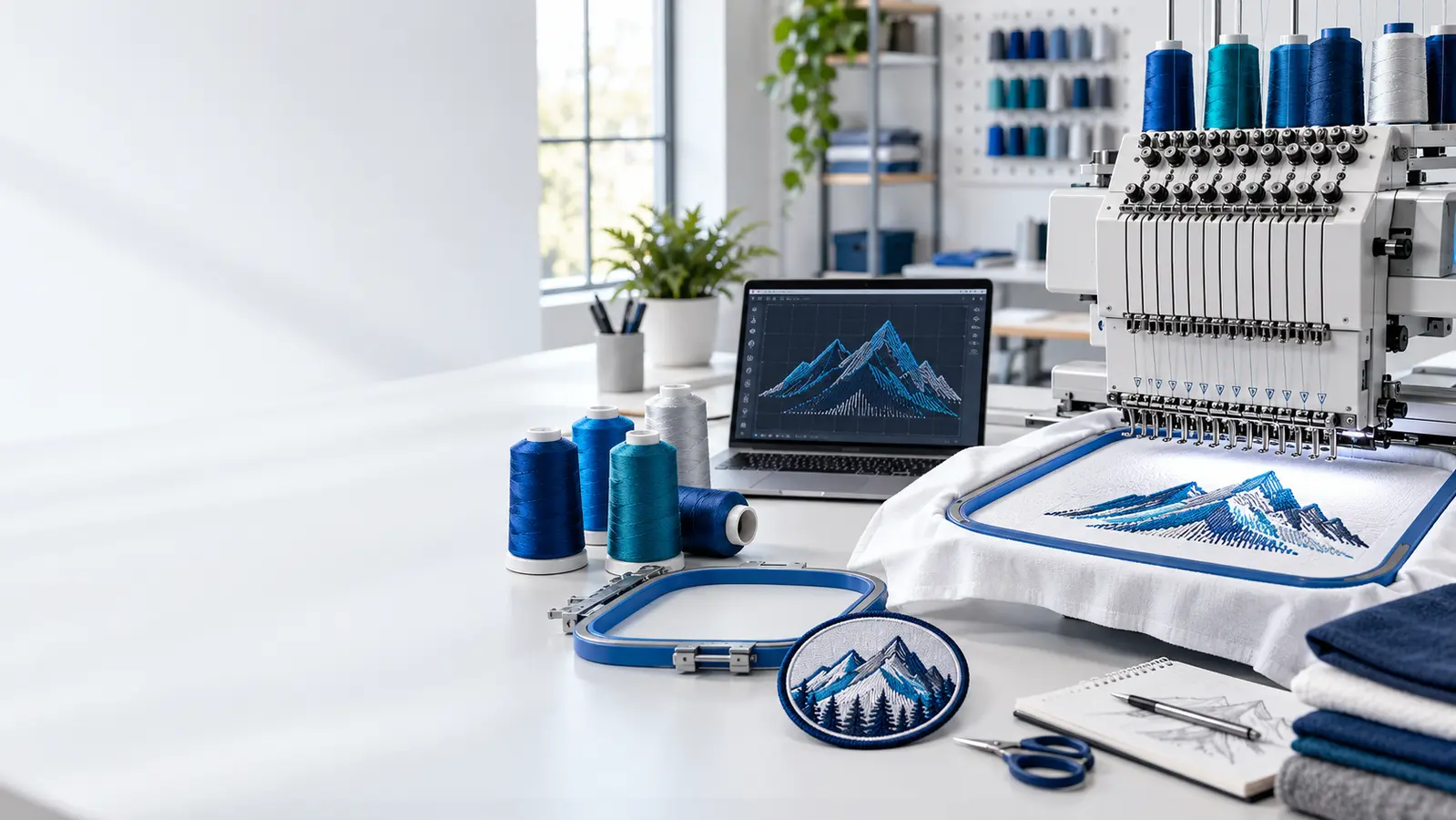
Embroidery machine, digitizing workstation, threads and finished patch in a professional studio
From screen to stitchLearn the decisions behind cleaner embroidery.

Choose your focus

Four ways into the library

Start with a topic, then narrow the results by experience level.

Explore all lessons

Build your next skill

Every card opens a focused lesson page before you play the creator-hosted video.

Showing 20 of 20 video lessons

Business & pricing

CURATED VIDEO · Stahls' TV™

How to Price Custom T-Shirts the Right Way (Stop Losing Money!)

Dave from STAHLS' lays out a step-by-step pricing formula that decorators use for custom t-shirts, built so each job covers its costs and still turns a profit. The examples are about decorated tees, but the cost-first thinking carries over to embroidered and patched apparel. Recommended for new shop owners who set prices by copying competitors, and for anyone who suspects some orders are quietly losing money.

22 minBeginner
View lesson
Patches & apparel

CURATED VIDEO · Stahls' TV™

How to Best Heat Press Patches, Emblems & More Onto Any Apparel

If you sell, order or apply heat-seal patches and emblems, this STAHLS' video has Josh showing ways to heat press patches, logos and emblems onto different kinds of apparel. Application is where a well-made patch can still go wrong, so it pays to get it right. Watch it before pressing patches onto customer garments for the first time, or pass it to customers who apply their own.

6 minBeginner
View lesson
Patches & apparel

CURATED VIDEO · Stahls' TV™

Heat Transfer Vinyl 101

New to heat transfer vinyl? This STAHLS' primer explains what HTV (also called iron-on) is: a single-color vinyl on a carrier, sold in rolls or sheets, used to add designs, logos and graphics to garments. It then shows several of the company's own vinyl types being applied with a heat press and what each is good for. A sensible starting point for embroidery shops thinking of adding names, numbers or simple vinyl logos.

5 minBeginner
View lesson
Hooping & production

CURATED VIDEO · Sulky

Beginner Machine Embroidery, Episode 6: Stabilizers & Hooping

Part of Sulky's beginner machine embroidery series, this episode explains what the main types of stabilizer do, how to choose one for a given project and the different ways they are removed once stitching is done. It also covers how to hoop fabric and stabilizer together. A tidy primer for new embroiderers, and a handy piece for training new staff before they work on customer garments.

6 minBeginner
View lesson
Business & pricing

CURATED VIDEO · Angela Jasmina

HOW TO HOOP ONESIES & T-SHIRTS FOR EMBROIDERY! How I place stablizer! Etsy Seller

Baby bodysuits and small t-shirts are fiddly to hoop, and they are staple products for many Etsy embroidery sellers. Angela Jasmina shows how she hoops onesies and t-shirts for embroidery and where she places the stabilizer. A practical watch for beginners producing personalized kids' wear. It is an older video, so her equipment may differ from yours, but hooping is the focus.

14 minBeginner
View lesson
Business & pricing

CURATED VIDEO · Angela Jasmina

HOW I PRICE MY PRODUCTS! ETSY & AMAZON PRICING / MAXIMIZE PROFITS!

Etsy and Amazon sellers of embroidered goods face the same puzzle: prices that stay competitive on a marketplace but still leave a profit. In this video Angela Jasmina explains how she prices the products she sells on both platforms. It is an older upload, so marketplace fees and rules may have changed since, but it is a useful comparison point when you review the prices on your own listings.

10 minBeginner
View lesson
Business & pricing

CURATED VIDEO · Angela Jasmina

How to start your embroidery business from home in 2024

Angela Jasmina, who built her embroidered-apparel business from home, covers the basics she believes you need before starting an embroidery business of your own. It suits hobbyists weighing whether to turn a machine into income and new sellers who want a grounded overview before they spend money on equipment. Because it was made for 2024, check any prices or platform details against current ones.

10 minBeginner
View lesson
Patches & apparel

CURATED VIDEO · Ricoma TV

How to Digitize Flats vs Caps

In this Embroidery Hub episode, Willy from Ricoma explains the key differences between digitizing a design for flat garments and digitizing it for caps, and then demonstrates them. Aimed at anyone who has run a shirt file on a hat and been unhappy with the result. Watch it to understand why a cap usually needs its own version of a logo, whether you digitize yourself or buy stitch files.

12 minIntermediate
View lesson
Patches & apparel

CURATED VIDEO · Ricoma TV

How to make Custom Embroidered Patches

Carl from Ricoma walks through the entire process of embroidering custom patches, step by step, using the company's Creator machine. It is pitched at beginners as well as embroiderers who want to refine their patch work. A useful overview if you are weighing whether to make patches in-house, and a clear way to see each stage of the job even if your own machine is a different brand.

7 minBeginner
View lesson
Patches & apparel

CURATED VIDEO · Ricoma TV

Richardson 112 Cap Embroidery Tips for Clean, Professional Results

The Richardson 112 trucker is one of the most popular caps in decorated apparel, and getting clean embroidery on it takes some care. In this Ricoma video the team breaks down techniques for confident, professional-looking results on this style. Watch it before quoting or running your first batch of 112s, or if your structured-cap work is not yet as tidy as your flat garments.

9 minIntermediate
View lesson
Patches & apparel

CURATED VIDEO · Melco Embroidery

How to create custom applique patches

Josh from Melco's applications team demonstrates making custom patches with the appliqué method, in which a piece of fabric forms part of the design instead of the whole patch being filled with stitches. A short, practical demo for shops that want to produce patches in-house for teams, clubs or uniforms. It was originally streamed live.

8 minIntermediate
View lesson
Patches & apparel

CURATED VIDEO · Melco Embroidery

Hooping a Cap on the Wide Angle Cap Frame (WACF)

For shops running Melco machines with the Wide Angle Cap Frame, this video shows how to hoop a cap on that frame. Hooped the way it demonstrates, the cap can take a design spanning 270 degrees, which matters when customers ask for logos that run toward the sides of the cap. If you use another brand, treat it as background on cap hooping rather than step-by-step instructions, since the frame shown is Melco's.

10 minIntermediate
View lesson
Hooping & production

CURATED VIDEO · Melco Embroidery

Hooping Tension and Technique

A short Melco lesson on how hoop tension and hooping technique affect the quality of the finished stitch-out, with recommended practices for hooping garments. Worth watching for new machine operators, and for anyone trying to work out whether a quality problem comes from the hoop rather than the design file. Pair it with a stabilizer lesson if you are putting together a training routine for new staff.

8 minBeginner
View lesson
Hooping & production

CURATED VIDEO · Madeira USA

Embroidery Placement Guide – Using the Embroiderer’s Helper, Hoopmaster & Rulers Left Chest Logos

Left-chest logos are everyday work for most embroidery shops, and they need to land in the same spot on every shirt. This Madeira USA guide shares left-chest placement tips using three aids named in the title: the Embroiderer's Helper, the Hoopmaster system and rulers. Watch it if you are new to uniform or corporate orders, or if you want a repeatable placement routine that anyone in the shop can follow.

11 minBeginner
View lesson
Patches & apparel

CURATED VIDEO · Madeira USA

How to Embroider 3D Puff Foam on a Cap | Start to Finish Tutorial

Jeff from Madeira USA takes a 3D puff cap job from hooping to finishing. You will see how to hoop a structured cap so it stays stable, align the design with the seam for consistent placement, run the machine so foam goes in safely and stays put, and head off flagging and needle breaks. The last part covers cleaning up the finished puff with the right tools and heat. A practical reference for shops adding puff hats.

15 minIntermediate
View lesson
Hooping & production

CURATED VIDEO · Madeira USA

If You Could Learn Only One Lesson About Embroidery Thread, This Is It

A plain-spoken conversation from Madeira USA's Nancy and Jeff about what matters most with embroidery thread. They explain why setting tension is the core skill, why the same thread line can tension differently from color to color (white versus red or black, for instance), how sunlight dries out a cone's lubrication and leads to breaks, and how to store thread away from sun, dust and humidity. Useful for anyone chasing unexplained thread breaks.

10 minAll levels
View lesson
Hooping & production

CURATED VIDEO · Madeira USA

The One Stabilizer Rule Most Embroiderers Get Wrong

Nancy and Jeff from Madeira USA explain the stabilizer rule they repeat most often: the layer touching the fabric matters most. You will learn to treat backing as a primary layer plus supplemental layers, why cutaway goes against the garment with tearaway on the very bottom, and the two-layer no-show recipe Nancy relies on for most t-shirts, performance wear and golf shirts. Good for anyone still guessing at backing on everyday apparel orders.

7 minAll levels
View lesson
Digitizing & software

CURATED VIDEO · Hatch Embroidery

Appliqué in Hatch Embroidery

For Hatch Embroidery users who already know basic digitizing and want to add appliqué. The lesson shows that creating an appliqué object works much like digitizing any other shape, covers building appliqué pieces with or without holes, and demonstrates converting an existing closed shape into appliqué. Useful if you sell fabric-and-stitch work such as appliqué lettering, kids' wear or appliqué patches and want to prepare those designs yourself.

7 minIntermediate
View lesson
Digitizing & software

CURATED VIDEO · Hatch Embroidery

Auto-Digitizing in Hatch Embroidery

If you own Hatch Embroidery and want to turn artwork into stitches quickly, this lesson explains the Auto-Digitizing toolbox and its ten tools. The key takeaway is matching tool to image: some tools suit clipart-style art with crisp, clearly defined areas of solid color, while others are designed for different kinds of pictures. Watch it before running a customer logo through auto-digitizing so you pick the right tool for the art in hand.

13 minBeginner
View lesson
Digitizing & software

CURATED VIDEO · Hatch Embroidery

Manual Digitizing Basics in Hatch Embroidery

A good first lesson for anyone learning to digitize by hand in Hatch Embroidery. The Hatch team tours the Digitizing toolbox, the set of tools used to build designs yourself instead of relying on auto-digitizing, and shows how they take you from very simple designs toward more complex ones. According to its description, these tools are part of Hatch's Digitizer level, so check which edition you own before following along.

8 minBeginner
View lesson

Learn with purpose

Turn a useful video into a repeatable skill

Watch once for the complete workflow. Watch again with your own setup ready, then save one change to test on the next sample.

Explore guided learning
  1. 01
    Choose one outcome

    Start with the exact problem you want to solve.

  2. 02
    Practice on a sample

    Test the method before using customer garments.

  3. 03
    Record what worked

    Keep settings, materials and results for the next run.

Good to know

Using the video library

DigitEMB organizes useful demonstrations and walkthroughs so each lesson is easier to find and apply.

Explore the complete library
Are these embroidery videos free to watch?

Yes. The library is free to browse, and each video plays from the original creator’s channel.

Which video should a beginner watch first?

Start with hooping and stabilizer fundamentals, then move to thread, machine technique and digitizing lessons.

Can I use these lessons for customer work?

Use the videos as education, then test every method on your own machine, materials and sample before production.

Need a production-ready file?

Learn the process—or let our team prepare the artwork.

Use the free University resources, then request a quote when you are ready for professional digitizing or vector conversion.

Request a quote

DigitEMB University is a practical industry learning platform by DigitEMB and is not an accredited university or degree-awarding institution.

About UniversityReport or request removal