
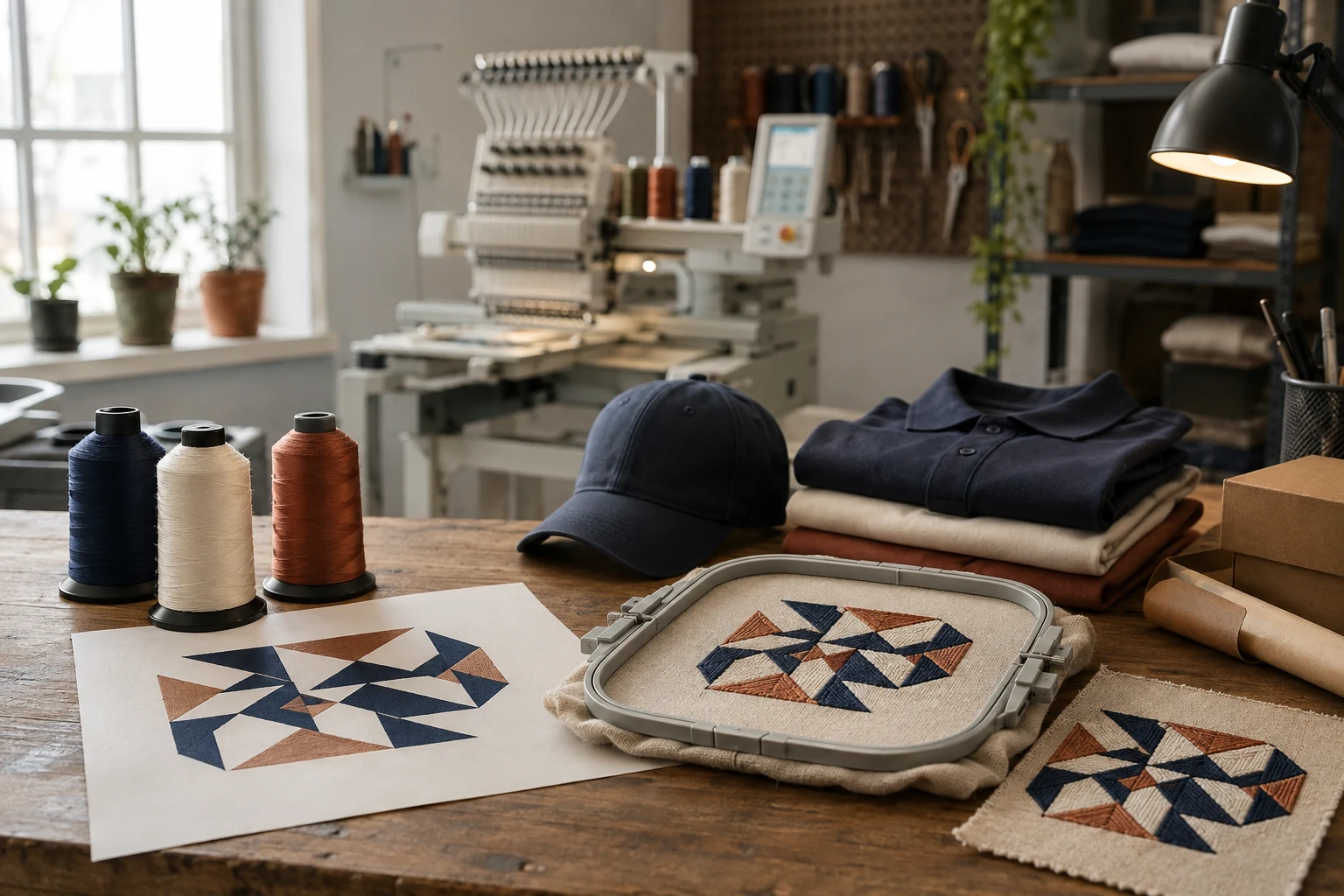
Cover image: AI-generated editorial concept; not a customer project or production proof.
An embroidery studio week involves much more than running machines: artwork needs checking, stitch files need testing, buyers need to approve details, and finished garments need inspection before dispatch. The small decisions between those stages help keep an order moving.
Here is an illustrative Monday-to-Friday journey through that work. The days describe a workflow, not a promised turnaround or a record of a particular DigitEMB production week.
Monday: the quote pile
Picture an inbox containing a crisp logo file, a blurry JPG and a photograph of a business card. Before stitching begins, the useful question is whether each image clearly communicates the design at its intended embroidery size.
Send the best artwork available, along with the garment type, placement and finished dimensions. If lettering or an outline is unclear, resolve its appearance before approving a sample. Ask whether artwork cleanup is needed rather than assuming every image requires vector conversion.
For buyers in the US, Canada and the UK, explicit units and dates make the brief easier to interpret. Write “3 inches wide” or “76 mm wide,” and spell out the month in an event deadline. For physical orders, distinguish the required arrival date from the dispatch date.
The quote should also establish what you are buying: a digital embroidery file, decorated garments or another physical product. DigitEMB’s embroidery digitizing service page is a starting point for discussing stitch-file requirements.
Midweek: digitizing and sew-outs
At the digitizing stage, attention turns to how the design will behave in thread. A stretchy blank brings fabric support into the conversation. Underlay—the foundation stitches beneath the visible embroidery—helps stabilize fabric and support the top stitching. Adding more visible stitches is not always the answer to poor coverage. Wilcom’s underlay documentation explains these functions.
Next comes a sew-out: a physical stitched sample. Ask for testing on the intended garment or a representative sample with the planned backing. BERNINA identifies fabric, design, backing appearance and feel as relevant to stabilizer selection, and recommends testing because materials and designs vary. BERNINA’s stabilizer guide
Imagine a cap sample whose outline does not meet its filled area. That is a reason to pause and investigate, not approve it and hope production improves. Record the mismatch, review the file and setup with the embroiderer, and inspect another sample after adjustments. Rebuilding underlay may be worth investigating; it should not be presented as a guaranteed cure.
For approval, give specific feedback:
Confirm the spelling, finished size, placement and agreed thread colors.
Identify the exact area needing revision, ideally with an annotated photograph.
Keep the approved sample and file version together so everyone can identify the same reference.
Friday: production, inspection and dispatch
Once the sample is approved, a physical garment order can move into production. In a shop using multi-head machines, that means repeating the approved design across several garments while checking the results against the reference sample.
Before packing, inspect placement, lettering, visible gaps, loose threads and garment condition. A stray thread caught at this stage is a small correction; an unresolved design mismatch needs further review.
Ask the supplier to confirm quantities and delivery details before dispatch. If the order is for digitizing only, the handoff is the agreed digital file rather than a parcel of garments. Keep that file, its version and the approval record available for future reorders.
Brief FAQs
Does every embroidery order take one week?
No. This sequence illustrates the stages. Ask for a schedule covering artwork review, sampling, revisions and the relevant delivery method.
What should I send with a revision request?
Send the file version, a clear sample photograph, the garment details and a precise description of what should change. Avoid feedback such as “make it better,” which leaves the intended correction unclear.
What is the most useful question before approving production?
Ask: “Is this the sample and file version that will be used for my order?” Then confirm that its size, placement, spelling and colors match your brief.
Practical details for Notes From the Studio Floor: A Week in Stitches
The best next step is to translate the topic in this article into a short, specific brief. That gives everyone involved the same reference before a file, proof or finished product is prepared.
Work through these points in order and keep the answers with the artwork or production request. A short written brief makes it easier to compare a proof with the intended result, ask a useful follow-up question and avoid relying on assumptions made from a screen image alone.
The aim is not to add unnecessary steps. It is to identify the choices that change the final result before work begins. If a requirement is unknown, flag it for confirmation rather than guessing; that keeps the approval process focused on the design, material and use that apply to this particular project. Save the approved brief with the project files for future reorders or revisions.
State the intended outcome
Describe where and how the finished item will be used, who it is for and the result that matters most. This helps separate a useful requirement from a visual preference.
Collect the source material
Provide the clearest artwork, references and text available. Mark anything that cannot change, such as a logo, spelling, colour or placement requirement.
Review the final details
Before approving work, check the real size, material, format and any production constraints. Confirm the details that affect how the design will look in use, not only on a screen.
Quick questions to check before you proceed
What should I prepare first?
Start with the artwork, its intended use, finished size and any requirements that cannot change.
Why is a proof important?
A proof is the shared reference for checking details before production. It is the best time to correct a size, spelling, colour or placement issue.
What makes a useful request?
A clear request explains the goal, provides the best available source material and identifies the details that need approval.