
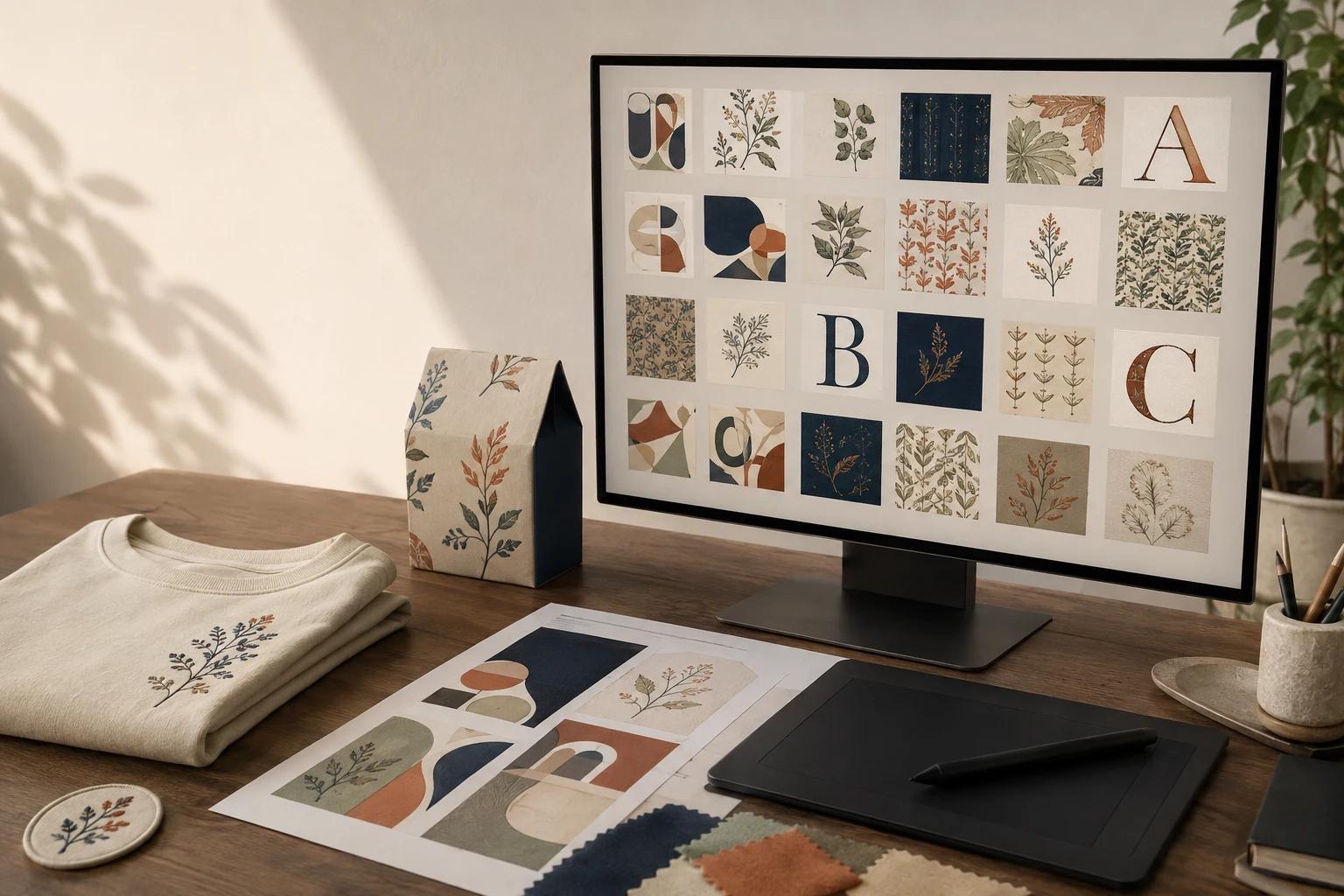
Cover image: AI-generated editorial concept; not a customer project or production proof.
Digital design library access lets you browse, download or organize reusable creative assets, including illustrations, patterns, icons, fonts, templates and embroidery designs. Choose a library by the assets you actually need, the uses its license permits and the files your software or production supplier accepts.
For designers and businesses in the US, Canada and UK, a useful library can support everything from campaign graphics and packaging concepts to decorated apparel and accessories. Its value comes from finding suitable materials and reusing them consistently; a large collection alone does not establish quality or suitability.
What a digital design library provides
The term covers two related resources: a catalog where you obtain assets and a workspace where you organize assets you already own or license. A project may use both.
A catalog helps you discover creative material. A team library keeps approved graphics, colors and other reusable elements accessible. For example, Adobe documents how Creative Cloud Libraries collect assets from different apps, organize them by project or client and share them with collaborators. These capabilities illustrate what an asset-management library can do; they are not features of every download service. Adobe Creative Cloud Libraries overview.
Libraries can help you explore styles, assemble concepts and avoid recreating routine elements. You still need to evaluate the artwork, adapt it to the brief and review the final output.
Match the collection to your projects
Project | Assets and details to look for |
|---|---|
Fashion and apparel | Repeat patterns, illustrations and decorative motifs; editable artwork and permission for the intended merchandise use. |
Embroidery and accessories | Machine embroidery designs, monograms and patch concepts; clear file types, finished dimensions and production information. |
Marketing and branding | Icons, photographs, presentation templates and campaign graphics; consistent visual styles and appropriate usage rights. |
Product and packaging design | Patterns, textures and layout elements; files that can be adapted to the supplier’s dimensions and artwork requirements. |
Use a shortlist to explore different directions without downloading every attractive design. Compare candidates against the same brief: audience, visual style, placement, final size and intended output.
For brand identity work, distinguish supporting campaign assets from the company’s identifying logo. Adobe Stock, for example, does not offer exclusive licenses and prohibits using its images in or as a logo. Paying for a premium asset does not automatically make it exclusive. Adobe Stock usage and licensing FAQ.
Compare access options and useful tools
When evaluating free downloads, individual purchases or subscriptions, work through one representative project before committing to a larger collection.
Feature to assess | What to check |
|---|---|
Search and filtering | Can you narrow results by asset type, subject, style and other details relevant to your work? |
Preview quality | Can you inspect the artwork closely enough to judge detail and suitability? |
Download contents | Does the package include editable files, supporting instructions and the formats you need? |
Customization | Can you change colors, text or components in software you already use? |
Access terms | What are the download limits, renewal conditions and rules after cancellation? |
Team use | Who may access, edit and download assets, and are additional seats required? |
Support and updates | Are compatibility requirements, revision information and support routes clearly documented? |
Compare the total effort required to make an asset usable. An inexpensive download may still require substantial editing, while a subscription may be unnecessary for occasional projects. Ask for clarification when the package description or access terms leave a practical question unanswered.
Check file compatibility before downloading
Raster images such as JPEG and PNG use pixels. Vector artwork uses paths and shapes that can scale without the same pixelation problem. This makes vector artwork useful when a graphic must appear at several sizes, while raster assets remain useful for photographs and textures. Adobe’s raster and vector comparison.
Check the actual contents of a sample file in your intended application. Confirm that the elements you need to change are editable, that required fonts are available and that linked assets are included. For print and packaging, request the supplier’s artwork specifications before adapting a template.
Embroidery requires a separate check. A graphic preview is not evidence that a download contains machine instructions. Wilcom distinguishes editable design files, such as EMB, from machine files containing stitch coordinates and commands. Machine files generally retain less editing information, and resizing can change stitch density when stitches are not regenerated. Wilcom’s guide to embroidery files.
For an embroidery purchase, confirm the machine format, intended dimensions and hoop requirements. Request a test sew-out on the intended material before approving a production run. Keep the original file alongside any edited version.
Understand the license for your intended use
Read the terms attached to the specific asset and plan. Treat advertising, merchandise, client work and redistribution of source files as separate questions to resolve before purchase.
Adobe Stock provides a useful example: its extended licenses can allow derivative products for resale, while assets marked for editorial use cannot be used for commercial promotions or merchandise. Other providers set their own conditions, so do not transfer one platform’s permissions to another. Adobe Stock usage and licensing FAQ.
Ask the provider whether your planned use covers physical products, print-on-demand fulfillment, modification and sharing files with a production supplier. Check font permissions separately where a package requires them. For buyers operating across the US, Canada and UK, also confirm any territorial restrictions and which party holds the license when work is commissioned for a client.
Save the asset identifier, purchase record and applicable license with the project. Record any written clarification so a colleague can understand why the asset was selected and how it may be used.
Build a repeatable creative workflow
Define the brief. Record the audience, output, dimensions, style and deadline. State measurement units explicitly when working across countries.
Shortlist suitable assets. Compare a small selection against the brief and verify the download contents.
Confirm permissions. Resolve intended use and supplier-sharing questions before committing the asset to a commercial project.
Adapt and review. Edit the artwork, inspect it at its final size and obtain the relevant print proof, packaging sample or embroidery sew-out.
Archive the approved version. Store the original, working file, final output and license record together. Give files descriptive names and identify the approved revision.
For collaboration, assign someone to maintain approved assets and remove outdated versions from everyday use. Keep inspiration material clearly distinguishable from assets cleared for production.
When a library asset needs custom preparation
A library can provide a starting point, but a particular production job may need additional artwork preparation. Identify that work before ordering: vector reconstruction, changes to the composition or embroidery digitizing for a specified size and material.
DigitEMB’s raster-to-vector services and embroidery digitizing services are relevant options for those preparation needs. Provide the original artwork, intended use, dimensions and required output format, and confirm that your license permits the proposed work.
Frequently asked questions
Are paid library designs exclusive?
Do not assume so. Check the license for explicit exclusivity terms. Adobe Stock states that it does not offer exclusive licenses, illustrating why price and exclusivity must be assessed separately. Adobe Stock licensing FAQ.
Can I embroider any downloaded graphic?
First establish whether the download is artwork or an embroidery file. Artwork needs a digitizing step to become a stitch design; an existing embroidery file still needs compatibility and size checks. Wilcom explains the distinction between editable embroidery designs and production machine files. Understanding embroidery files.
Is a subscription better than buying individual assets?
Compare your expected project needs with the plan’s download limits, usable selection and terms. Individual purchases may suit occasional work; frequent users should evaluate whether a subscription consistently supplies assets they can actually use.
What should I retain after downloading?
Keep the original asset, its identifier, purchase and license records, any supporting instructions and your approved production version. This makes later edits, repeat orders and team handovers easier.
Practical details for Digital Design Library Access: Assets, Tools and Buying Advice
The best next step is to translate the topic in this article into a short, specific brief. That gives everyone involved the same reference before a file, proof or finished product is prepared.
Work through these points in order and keep the answers with the artwork or production request. A short written brief makes it easier to compare a proof with the intended result, ask a useful follow-up question and avoid relying on assumptions made from a screen image alone.
The aim is not to add unnecessary steps. It is to identify the choices that change the final result before work begins. If a requirement is unknown, flag it for confirmation rather than guessing; that keeps the approval process focused on the design, material and use that apply to this particular project. Save the approved brief with the project files for future reorders or revisions.
State the intended outcome
Describe where and how the finished item will be used, who it is for and the result that matters most. This helps separate a useful requirement from a visual preference.
Collect the source material
Provide the clearest artwork, references and text available. Mark anything that cannot change, such as a logo, spelling, colour or placement requirement.
Review the final details
Before approving work, check the real size, material, format and any production constraints. Confirm the details that affect how the design will look in use, not only on a screen.
Quick questions to check before you proceed
What should I prepare first?
Start with the artwork, its intended use, finished size and any requirements that cannot change.
Why is a proof important?
A proof is the shared reference for checking details before production. It is the best time to correct a size, spelling, colour or placement issue.
What makes a useful request?
A clear request explains the goal, provides the best available source material and identifies the details that need approval.